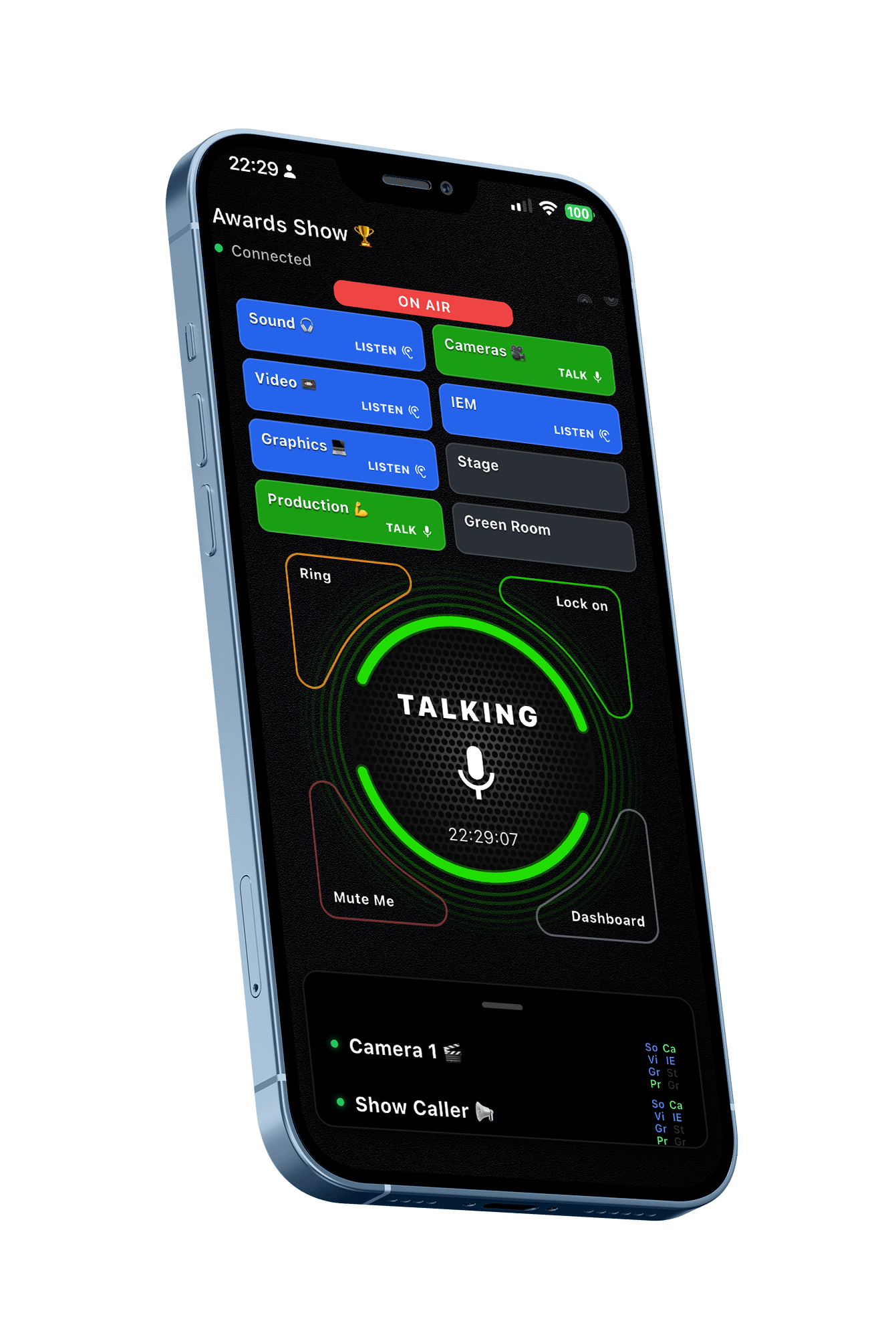
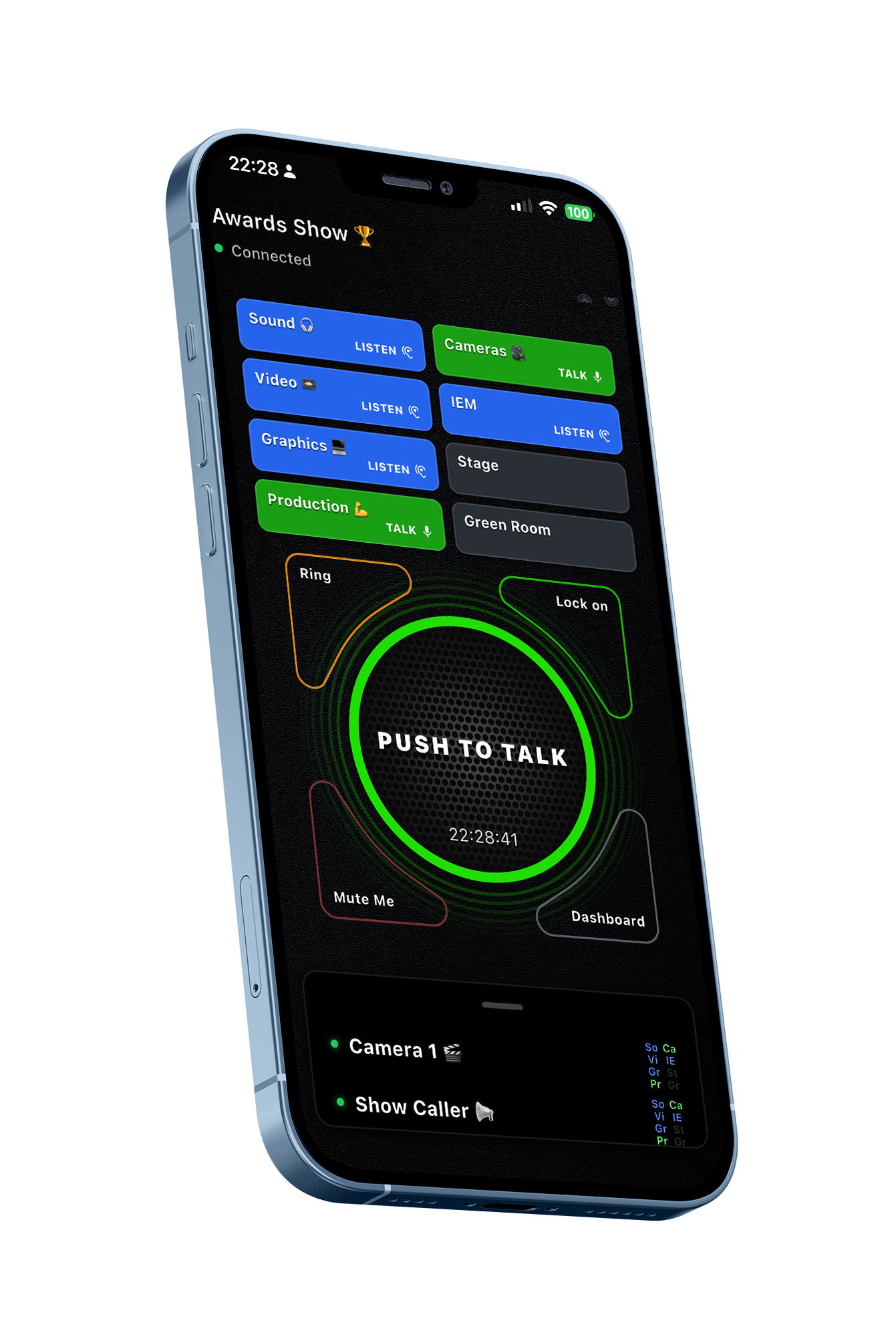
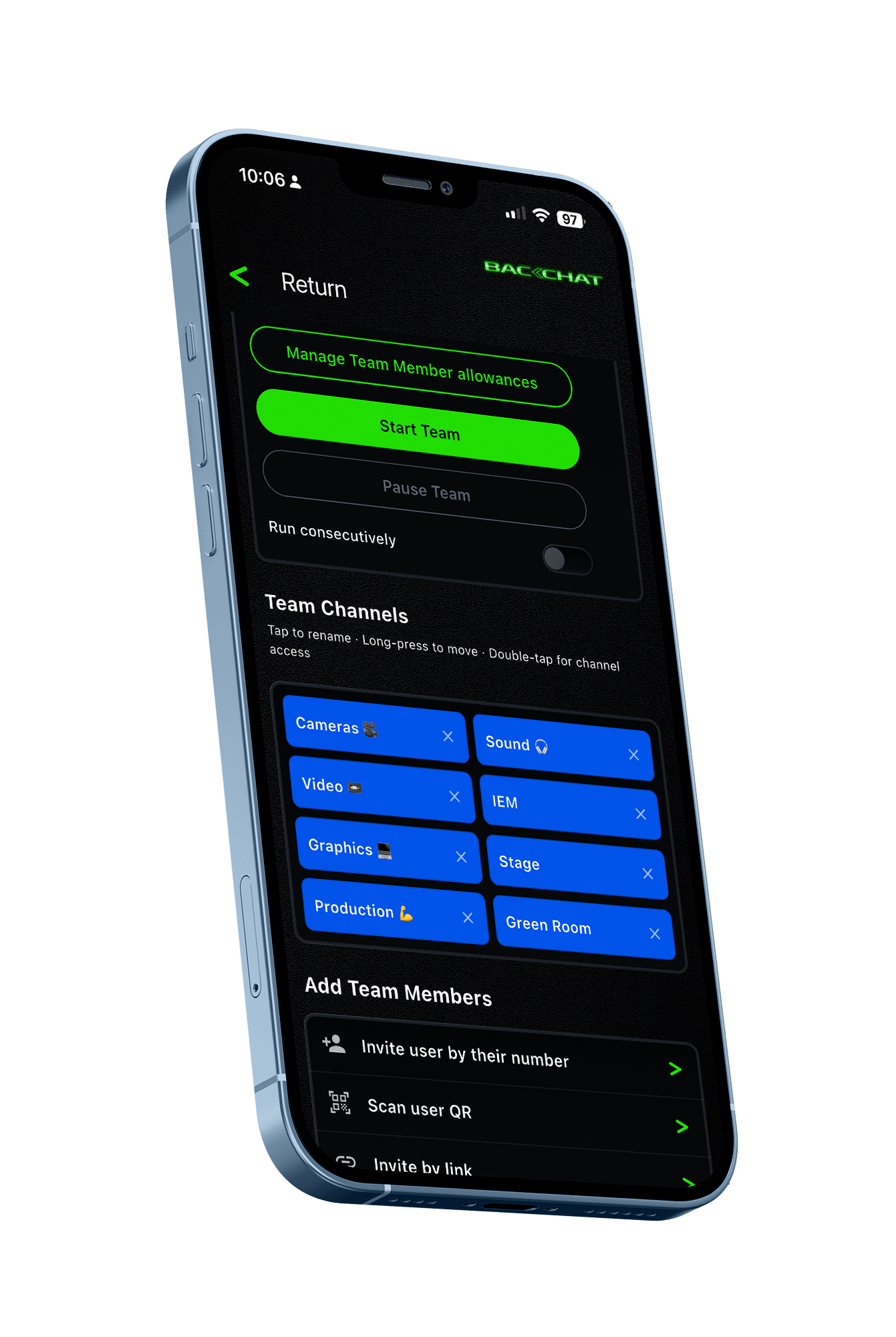
One Team. Eight dedicated channels.
Keep all your people in one Team and control the communications by putting specialist teams in their own channels.
Listen or Listen & Talk on as many channels as you need.

Download for free


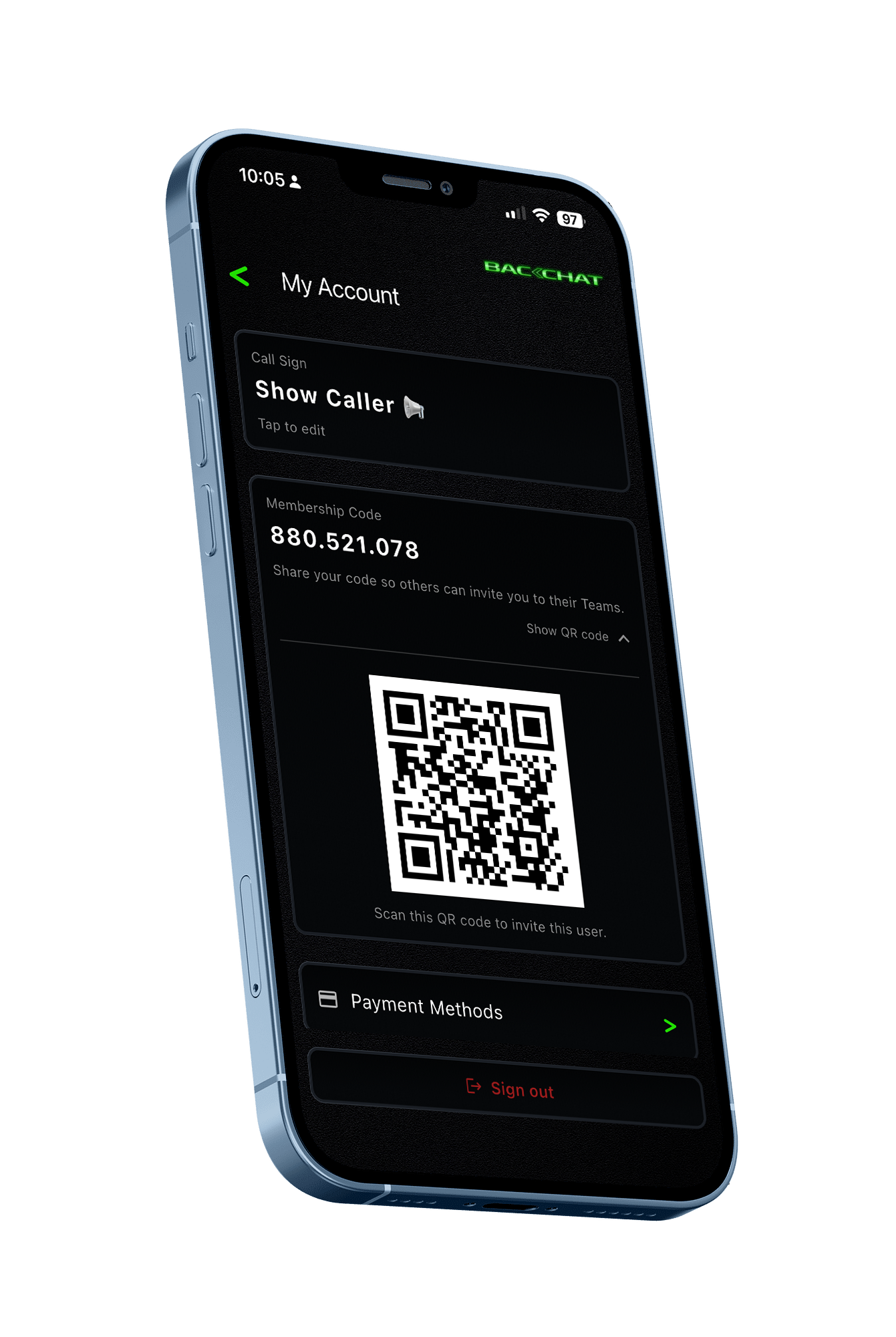
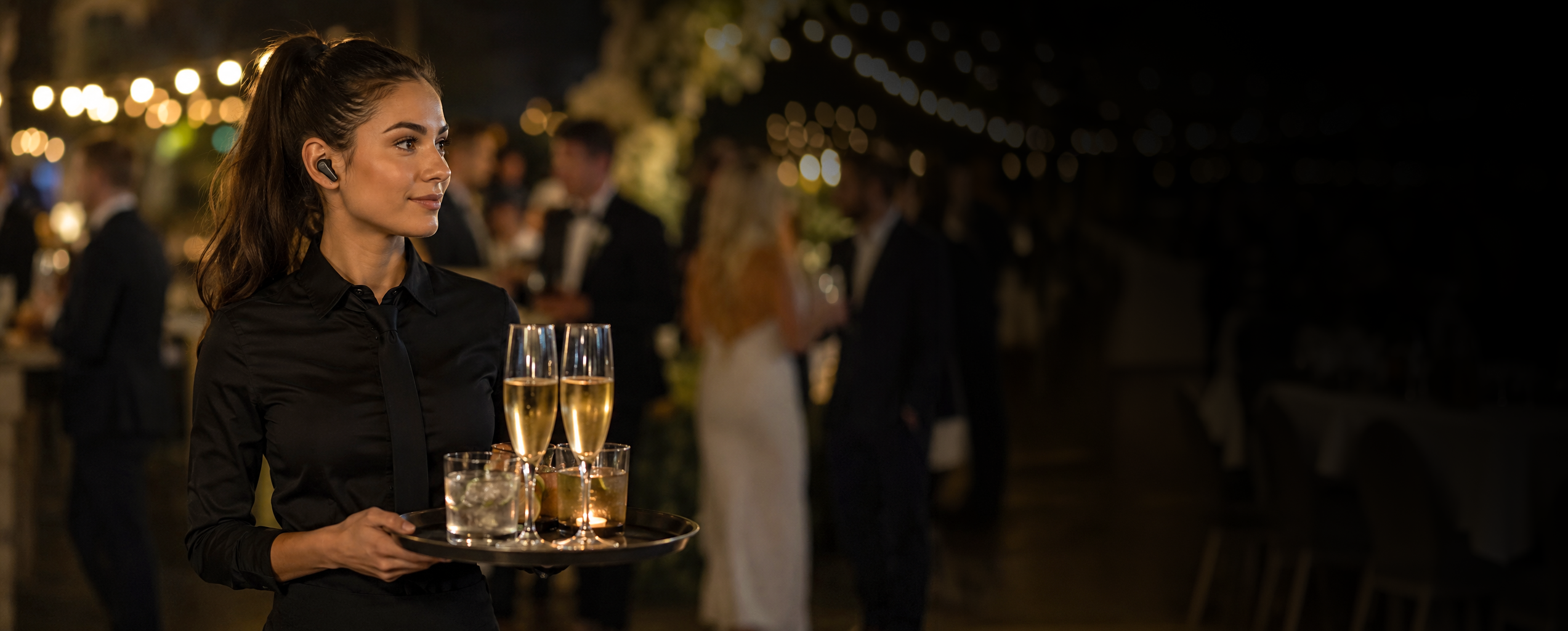
Ideal for temporary professional Teams that need to communicate or synchronise with each other.
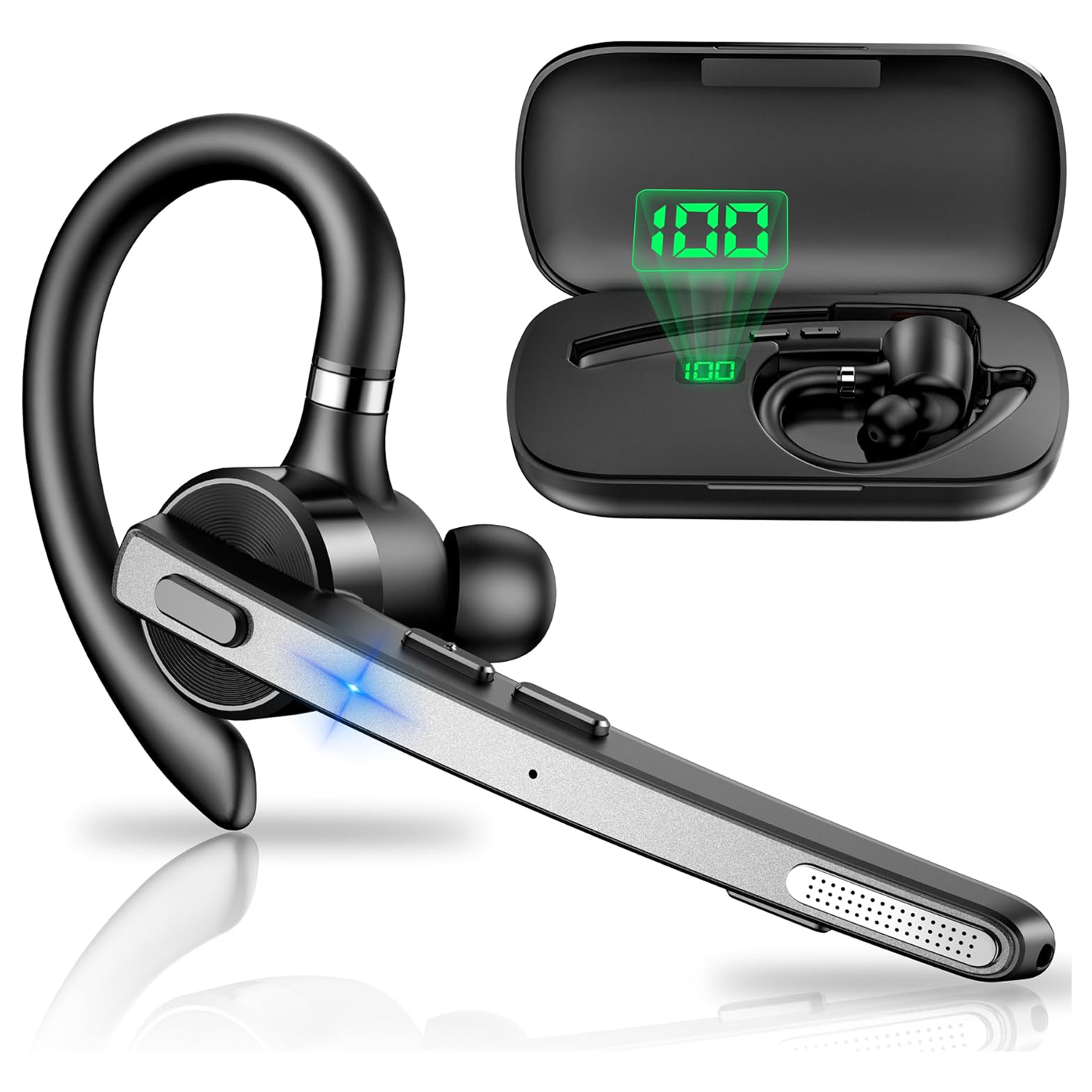
Bluetooth
We actually bought the New Bee M53, tested it ourselves and liked it enough that we're now using it. It's extremely lightweight and comfortable. After a while I barely notice I'm wearing it. The earpiece is loud and very clear, the microphone is sensitive, and overall I've been really pleased with the quality and functionality. The M53 uses ENC (Environmental Noise Cancellation) rather than ANC. ANC reduces the background noise you hear, whereas ENC works at the microphone end, reducing environmental noise in the audio other people hear from you. For a communications headset, that's arguably the more important job. Interestingly, the M53 has also been designed for use with compatible Bluetooth walkie-talkies, which makes it particularly appropriate for the BackChat environment. At the time of writing, it has a 4.4-star rating from 2,447 Amazon reviews, costs under £25 per unit and comes with its own charging case. For that price, we've been genuinely impressed. We've bought it. We've tested it. We use it. And we like it.
Find for me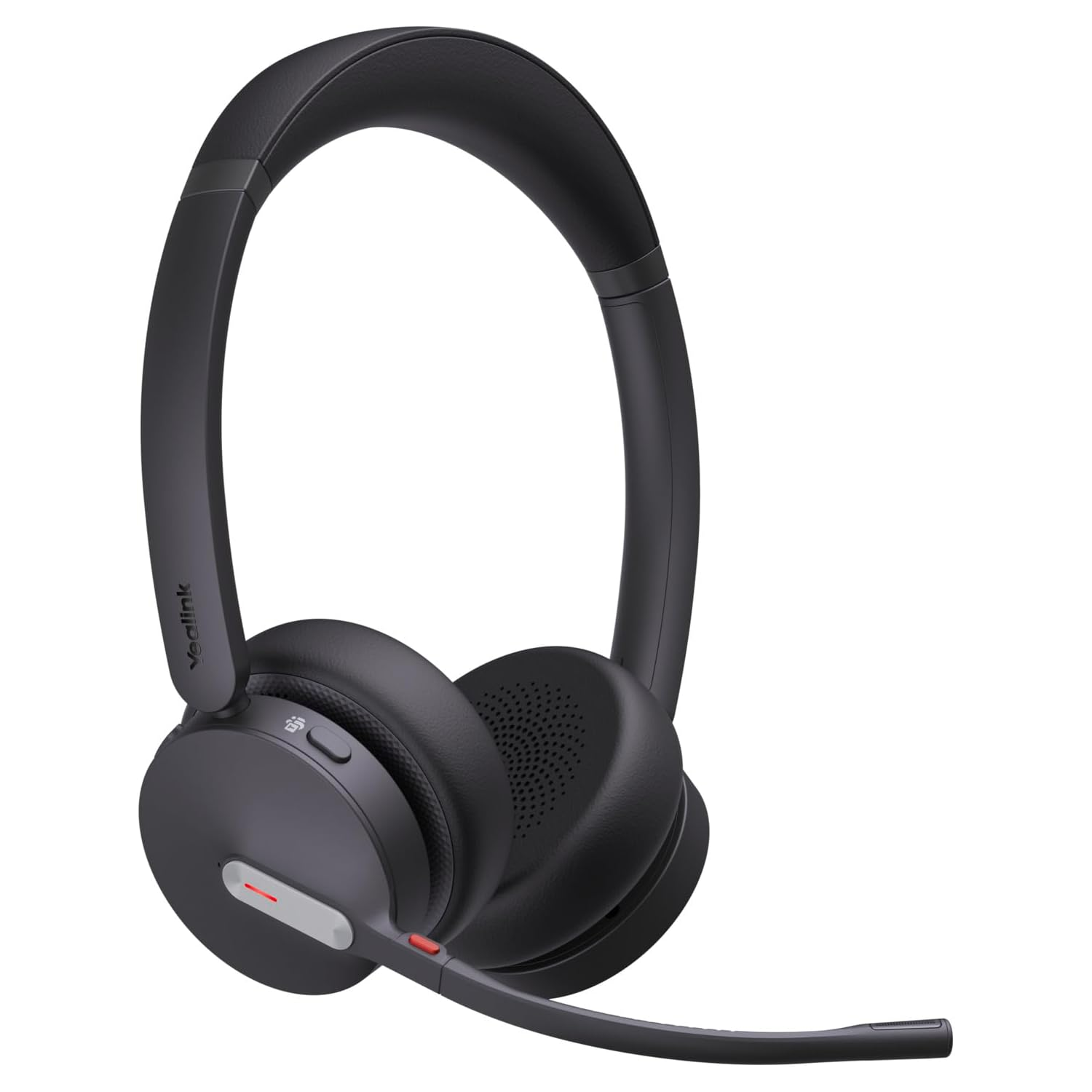
Bluetooth
The Yealink BH70 is a lightweight Bluetooth headset with a 35mm speaker and a three-microphone noise-cancelling system designed to reduce surrounding noise before your voice is transmitted, potentially useful in busy Backchat environments. Yealink quotes up to 35 hours of talk time, with up to 22 days standby. It looks like an interesting professional option for Backchat where comfort, clear voice transmission and long operating time are important.
Find for me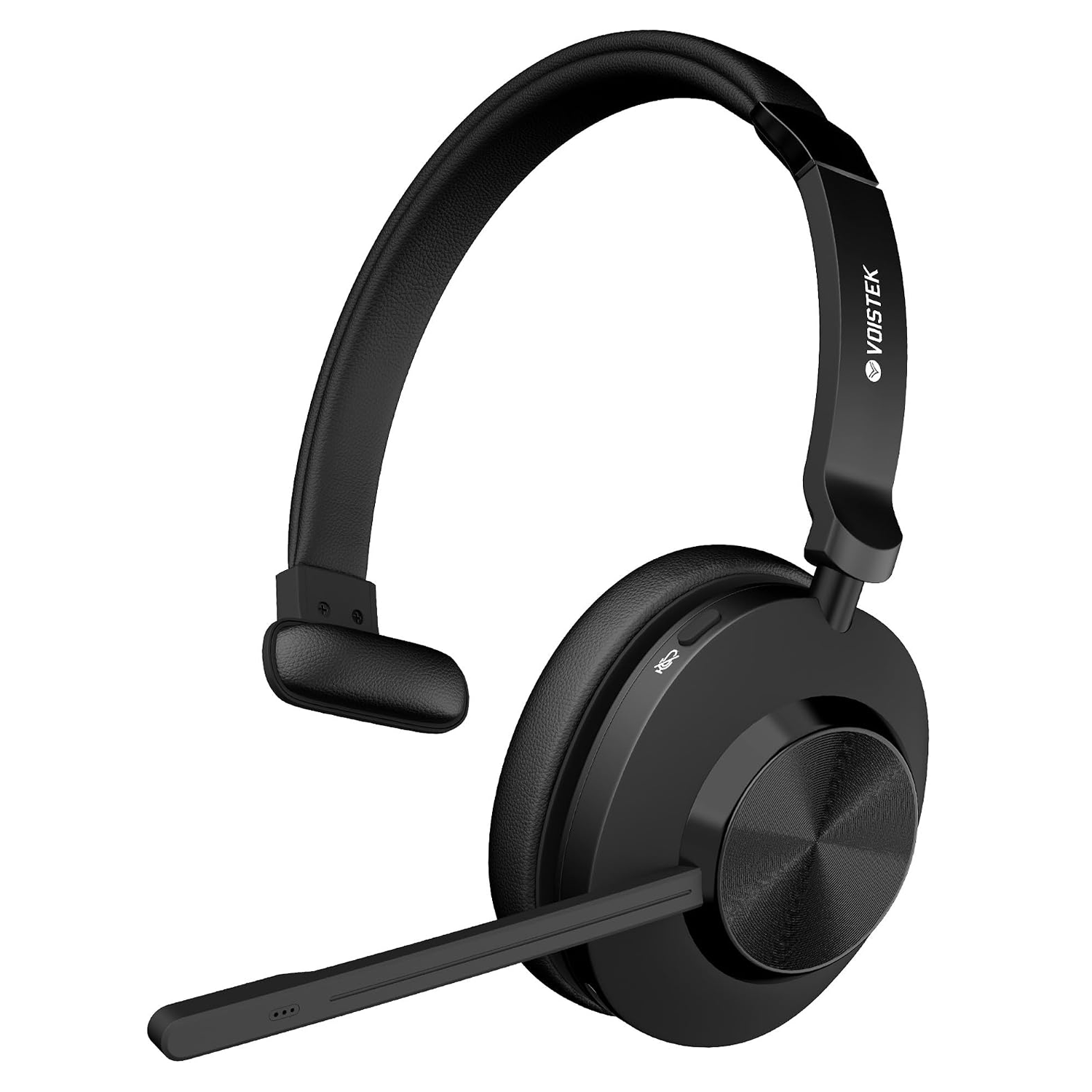
Bluetooth and USB Bluetooth adapter
The Voistek is a lightweight, single-ear Bluetooth headset with an adjustable boom microphone, designed to keep one ear free so you can remain aware of what is happening around you. The microphone incorporates noise-cancelling technology intended to reduce surrounding background noise before your voice is transmitted, potentially useful when using BackChat in busy event environments. With wireless Bluetooth connectivity, onboard controls and a compact single-ear design, it looks like an interesting option for BackChat users who want a dedicated communications headset without being completely isolated from their surroundings. We haven't tested this one ourselves, so for now it's simply something we found that looks worth investigating.
Find for me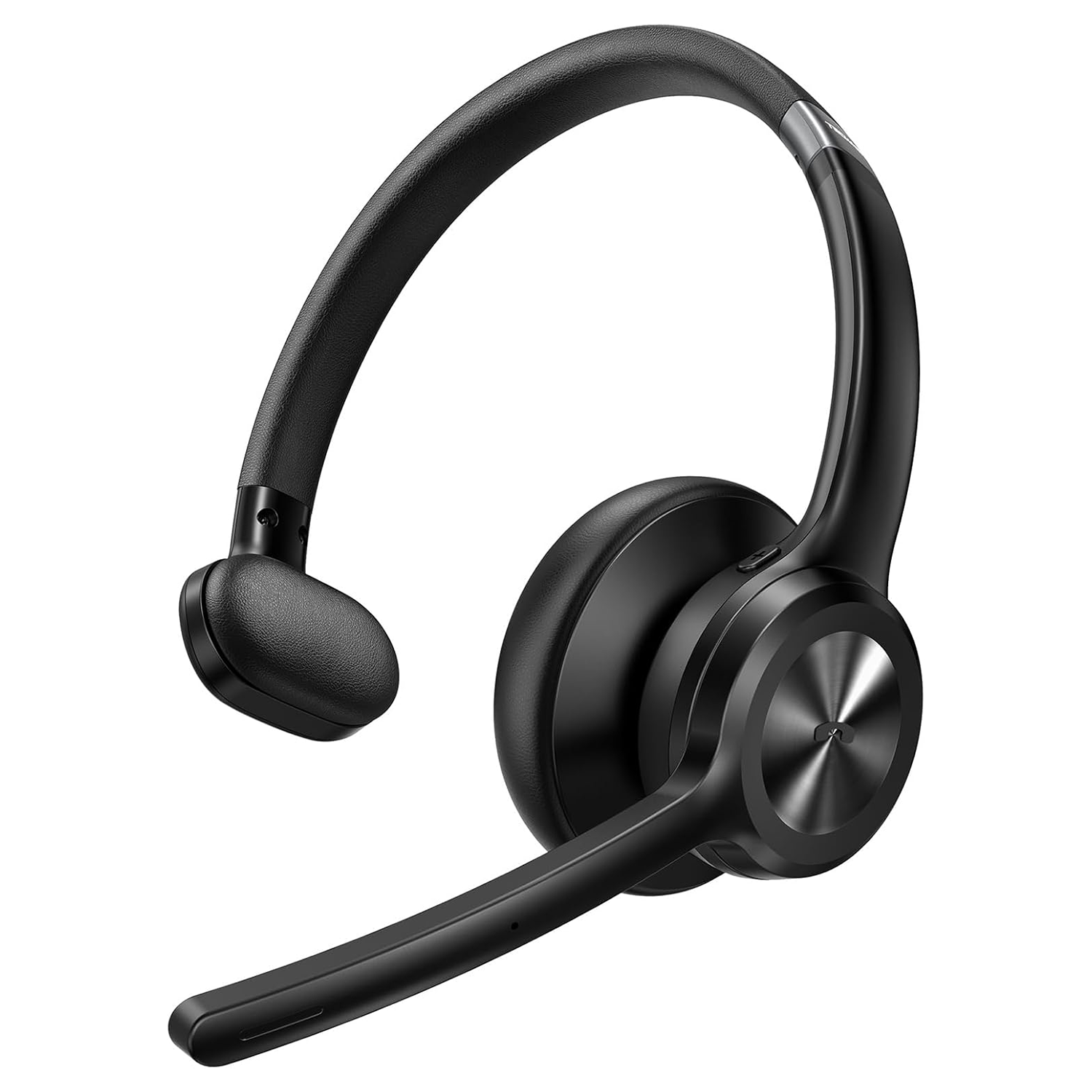
Bluetooth
We actually bought the TECKNET TK-HS017 and tested it. First impressions are good. It looks well made, it's lightweight and comfortable to wear, and the microphone performed perfectly well in our testing. It also incorporates noise reduction at the microphone to help reduce background noise being transmitted to other users. Unfortunately, we weren't nearly as impressed with the earpiece. We found the audio quite thin and tinny, lacking the depth and bass that makes voices easy and comfortable to listen to. At times, speech had something of an old telephone quality to it. It's also an on-ear, single-ear headset rather than an over-ear design. That may be exactly what some users want, particularly if they need to remain aware of their surroundings, but in a noisy event environment it provides very little isolation from the noise around you. It's comfortable, the microphone is good and it looks the part, but for Backchat we think the quality of what you hear is ultimately more important. Our rating: 3 out of 5.
Find for me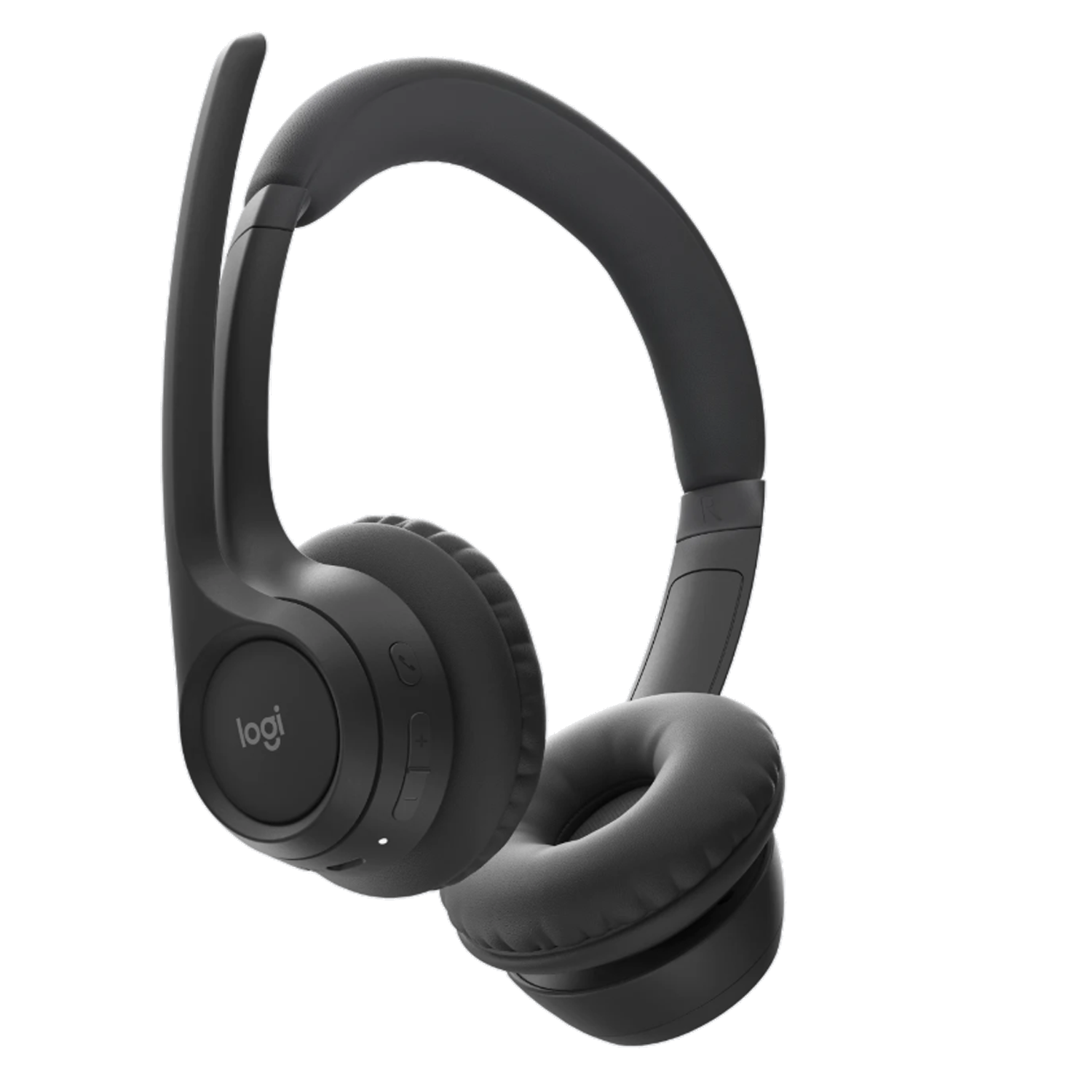
Bluetooth
The Logitech Zone 300 is a lightweight Bluetooth headset weighing just 122g, with padded on-ear earpieces and dual beamforming microphones. Logitech's noise-reduction processing is designed to reduce background sound before your voice is transmitted, particularly useful with Backchat in noisy event environments. The microphone boom also flips up to mute. Logitech quotes up to 16 hours of talk time, with a five-minute quick charge providing another hour. Its lightweight design, noise-reducing microphones and useful mute function make it a straightforward option for anyone looking for a comfortable headset for Backchat.
Find for me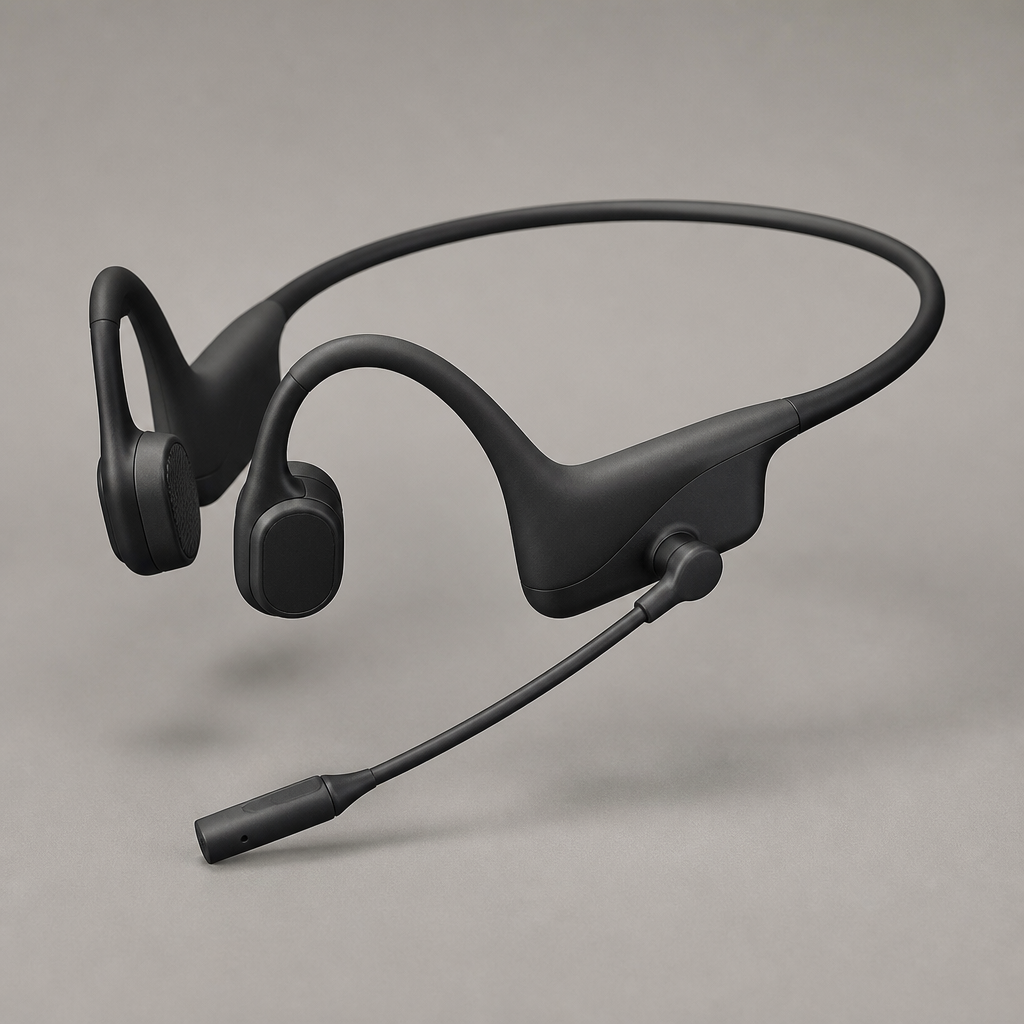
Bluetooth with USB adapter
Open-ear bone conduction headset with an adjustable boom mic, allowing operators to hear both team audio and immediate surroundings safely.
Find for me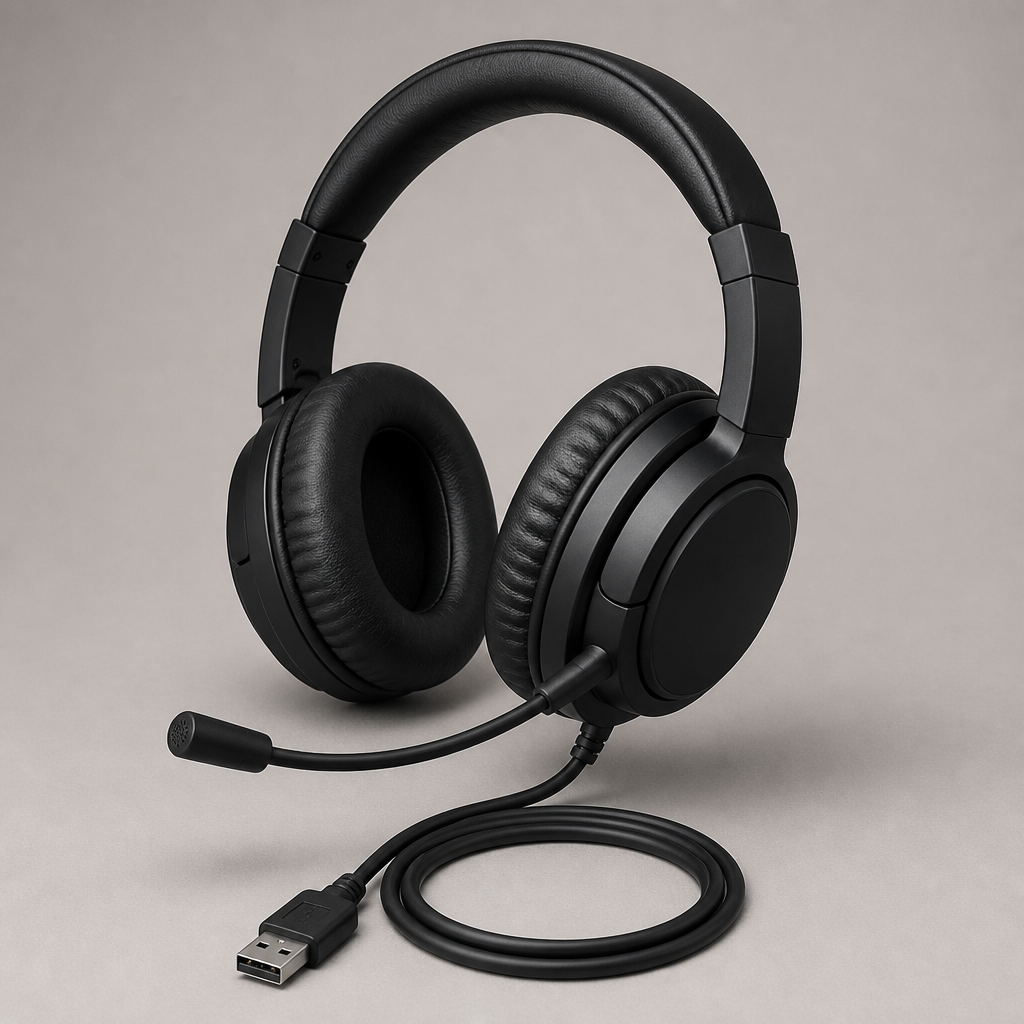
USB-A - A professional, corded on-ear binaural headset optimized for Microsoft Teams and unified communications
Direct USB-A plug-and-play headset designed for all-day voice clarity. Features inline volume and mute controls with passive noise reduction for busy production comms.
Find for me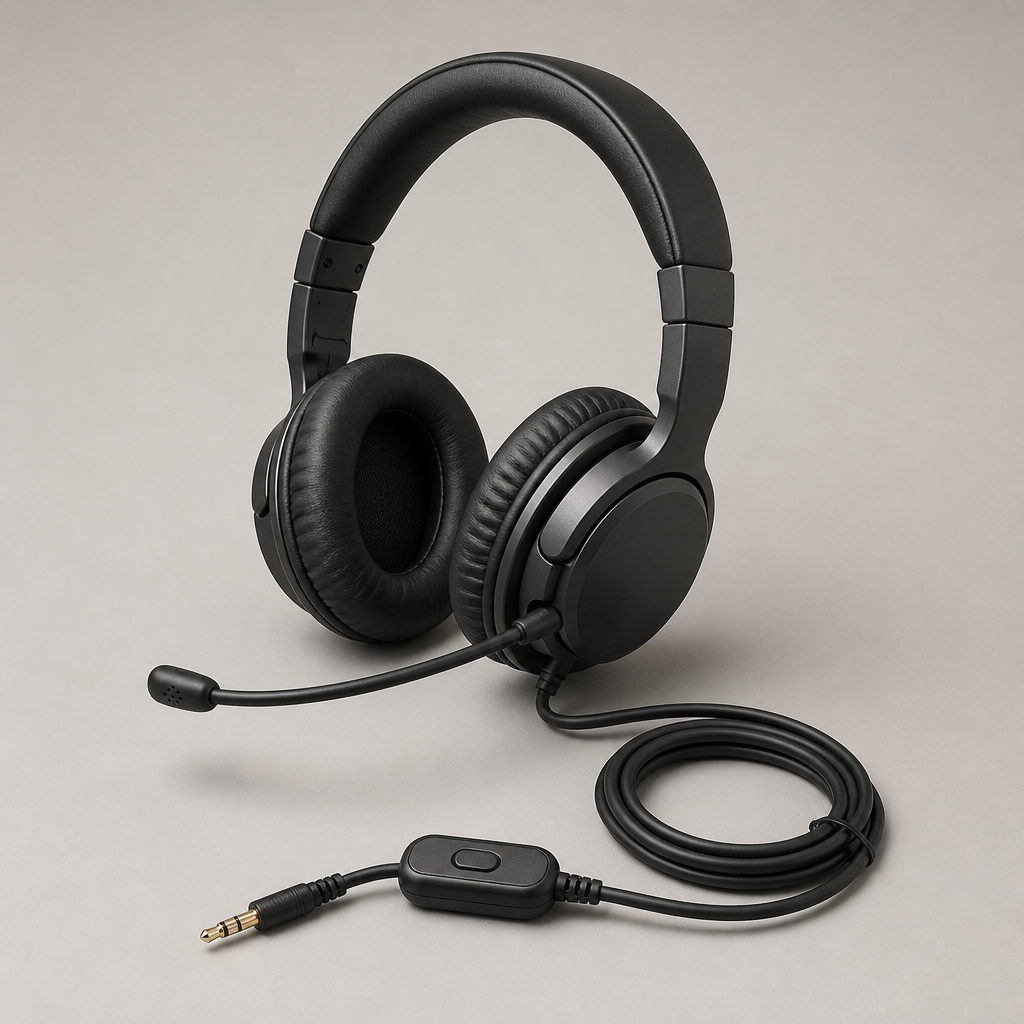
3.5 mm and USB
Dual 3.5 mm and USB connectivity with an integrated busy-light indicator and cushioned ear cups for comfortable monitoring across long production calls.
Find for me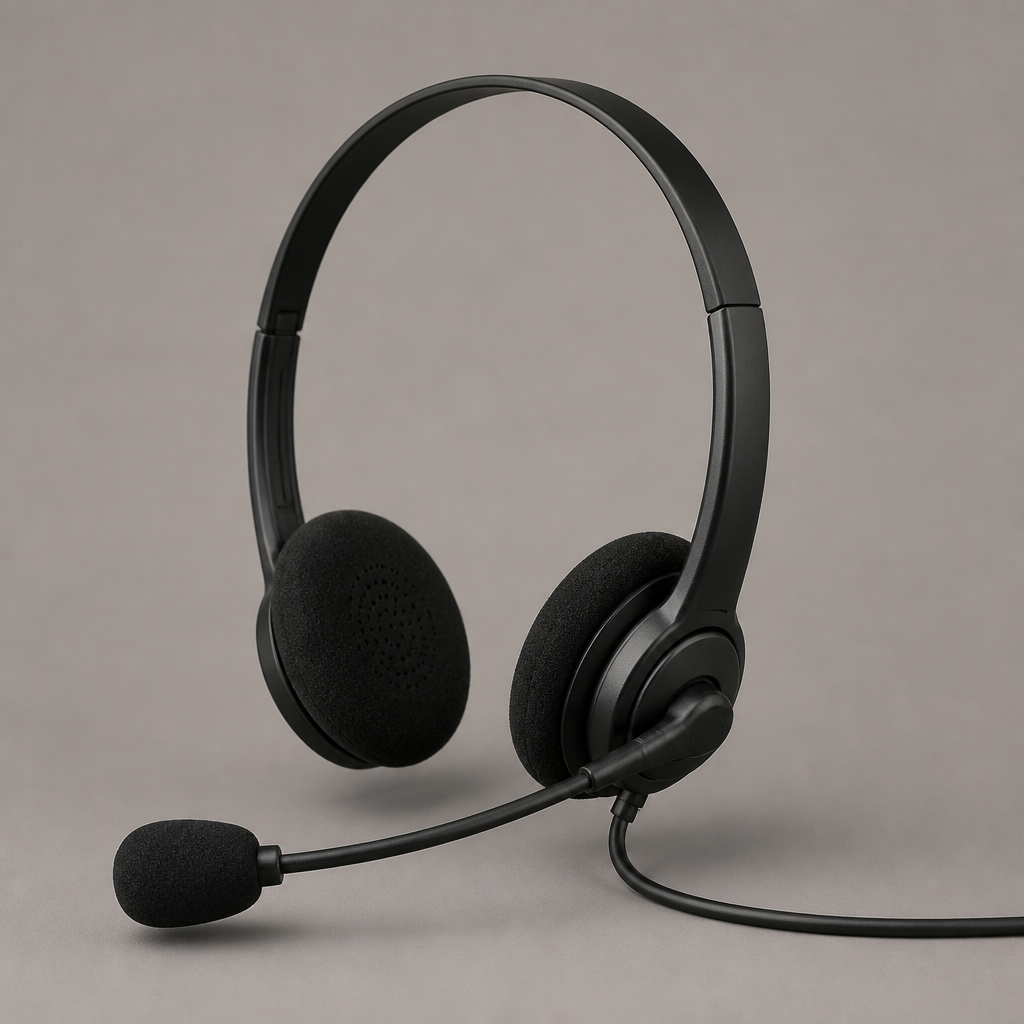
3.5 mm and USB-A
Flexible 3.5 mm and USB-A headset with dynamic EQ and a noise-cancelling microphone boom built for clear speech in noisy event environments.
Find for me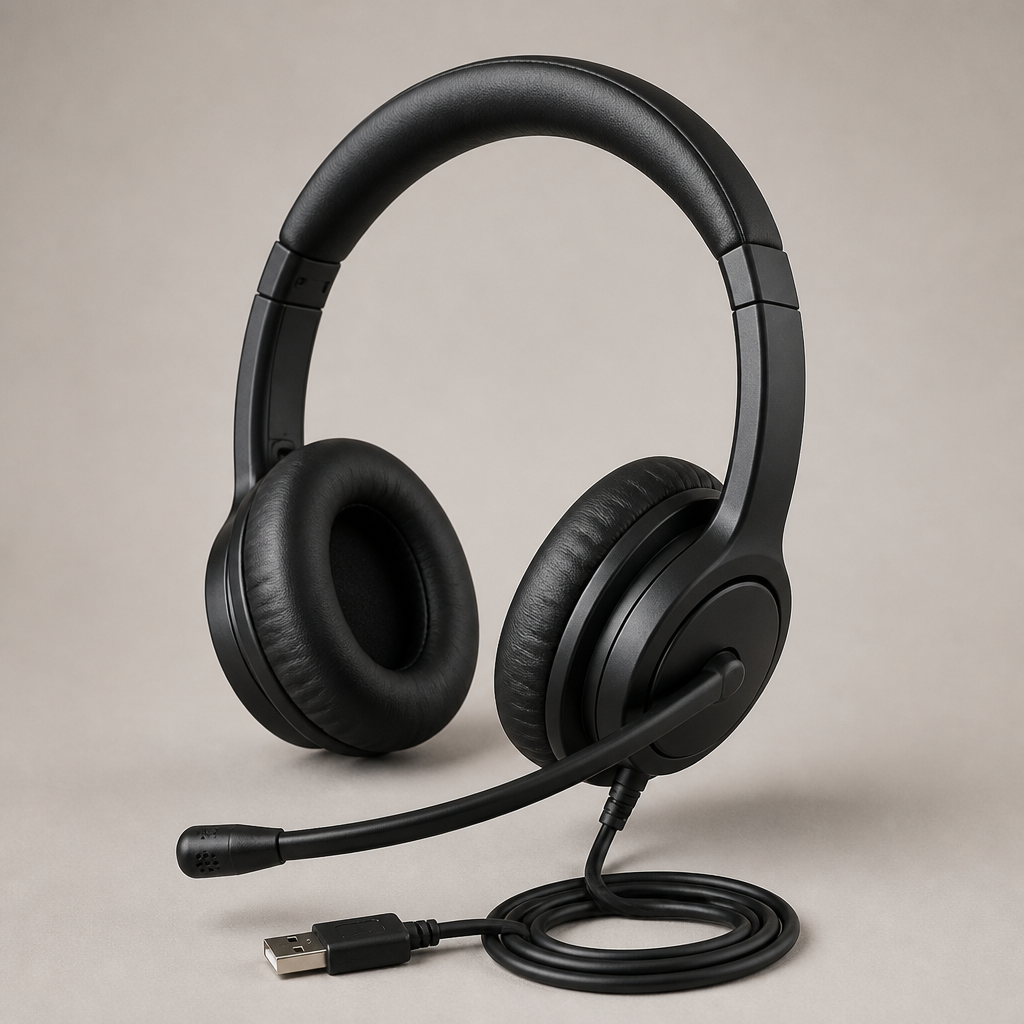
USB-A
Reliable, plug-and-play USB-A headset featuring simple inline audio controls, making it easy to deploy rapidly across temporary crew members.
Find for me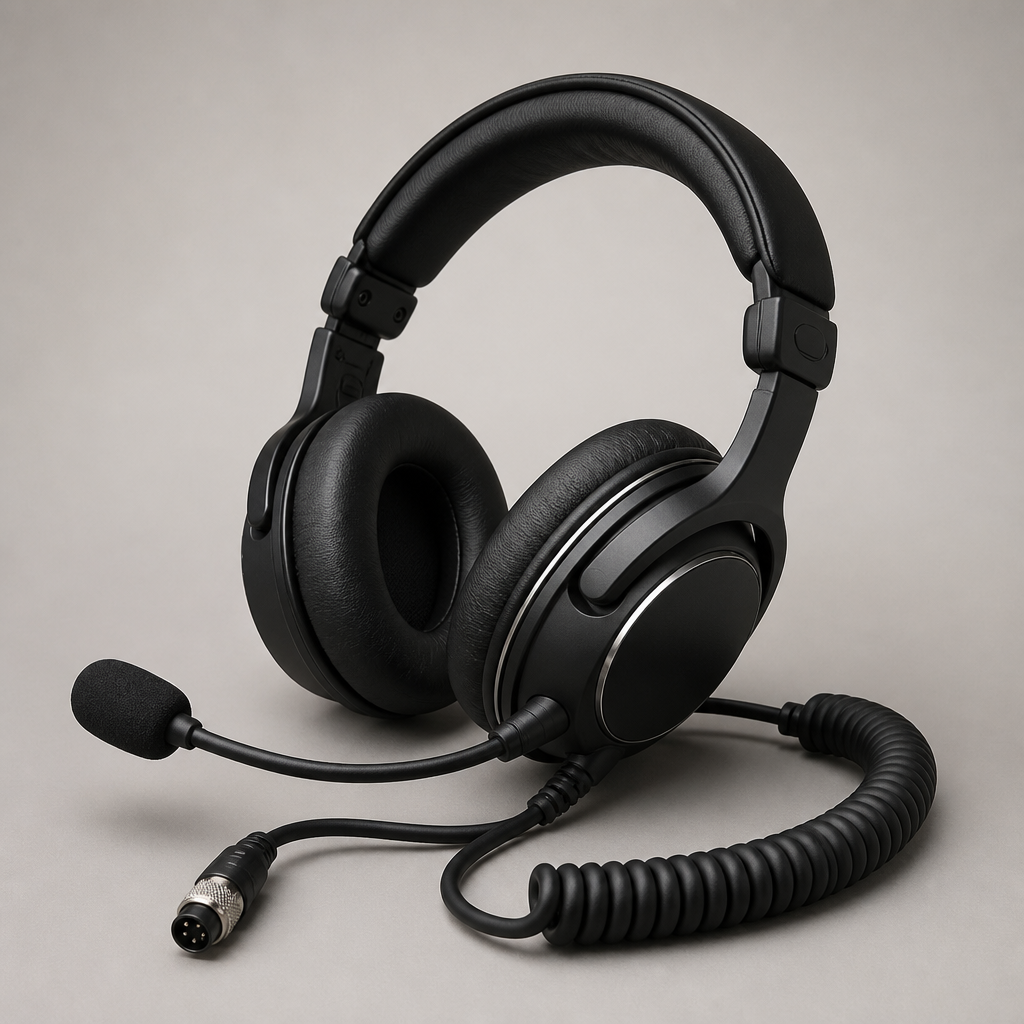
USB-A
Lightweight stereo headset delivering focused voice transmission and hearing protection, well suited to active show monitoring.
Find for me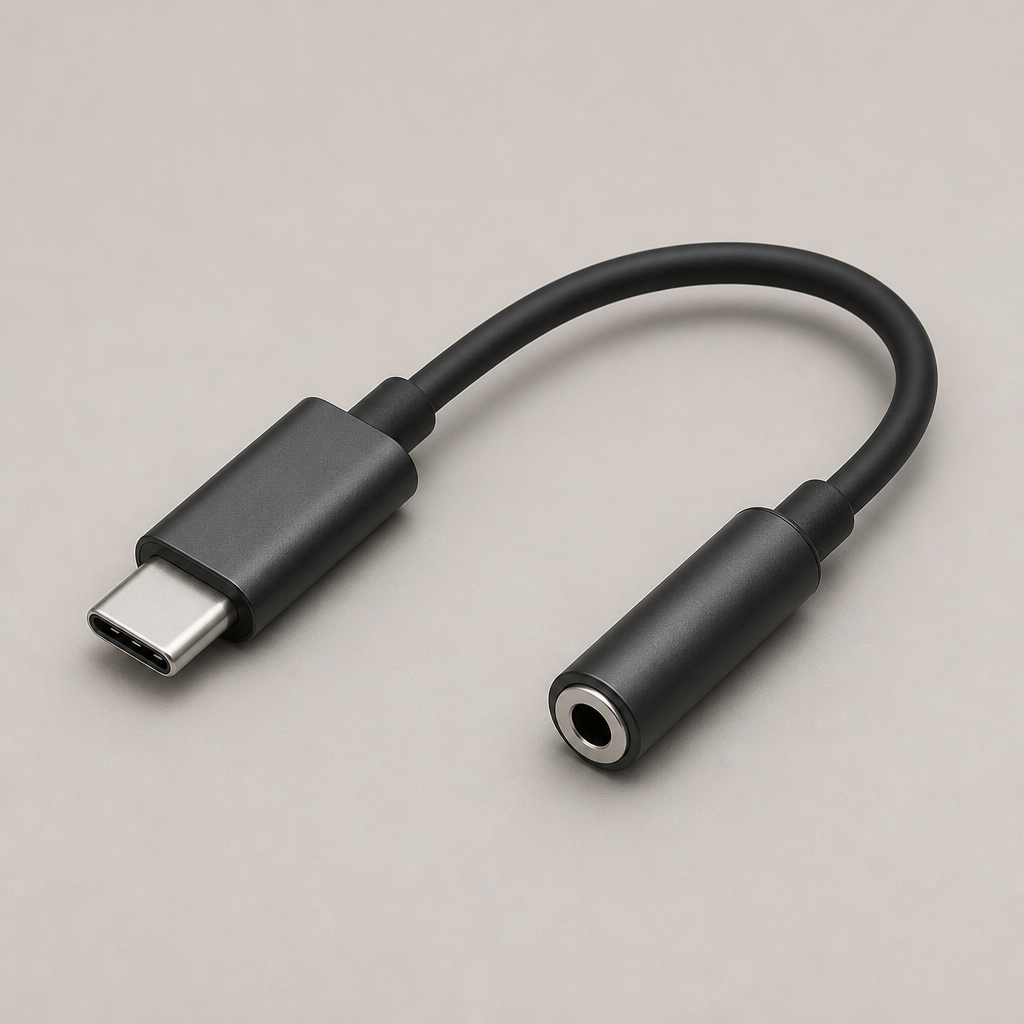
USB-C to 3.5 mm audio
Low-latency digital audio adapter providing a reliable wired 3.5 mm connection from modern USB-C smartphones and tablets.
Find for me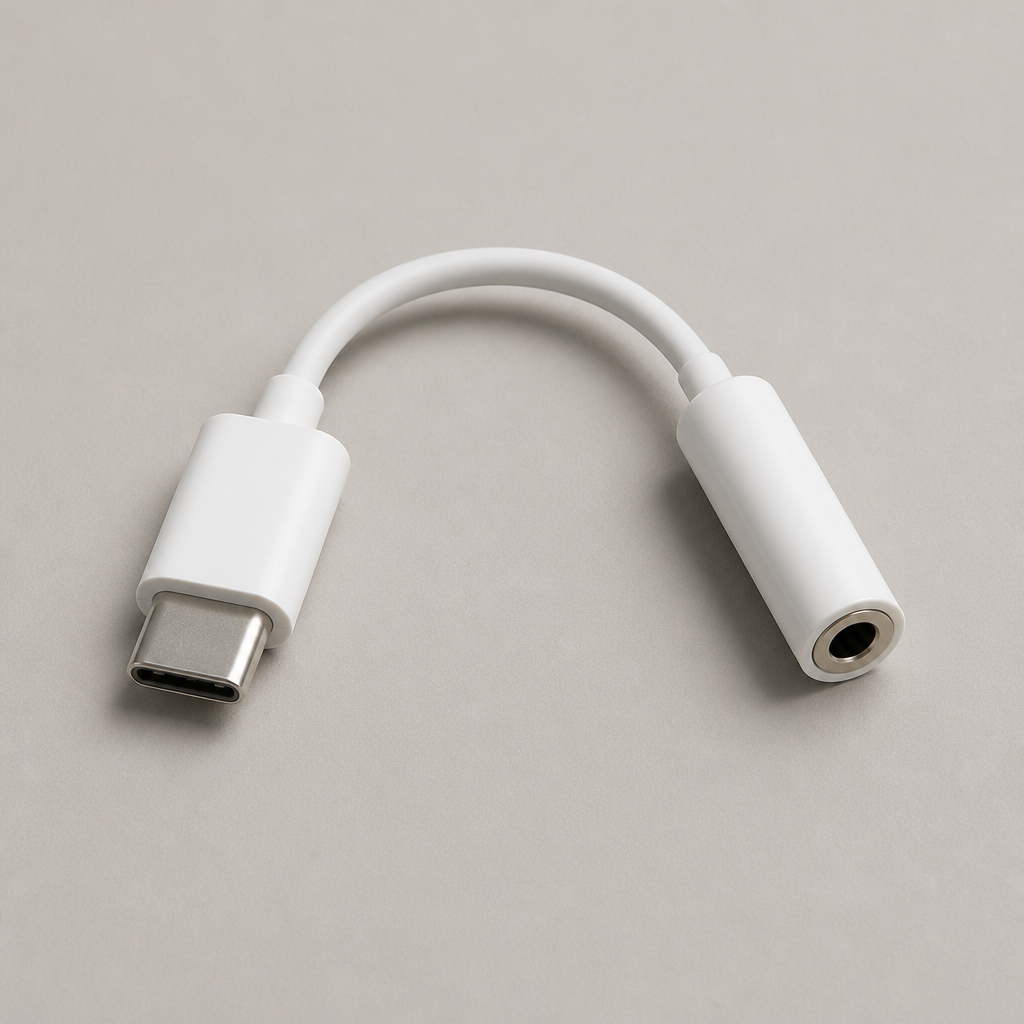
USB-C to 3.5 mm audio
Durable braided adapter supporting clean audio transmission, built to withstand daily use during production setup and pack-down.
Find for me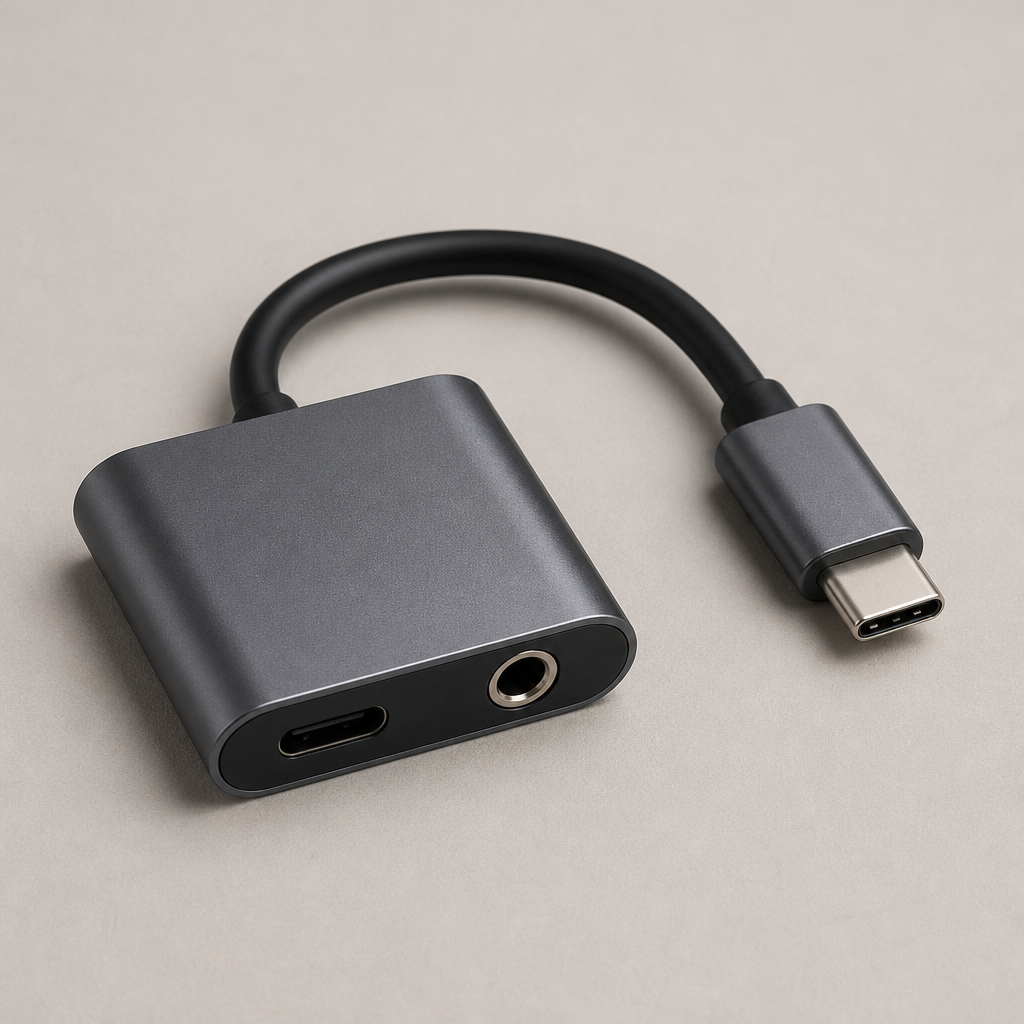
USB-C audio and charging
Dual-port passthrough adapter enabling simultaneous 3.5 mm headset audio and USB-C charging throughout extended production shifts.
Find for me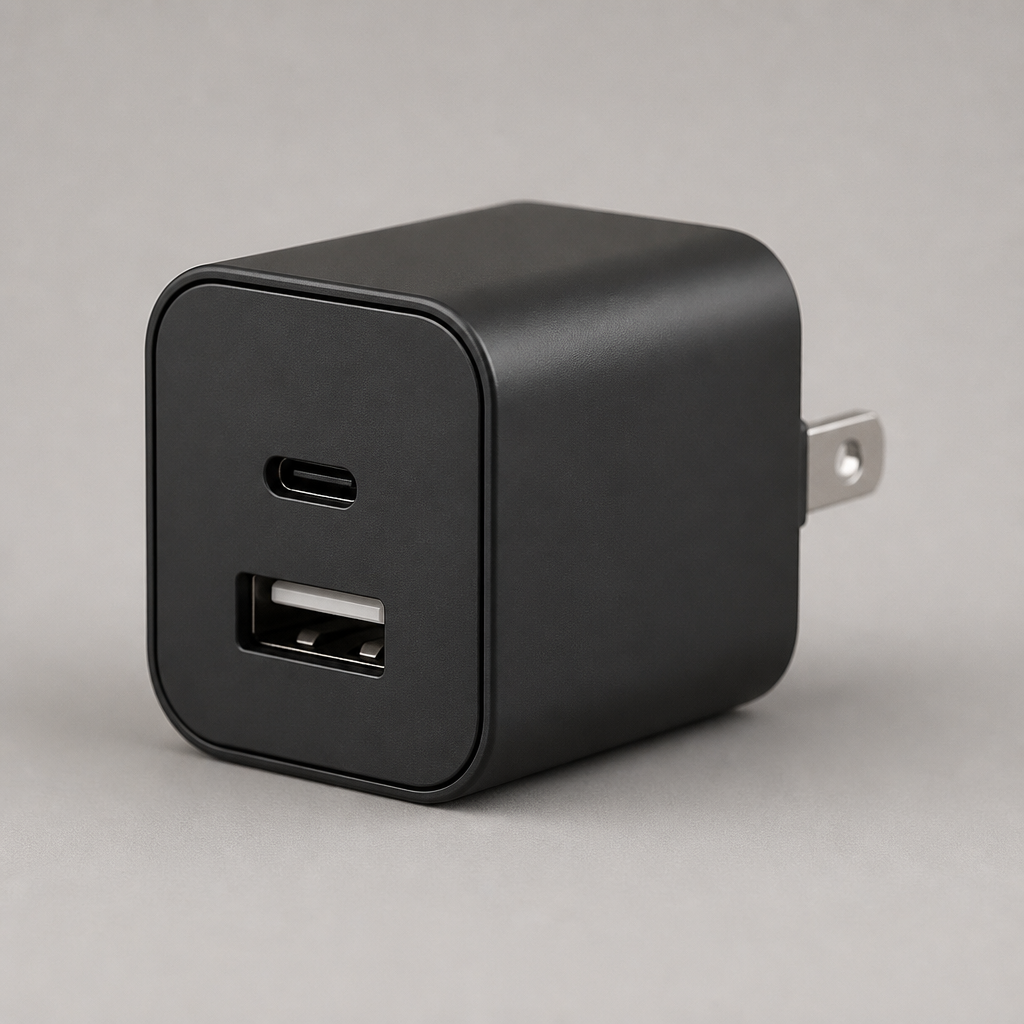
USB-C and USB-A power
Compact dual-port wall charger with USB-C and USB-A power delivery, keeping team phones and accessories topped up reliably.
Find for me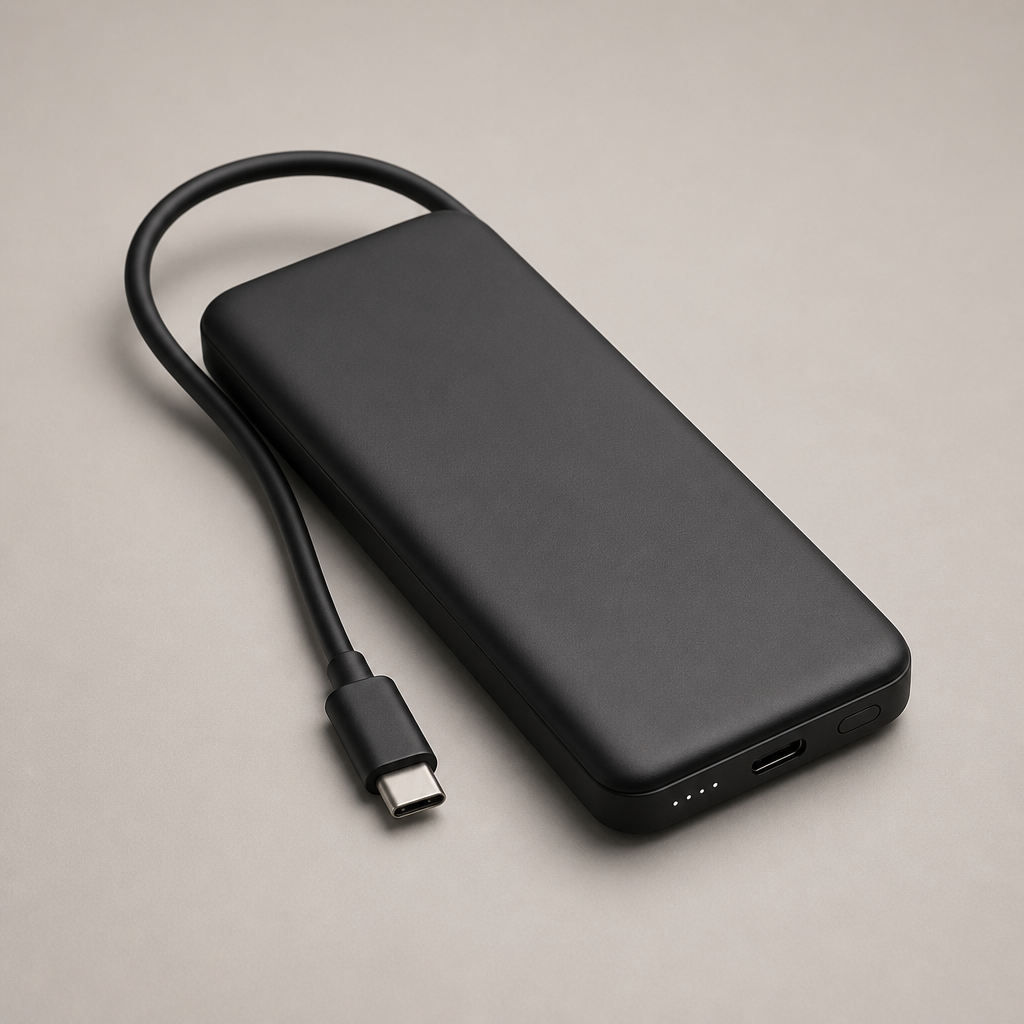
USB-C power bank
High-capacity portable battery pack with multi-device fast charging, ensuring comms hardware stays running across full-day events.
Find for meDownload for free