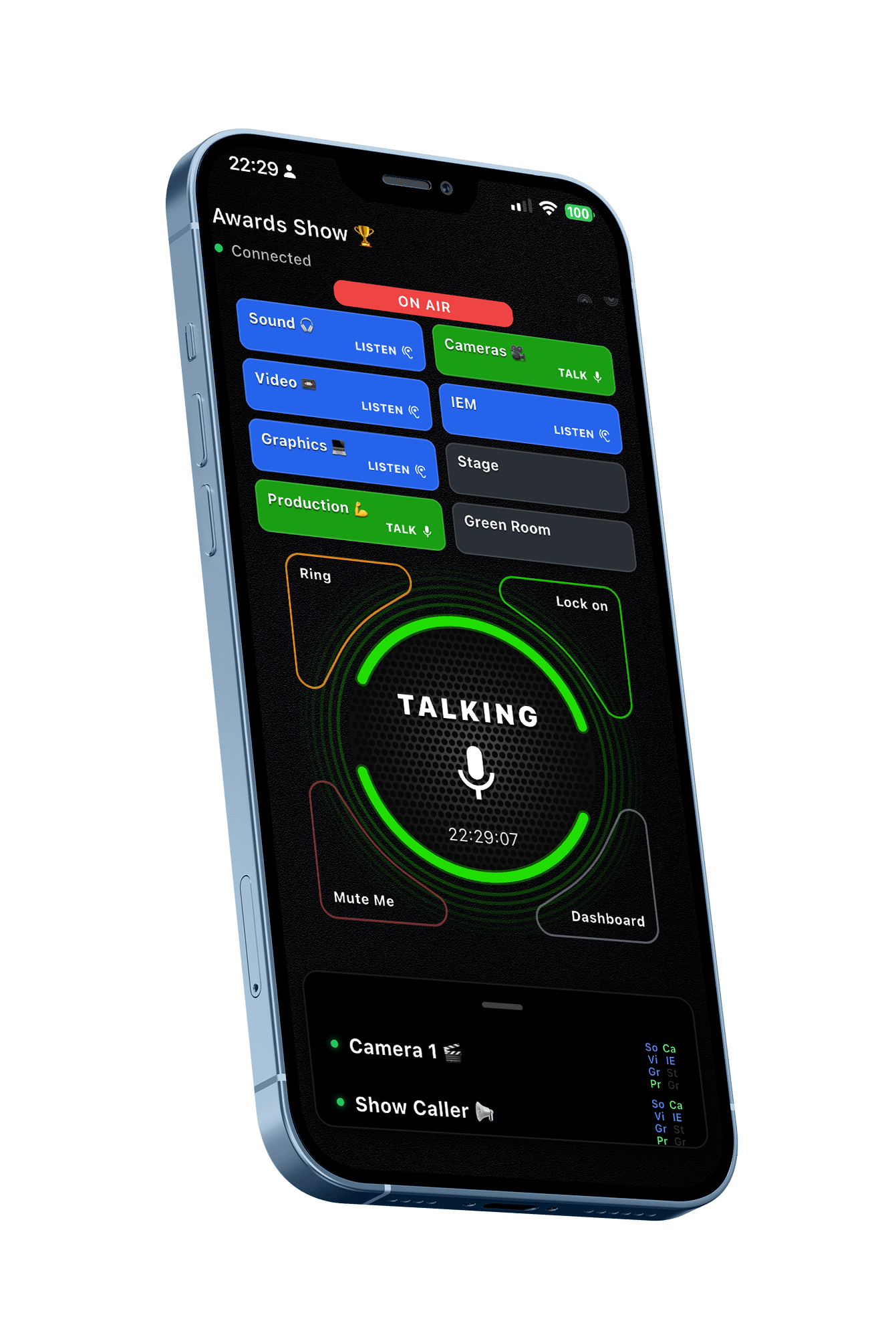
Premi per parlare

Come non hai mai fatto prima

Scarica gratuitamente

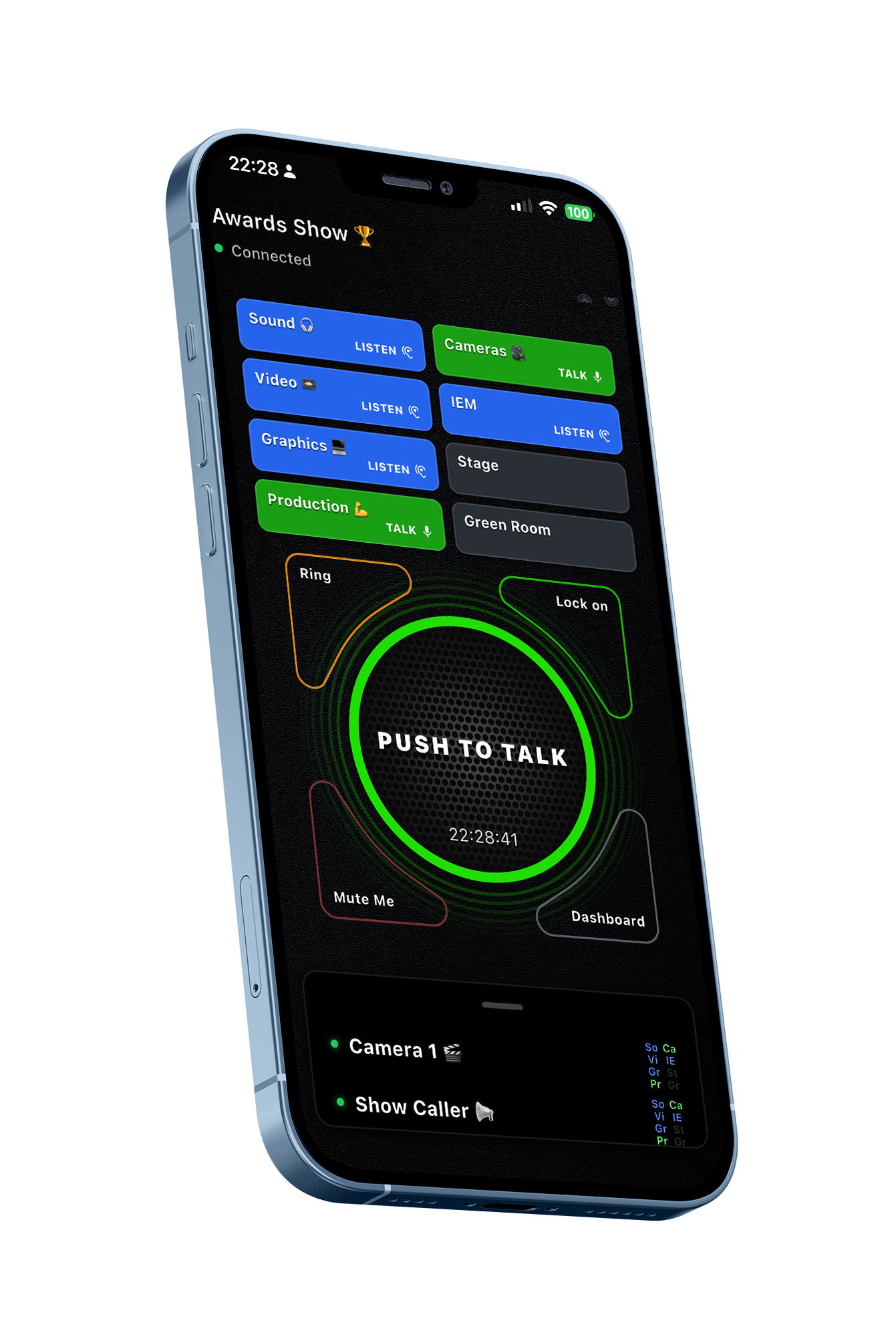
BackChat Push To Talk interface

Premi per parlare per team professionali

Perché i team scelgono BackChat

BackChat elimina molte delle frustrazioni quotidiane delle comunicazioni tradizionali, offrendo al contempo al tuo team maggiore flessibilità, controllo e privacy.

Un unico team. Otto canali dedicati.

Keep all your people in one Team and control the communications by putting specialist teams in their own channels.

Ascolta o ascolta e parla su tutti i canali che ti servono.

Non sono richiesti dati personali.

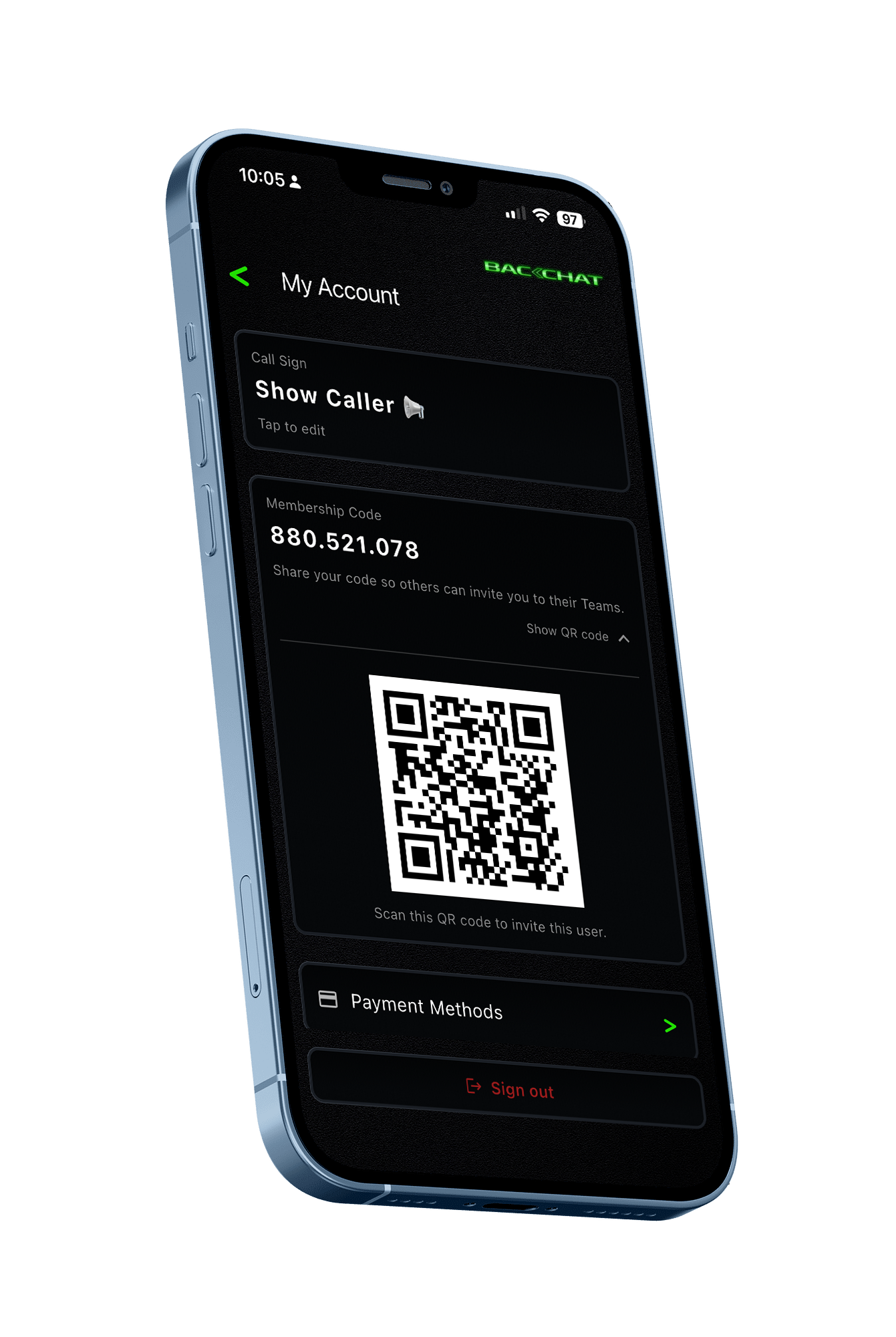
Invita i colleghi in modo sicuro utilizzando un ID utente univoco o un codice QR.

Nessun numero di telefono. Nessun indirizzo email. Nessun dato di contatto personale viene condiviso tra i membri del team.

Il tuo telefono diventa il tuo dispositivo di comunicazione.

Nessuna radio da distribuire. Nessuna postazione di ricarica. Nessun kit di comunicazione mancante. Nessun trasmettitore wireless. Nessuna dotazione di cuffie.

Il vostro equipaggio ha già con sé il dispositivo necessario.

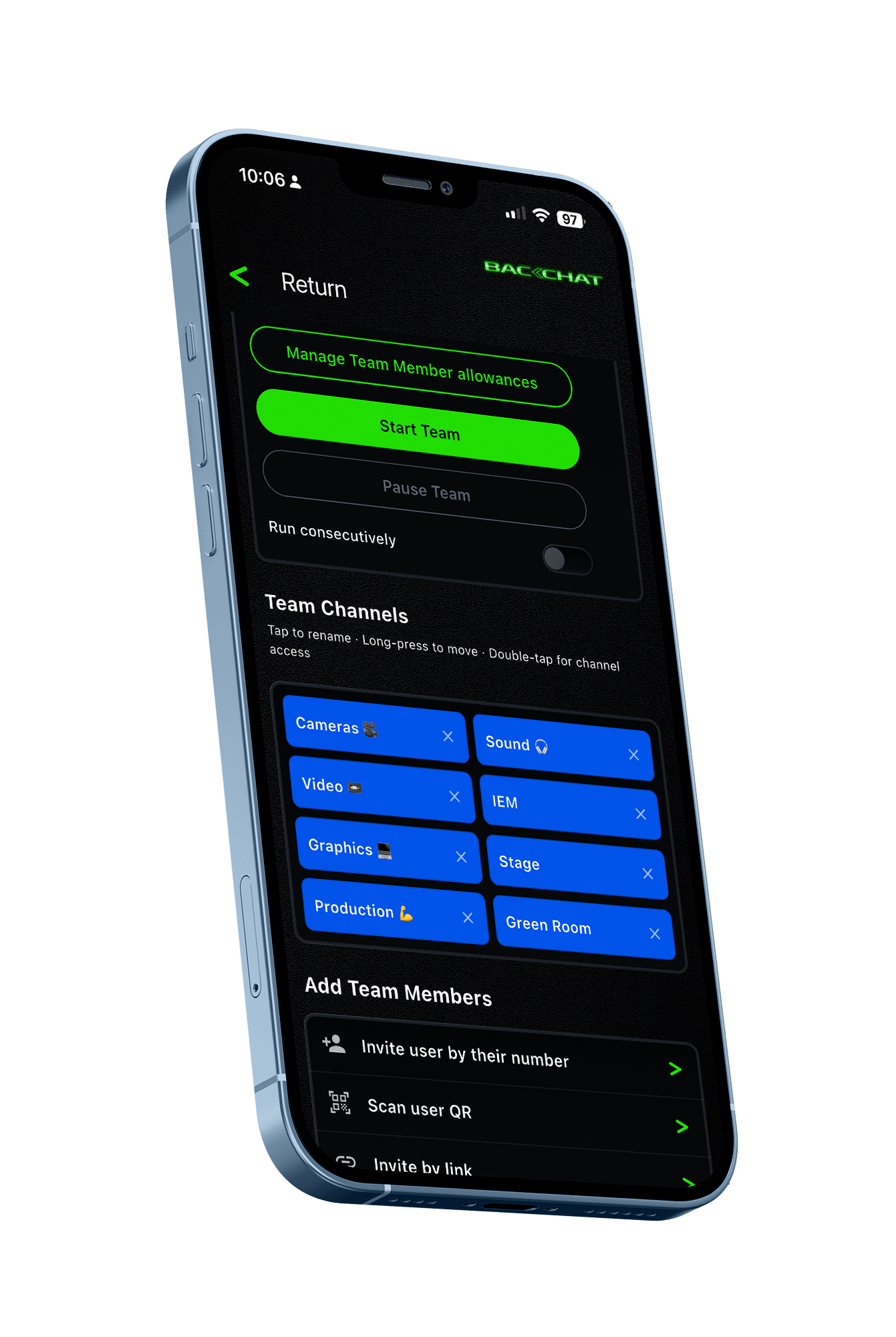
BackChat Team Setup screen BackChat Invite by QR code screen

Maggiore libertà rispetto alle radio tradizionali.

BackChat funziona tramite Wi-Fi, dati mobili o entrambi.

La comunicazione non è più limitata dalla portata delle radio convenzionali e può estendersi ovunque esista una connettività di rete adeguata.

Utilizza le cuffie di cui ti fidi già.

I membri dell'equipaggio utilizzano le proprie cuffie, con o senza fili.

Maggiore comfort. Maggiore igiene. Niente cuffie condivise.

Saremo in contatto tra pochi minuti.

Crea una squadra. Invita i tuoi collaboratori. Inizia a comunicare.

Gestione del team

Crea e assegna un nome ai tuoi team. Controlla chi può partecipare. Gestisci gli accessi. Mantieni il pieno controllo delle tue comunicazioni.

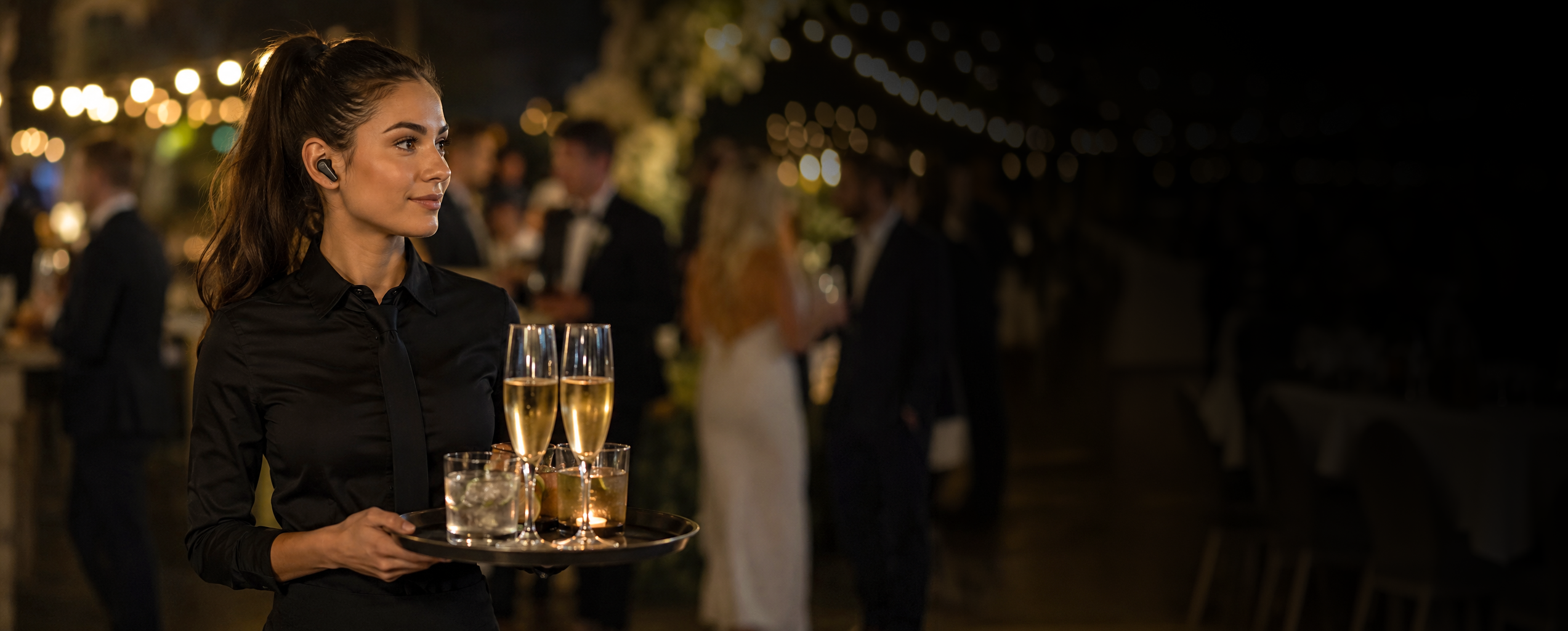
Catering team member wearing a discreet BackChat earbud

Per chi è pensato BackChat?

Ideale per team professionali temporanei che necessitano di comunicare o sincronizzarsi tra loro.
  • Ristorazione e ospitalità
  • personale del teatro
  • Sicurezza
  • Cinema e televisione
  • Eventi aziendali
  • Squadre di eventi sportivi
  • Gestione
  • Promozioni nei centri commerciali
  • squadre di volontari

Uno standard di settore affidabile.

Dal 1975, RTS ha contribuito alla realizzazione di alcune delle più grandi produzioni dal vivo al mondo.

Ci siamo affidati ad essa e continuiamo a rispettare il contributo che apporta al nostro settore.

La tecnologia continua ad evolversi.

Oggi esistono situazioni in cui una piattaforma di comunicazione basata su software può offrire vantaggi che i sistemi radio tradizionali semplicemente non sono stati progettati per fornire.

Se stai pianificando la tua prossima produzione, potrebbe valere la pena confrontare i due.

See how Backchat compares

Confronto tra BackChat e RTS
Punto di confrontoRTSBackchat
Invito tramite codice QR

RTS

Non richiesto

Backchat

SÌ
Invita all'istante tramite ID univoco o codice QR
Dati personali protetti

RTS

Non richiesto

Backchat

SÌ
Nessun numero di telefono o indirizzo email condiviso
Dispositivo dell'equipaggio

RTS

Cintura o hardware dedicati

Backchat

SÌ
Utilizza il dispositivo personale del membro del team.
Cuffie

RTS

Apparecchiature assegnate o condivise

Backchat

SÌ
Utilizza le tue cuffie con o senza fili
Canali

RTS

La configurazione dipende dal sistema

Backchat

SÌ
Fino a 8 canali dedicati in un unico Team
Ascolta e parla

RTS

Configurato tramite il sistema di comunicazione

Backchat

SÌ
Ascolta o Ascolta e parla su più canali, istantaneamente
Portata/connettività

RTS

SÌ
Cavo / Amplificatore

Backchat

SÌ
Internet — Wi-Fi e dati mobili
Configurazione del team

RTS

Configurazione hardware e tecnica

Backchat

SÌ
Crea un team in pochi minuti
Aggiunta di membri al team

RTS

Le apparecchiature devono essere assegnate e configurate

Backchat

SÌ
Accedi utilizzando un ID univoco o un codice QR.
Hardware dedicato

RTS

SÌ
Stazioni base, trasmettitori portatili, antenne e cavi

Backchat

Non è necessario alcun hardware di comunicazione dedicato, basta il dispositivo dell'utente.
Assegnazione delle attrezzature

RTS

I kit di comunicazione e gli accessori devono essere distribuiti

Backchat

SÌ
L'equipaggio ha già con sé il dispositivo di cui ha bisogno
Ampliamento del team

RTS

L'utilizzo aggiuntivo potrebbe richiedere attrezzature aggiuntive.

Backchat

SÌ
Aggiungere utenti autorizzati senza dover fornire ulteriore hardware.
Supporto linguistico

RTS

Dipende dall'interfaccia dell'apparecchiatura

Backchat

SÌ
Esperienza dell'app multilingue
Controllo della squadra

RTS

Gestito tramite il sistema di comunicazione installato

Backchat

SÌ
Assegna un nome ai team, controlla gli accessi e gestisci i membri
Facile da riporre

RTS

NO
NO

Backchat

SÌ
Sì 😊

Perché usare BackChat?

Prezzi semplici

Comunicazioni professionali senza i costi e la complessità dei sistemi tradizionali.

Come funziona

  1. Installa BackChat sul tuo telefono.
  2. Crea il tuo account gratuito ed effettua l'accesso.
  3. Facoltativo: visita le Impostazioni dell'account e scegli il tuo nominativo. Questo sarà il tuo nome visibile. Puoi cambiarlo quando vuoi.

Ecco fatto. Ora sei pronto per usare BackChat.

Dimmi di più

Esistono due modi per utilizzare BackChat.

Membro del team

Unisciti al team a cui sei stato invitato e comunica tramite Push To Talk.

Unirsi a un gruppo per parlare è gratuito.

Organizzatore

Crea e assegna un nome al tuo team, invita i membri e controlla chi ha accesso.

Invita le persone utilizzando il loro ID univoco o scansionando il loro codice QR.

Aggiungere persone al tuo team è gratuito.

Ti verrà addebitato l'importo solo quando:

  • La squadra è attiva; e
  • Un membro del team si unisce alla sessione Push To Talk.

Prenota la tua squadra

Quando sei pronto, prenota la tua squadra.

La prenotazione pre-autorizza il pagamento in base al numero di team e al numero di membri del team che hai configurato.

Ogni sessione di gruppo dura 24 ore.

Durante la tua sessione di team

  • I membri del team possono unirsi, abbandonare e rientrare tutte le volte che vogliono.
  • È possibile configurare ulteriori sessioni di Team in modo che si avviino consecutivamente, oppure avviarle manualmente quando si è pronti.

Dopo la tua squadra

  • Una ricevuta dettagliata viene inviata via e-mail all'organizzatore.
  • I dati di fatturazione rimangono disponibili all'interno dell'app BackChat.

1 sessione di team di 24 ore costa solo £4.50 per ogni membro del team che si unisce al team.

Cose utili che abbiamo trovato

Cuffie wireless

New Bee M53
Top recommendation

New Bee M53

Bluetooth

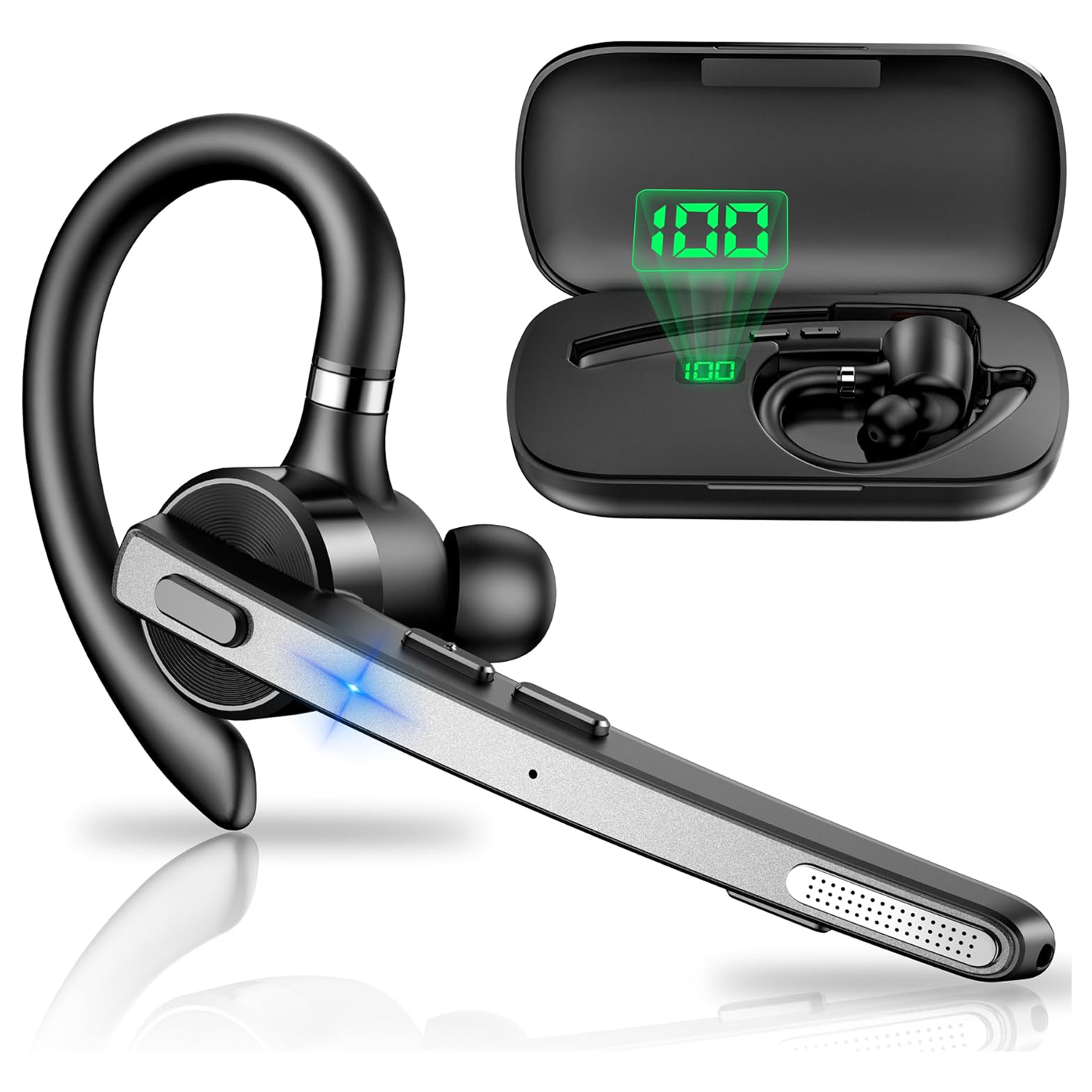
We actually bought the New Bee M53, tested it ourselves and liked it enough that we're now using it. It's extremely lightweight and comfortable. After a while I barely notice I'm wearing it. The earpiece is loud and very clear, the microphone is sensitive, and overall I've been really pleased with the quality and functionality. The M53 uses ENC (Environmental Noise Cancellation) rather than ANC. ANC reduces the background noise you hear, whereas ENC works at the microphone end, reducing environmental noise in the audio other people hear from you. For a communications headset, that's arguably the more important job. Interestingly, the M53 has also been designed for use with compatible Bluetooth walkie-talkies, which makes it particularly appropriate for the BackChat environment. At the time of writing, it has a 4.4-star rating from 2,447 Amazon reviews, costs under £25 per unit and comes with its own charging case. For that price, we've been genuinely impressed. We've bought it. We've tested it. We use it. And we like it.

Find for me
Yealink BH70

Yealink BH70

Bluetooth

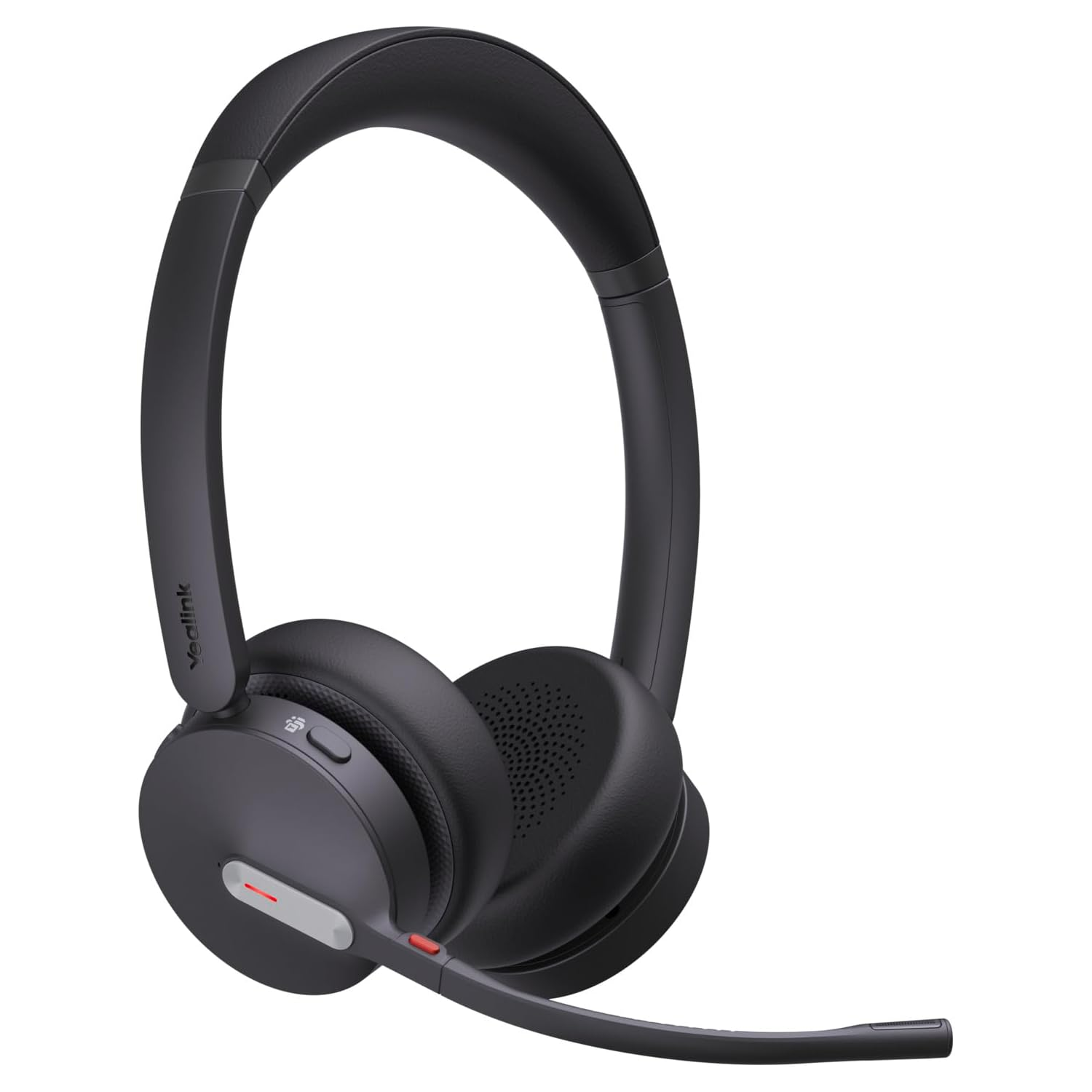
The Yealink BH70 is a lightweight Bluetooth headset with a 35mm speaker and a three-microphone noise-cancelling system designed to reduce surrounding noise before your voice is transmitted, potentially useful in busy Backchat environments. Yealink quotes up to 35 hours of talk time, with up to 22 days standby. It looks like an interesting professional option for Backchat where comfort, clear voice transmission and long operating time are important.

Find for me
Voistek Mono Headset

Voistek Mono Headset

Bluetooth and USB Bluetooth adapter

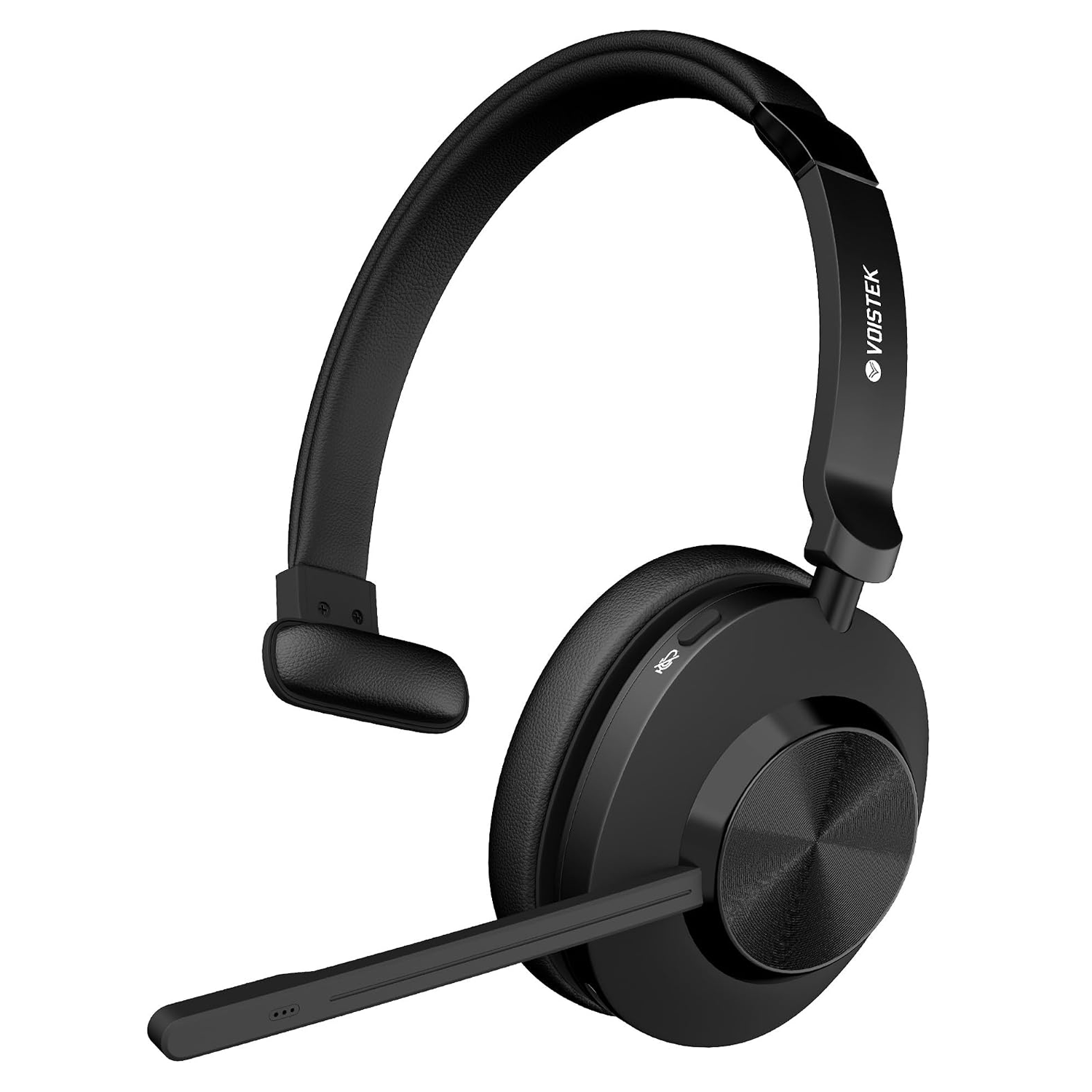
The Voistek is a lightweight, single-ear Bluetooth headset with an adjustable boom microphone, designed to keep one ear free so you can remain aware of what is happening around you. The microphone incorporates noise-cancelling technology intended to reduce surrounding background noise before your voice is transmitted, potentially useful when using BackChat in busy event environments. With wireless Bluetooth connectivity, onboard controls and a compact single-ear design, it looks like an interesting option for BackChat users who want a dedicated communications headset without being completely isolated from their surroundings. We haven't tested this one ourselves, so for now it's simply something we found that looks worth investigating.

Find for me
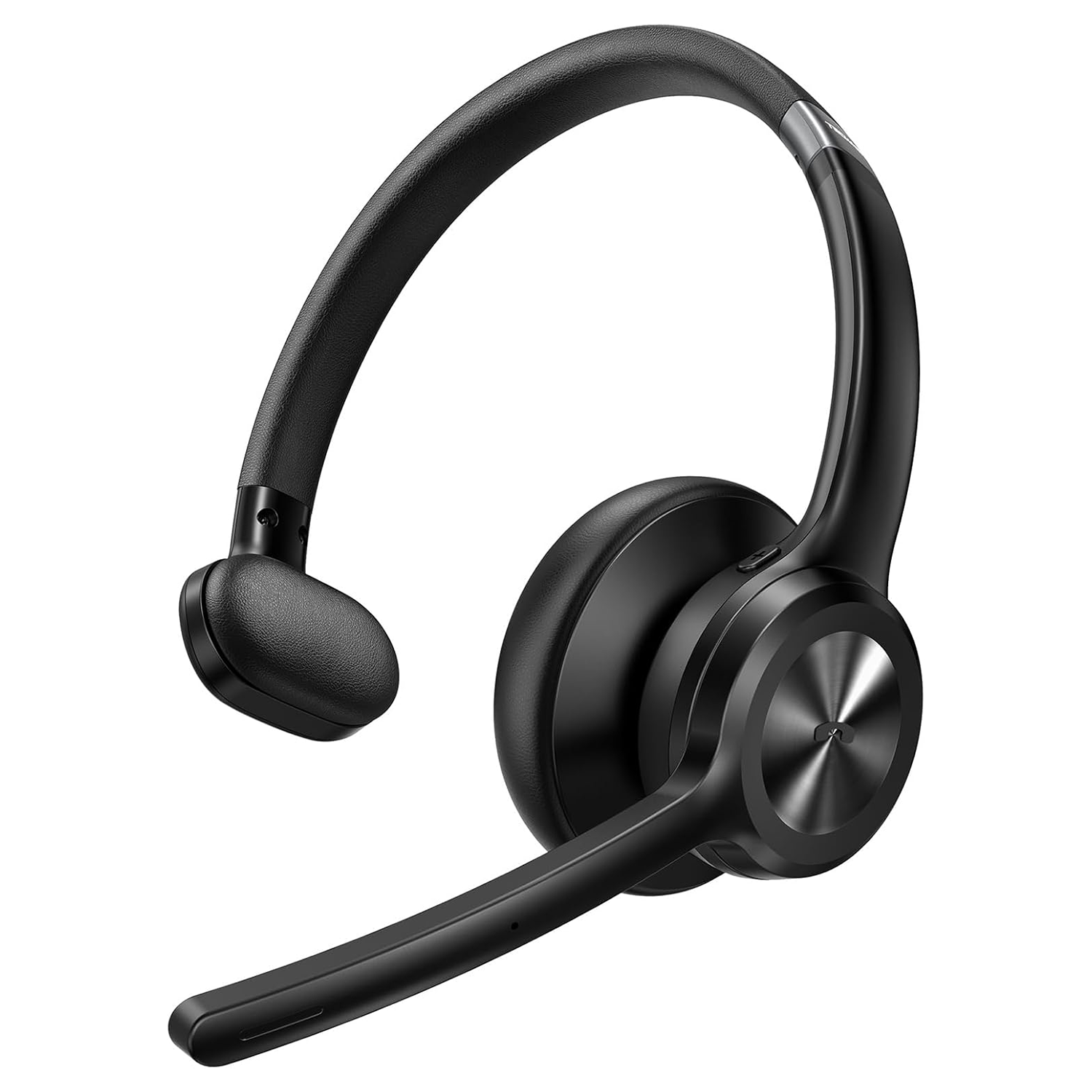
TECKNET Bluetooth Headset

TECKNET Bluetooth Headset

Bluetooth

We actually bought the TECKNET TK-HS017 and tested it. First impressions are good. It looks well made, it's lightweight and comfortable to wear, and the microphone performed perfectly well in our testing. It also incorporates noise reduction at the microphone to help reduce background noise being transmitted to other users. Unfortunately, we weren't nearly as impressed with the earpiece. We found the audio quite thin and tinny, lacking the depth and bass that makes voices easy and comfortable to listen to. At times, speech had something of an old telephone quality to it. It's also an on-ear, single-ear headset rather than an over-ear design. That may be exactly what some users want, particularly if they need to remain aware of their surroundings, but in a noisy event environment it provides very little isolation from the noise around you. It's comfortable, the microphone is good and it looks the part, but for Backchat we think the quality of what you hear is ultimately more important. Our rating: 3 out of 5.

Find for me
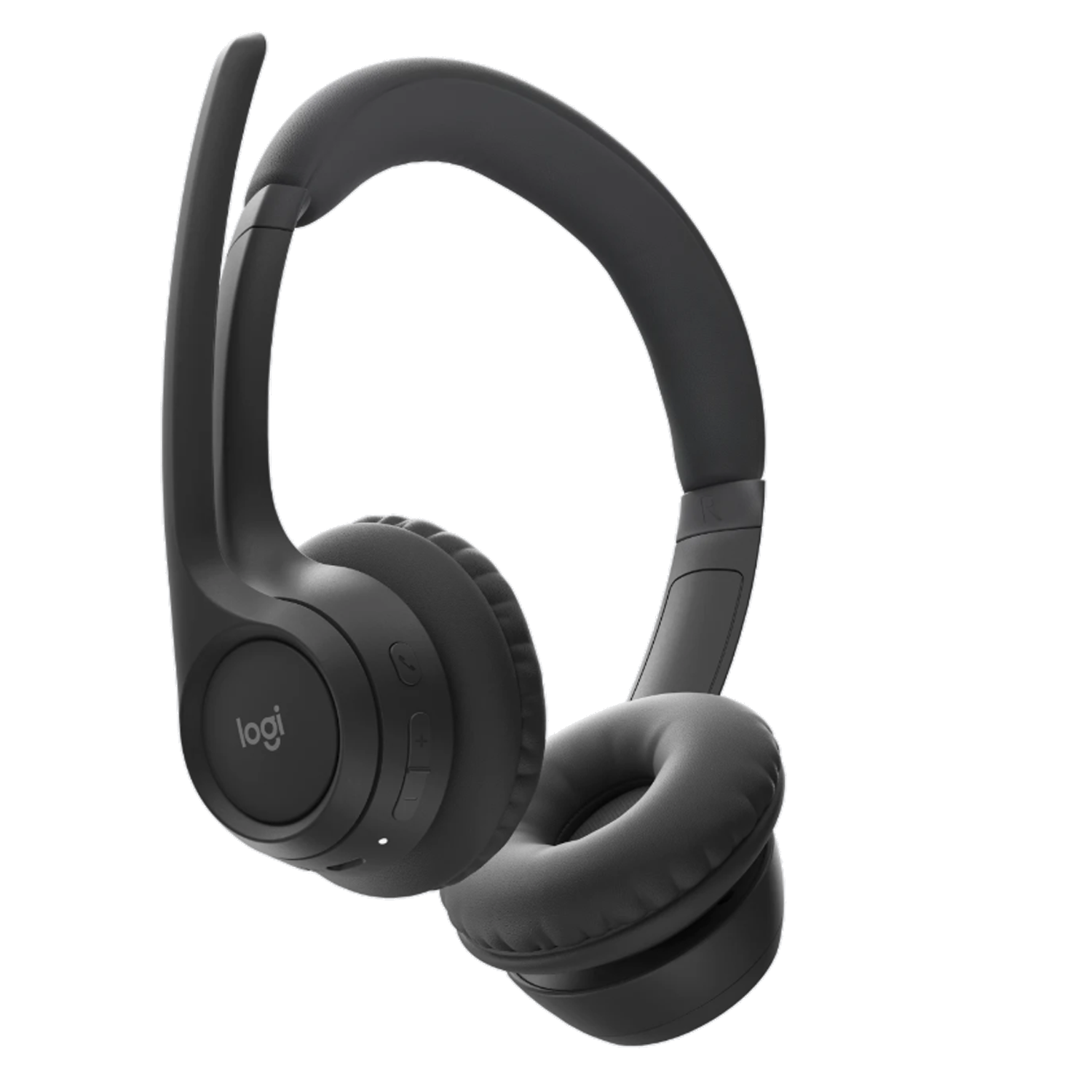
Logi Zone 300

Logi Zone 300

Bluetooth

The Logitech Zone 300 is a lightweight Bluetooth headset weighing just 122g, with padded on-ear earpieces and dual beamforming microphones. Logitech's noise-reduction processing is designed to reduce background sound before your voice is transmitted, particularly useful with Backchat in noisy event environments. The microphone boom also flips up to mute. Logitech quotes up to 16 hours of talk time, with a five-minute quick charge providing another hour. Its lightweight design, noise-reducing microphones and useful mute function make it a straightforward option for anyone looking for a comfortable headset for Backchat.

Find for me
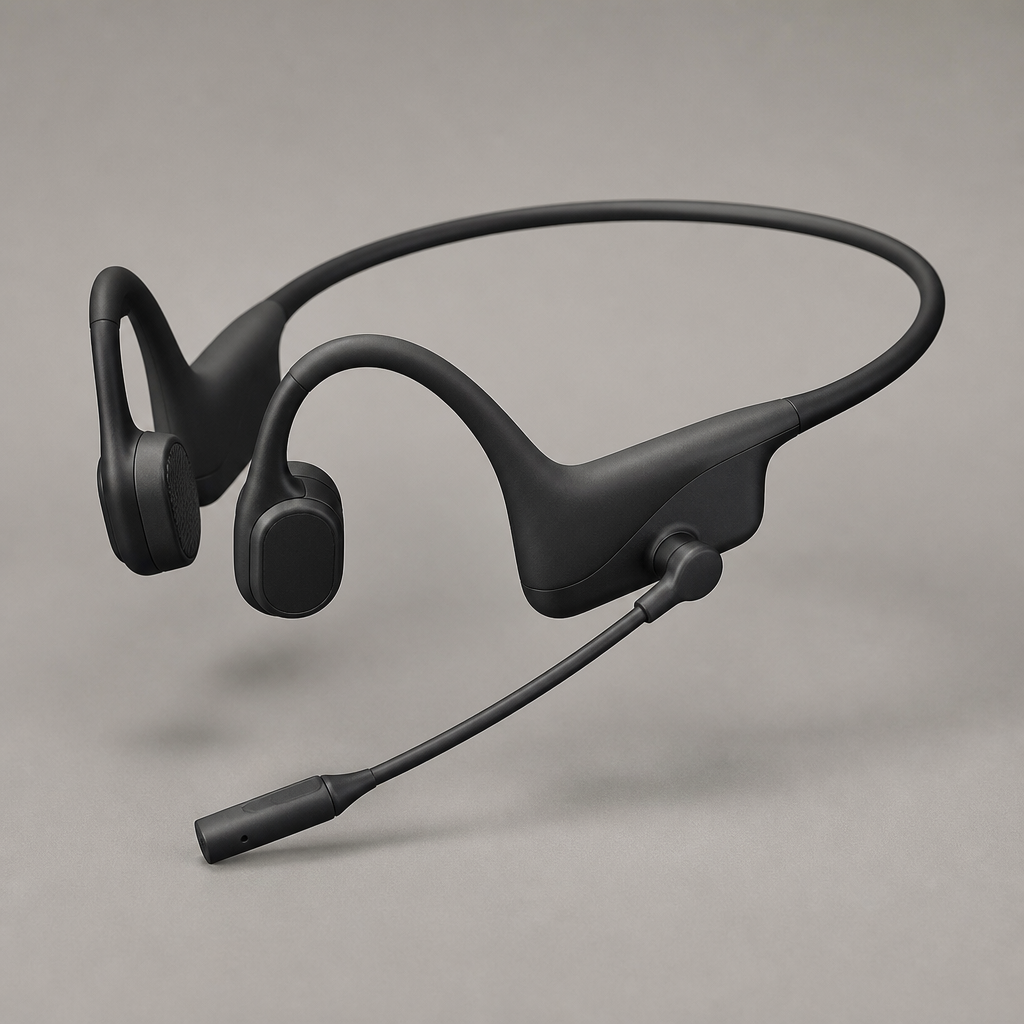
Shokz OpenComm2 UC

Shokz OpenComm2 UC

Bluetooth con adattatore USB

Open-ear bone conduction headset with an adjustable boom mic, allowing operators to hear both team audio and immediate surroundings safely.

Find for me
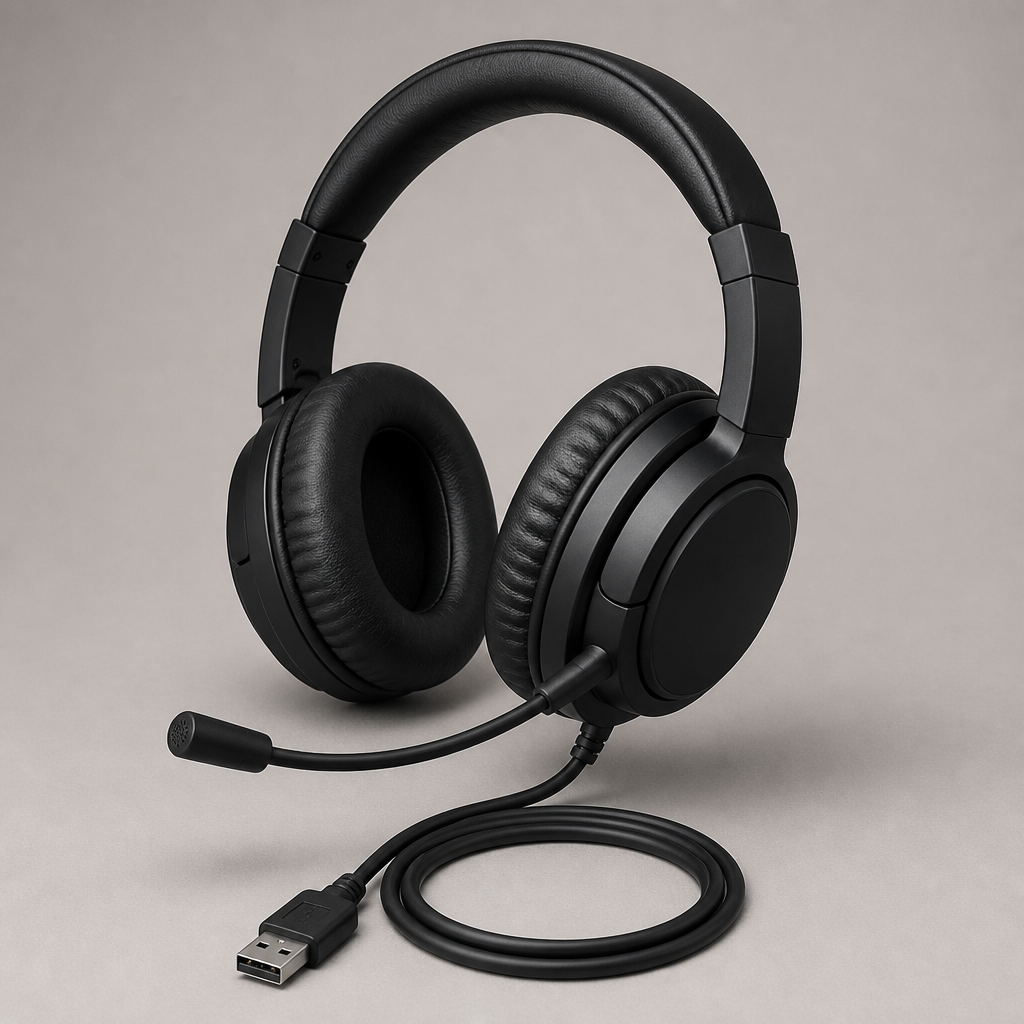
Cuffie con filo

Jabra Evolve 20 MS Stereo
Top recommendation

Jabra Evolve 20 MS Stereo

USB-A - A professional, corded on-ear binaural headset optimized for Microsoft Teams and unified communications

Direct USB-A plug-and-play headset designed for all-day voice clarity. Features inline volume and mute controls with passive noise reduction for busy production comms.

Find for me
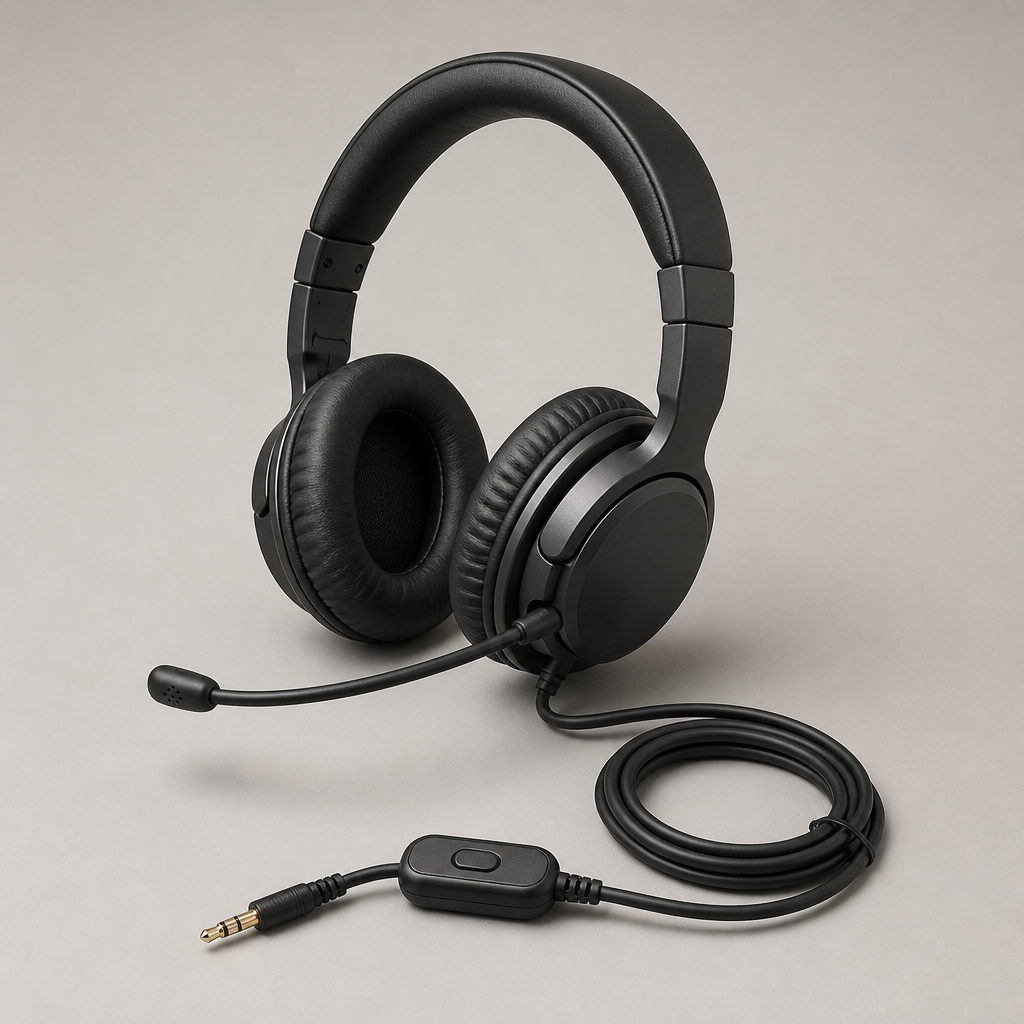
Jabra Evolve 40 UC Stereo

Jabra Evolve 40 UC Stereo

3,5 mm e USB

Dual 3.5 mm and USB connectivity with an integrated busy-light indicator and cushioned ear cups for comfortable monitoring across long production calls.

Find for me
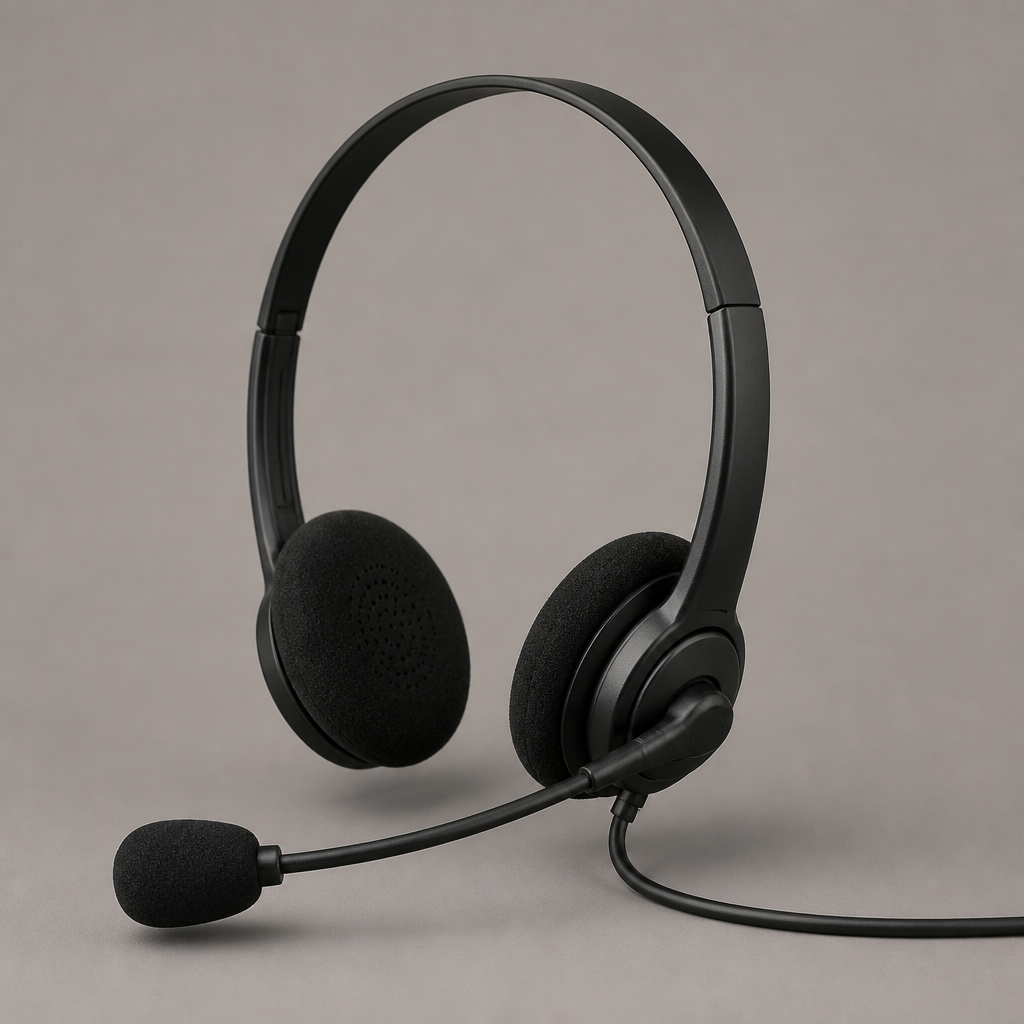
Poly Blackwire 5220

Filo nero in poliestere 5220

3,5 mm e USB-A

Flexible 3.5 mm and USB-A headset with dynamic EQ and a noise-cancelling microphone boom built for clear speech in noisy event environments.

Find for me
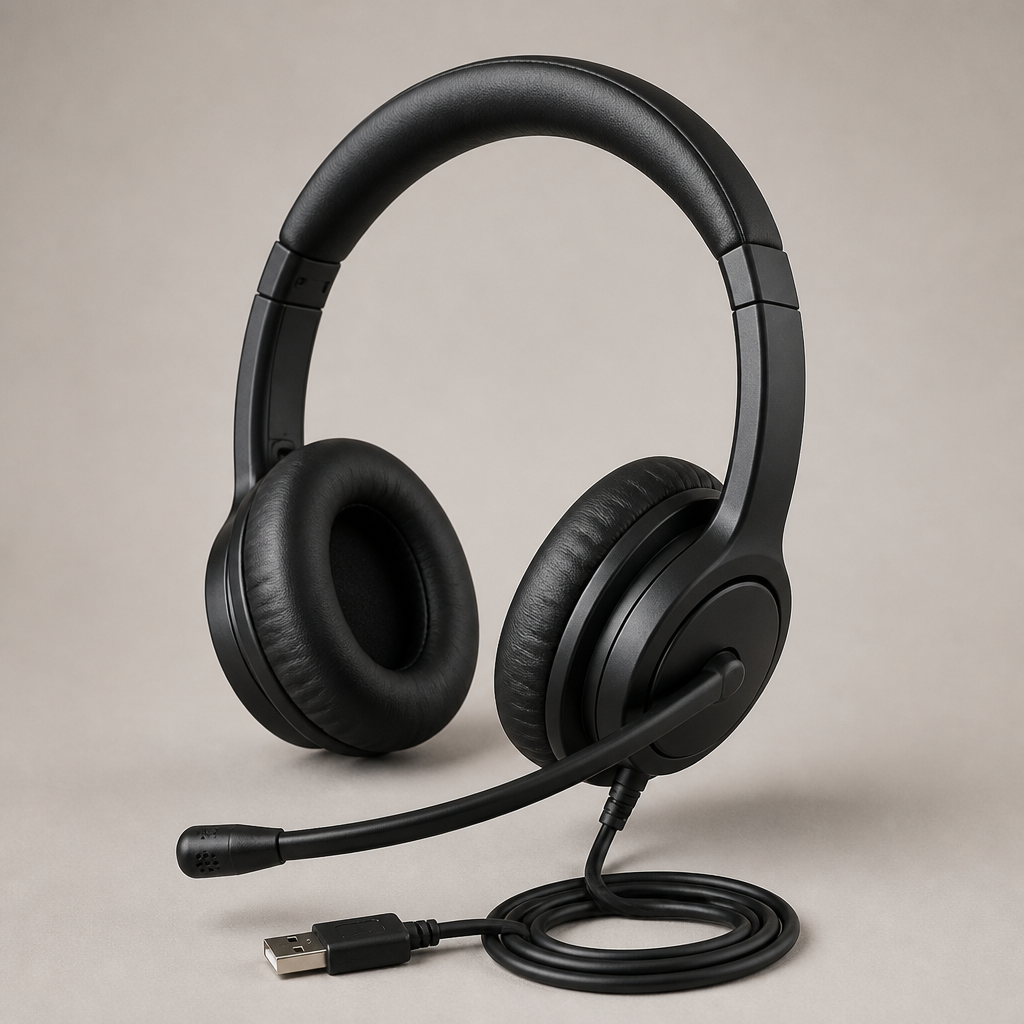
Logitech H390

Logitech H390

USB-A

Reliable, plug-and-play USB-A headset featuring simple inline audio controls, making it easy to deploy rapidly across temporary crew members.

Find for me
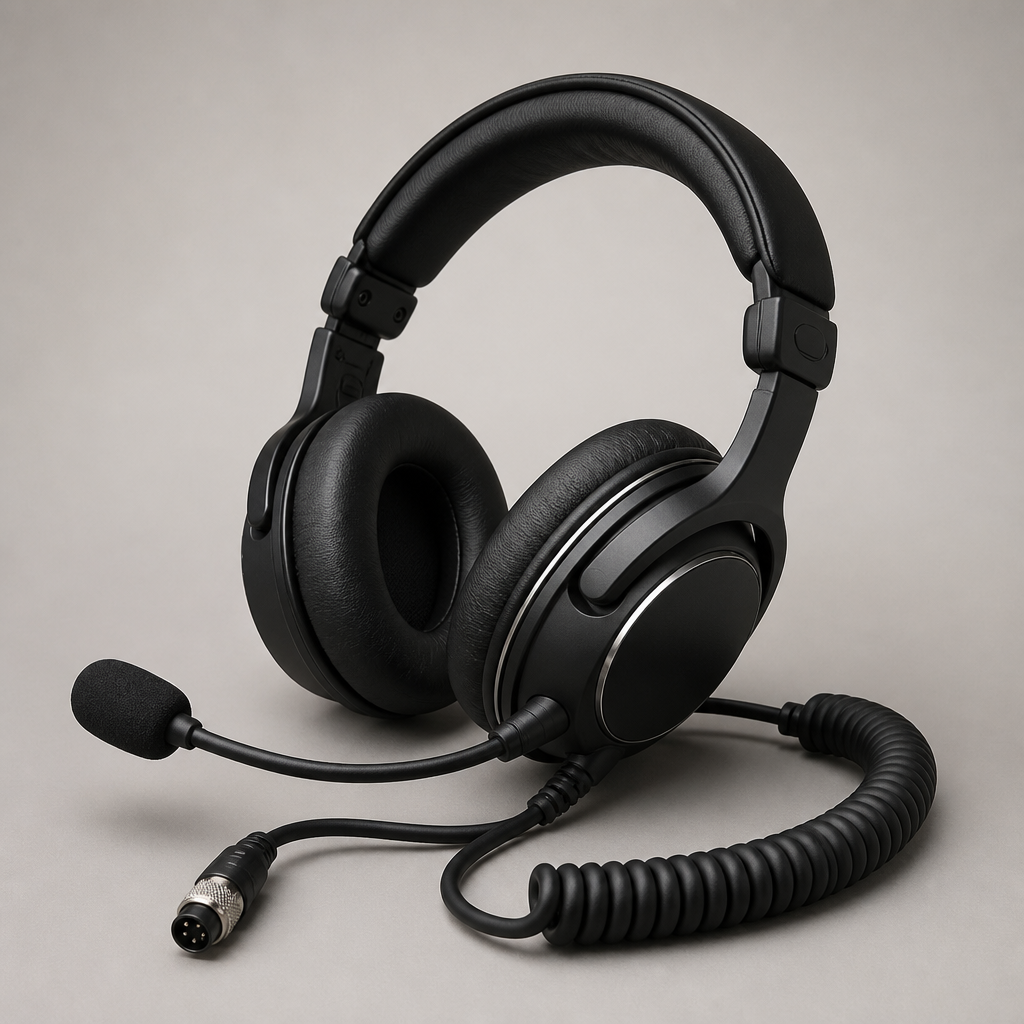
EPOS IMPACT SC 60 USB ML

EPOS IMPACT SC 60 USB ML

USB-A

Lightweight stereo headset delivering focused voice transmission and hearing protection, well suited to active show monitoring.

Find for me
Adattatori e alimentazione

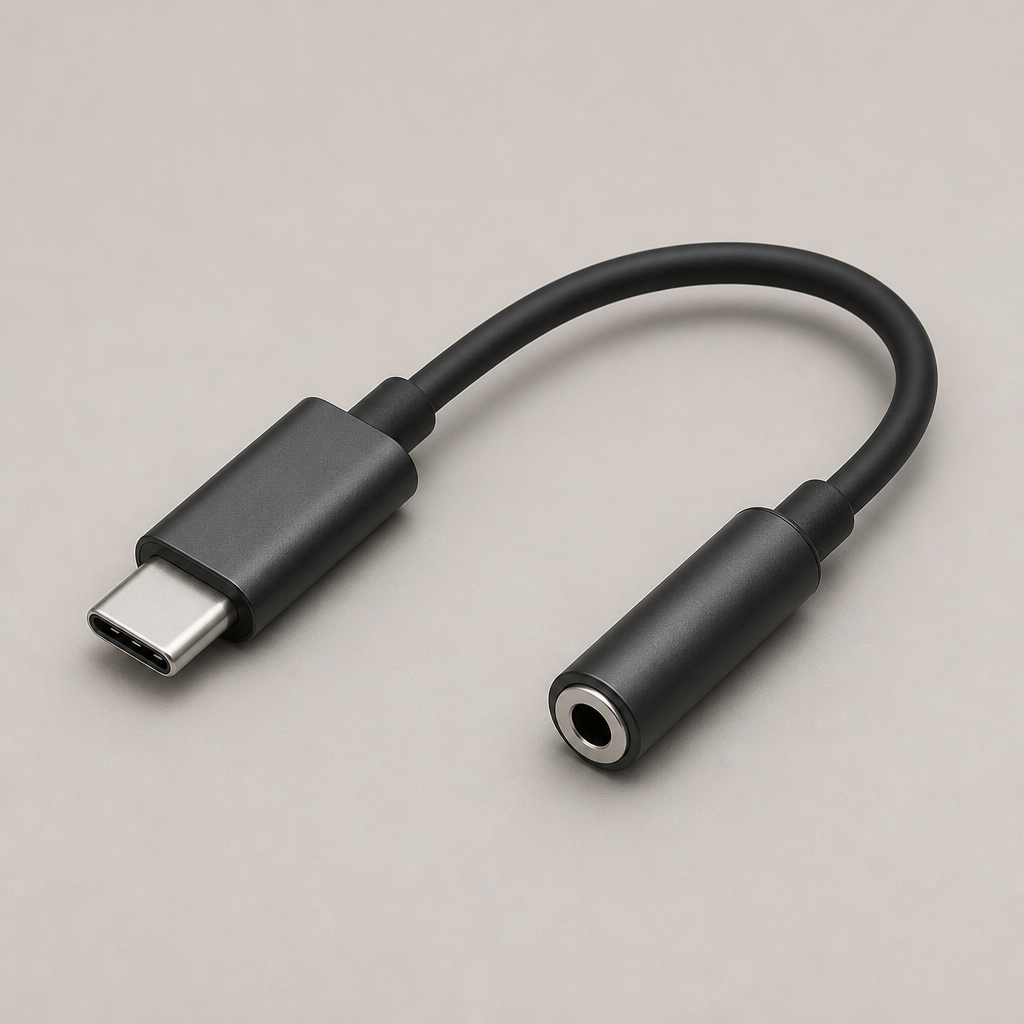
Apple USB-C to 3.5 mm Headphone Jack Adapter
Top recommendation

Adattatore Apple da USB-C a jack per cuffie da 3,5 mm

Adattatore da USB-C a jack audio da 3,5 mm

Low-latency digital audio adapter providing a reliable wired 3.5 mm connection from modern USB-C smartphones and tablets.

Find for me
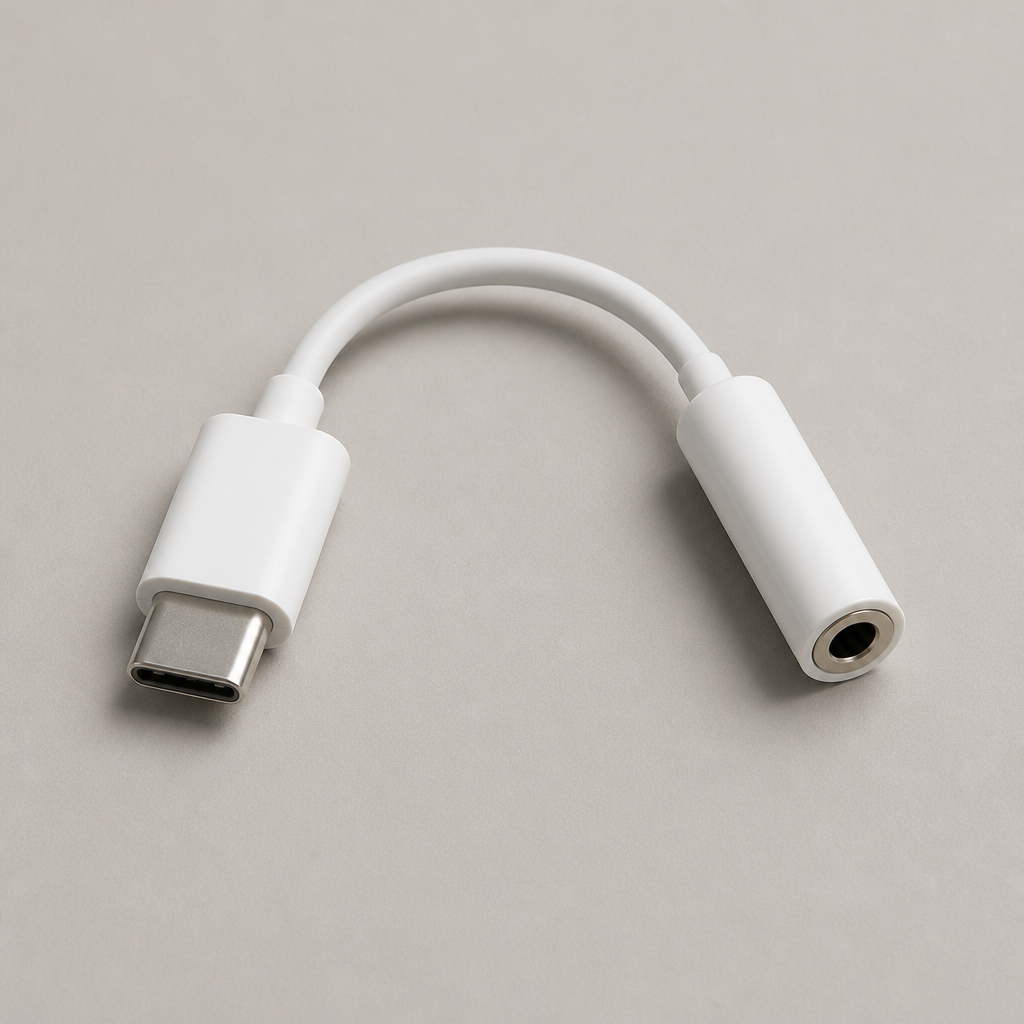
Anker USB-C to 3.5 mm Audio Adapter

Adattatore Anker da USB-C a jack audio da 3,5 mm

Adattatore da USB-C a jack audio da 3,5 mm

Durable braided adapter supporting clean audio transmission, built to withstand daily use during production setup and pack-down.

Find for me
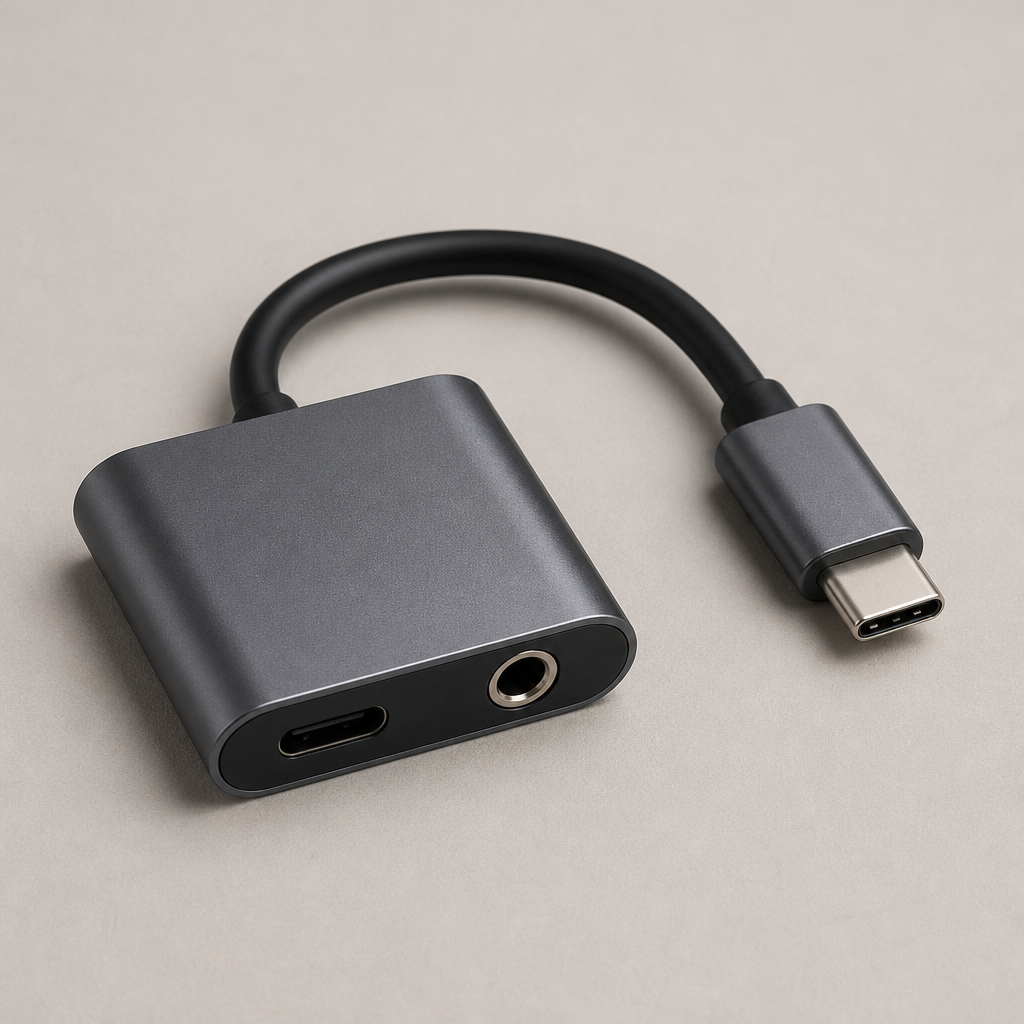
Belkin RockStar 3.5 mm Audio + USB-C Charge Adapter

Adattatore Belkin RockStar con audio da 3,5 mm e ricarica USB-C.

Audio e ricarica tramite USB-C

Dual-port passthrough adapter enabling simultaneous 3.5 mm headset audio and USB-C charging throughout extended production shifts.

Find for me
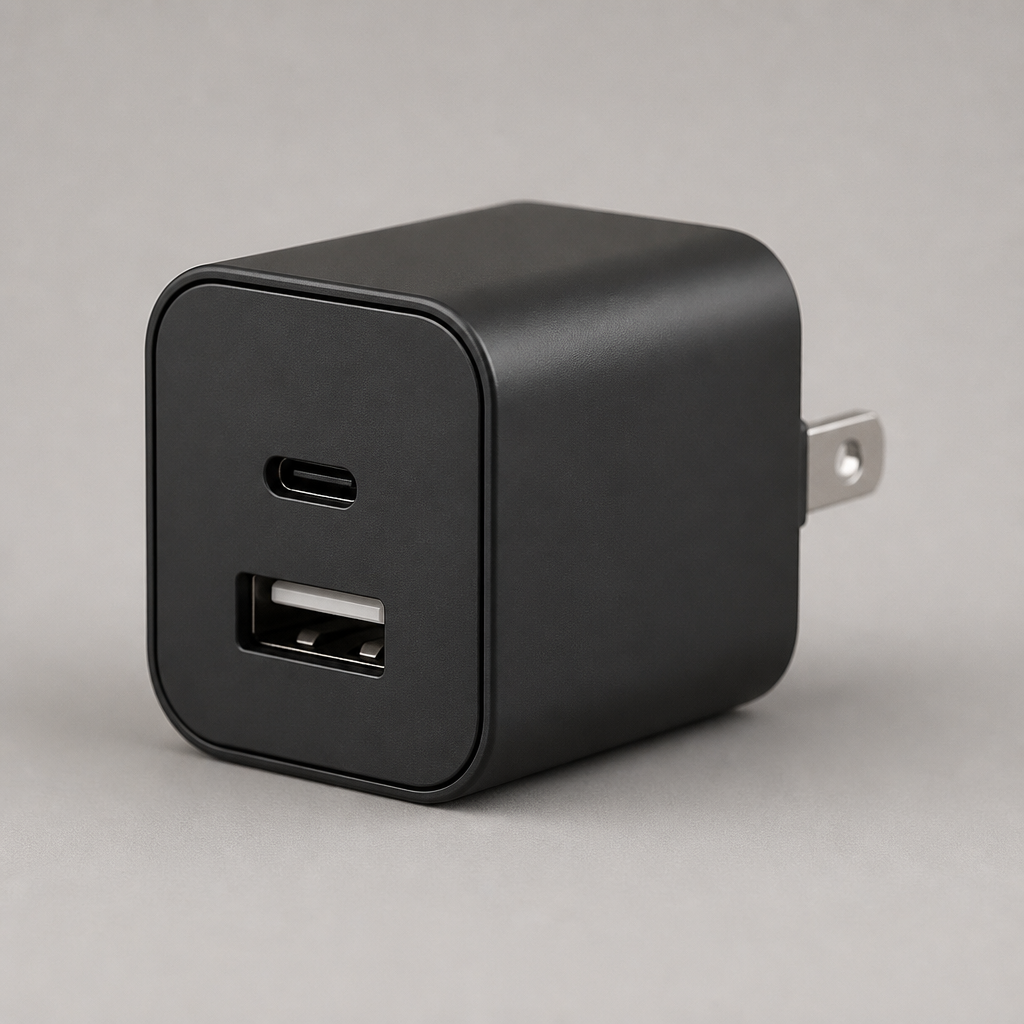
Anker 323 Charger (33W)

Caricabatterie Anker 323 (33W)

Alimentazione tramite USB-C e USB-A

Compact dual-port wall charger with USB-C and USB-A power delivery, keeping team phones and accessories topped up reliably.

Find for me
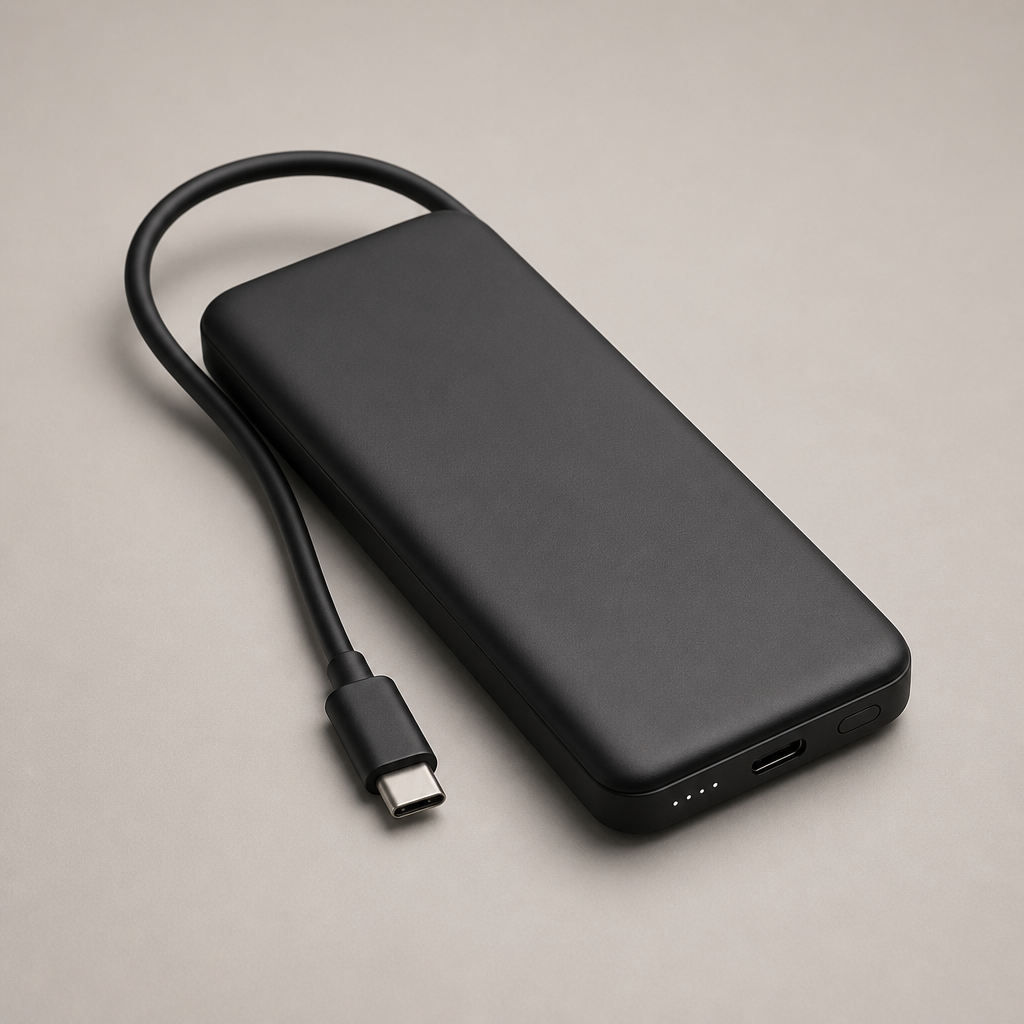
Anker 737 Power Bank

Power bank Anker 737

Power bank USB-C

High-capacity portable battery pack with multi-device fast charging, ensuring comms hardware stays running across full-day events.

Find for me

Scarica BackChat

Scarica gratuitamente