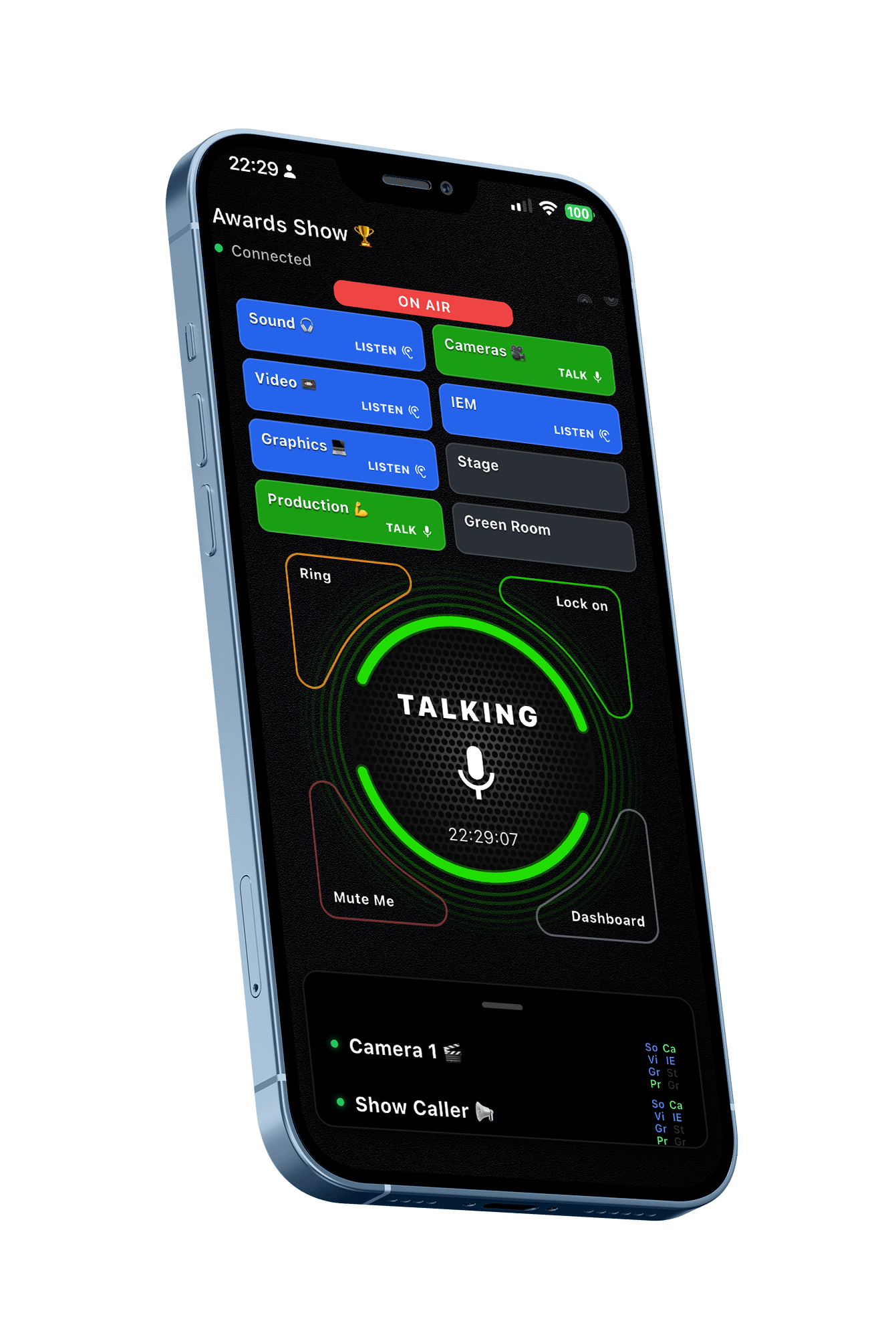
Pulsar para hablar

Como nunca antes lo habías hecho

Descárgalo gratis

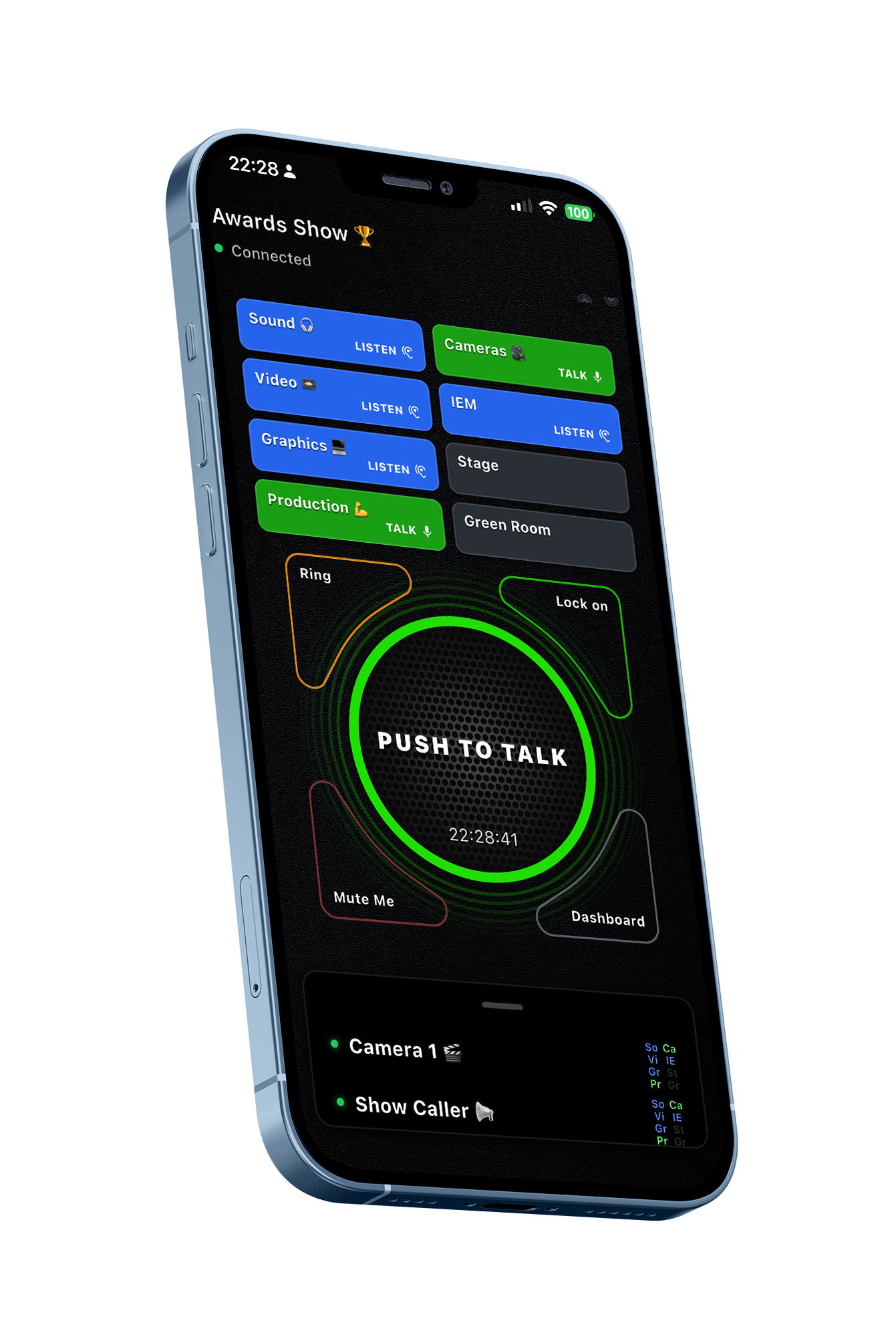
BackChat Push To Talk interface

Pulsar para hablar para equipos profesionales

¿Por qué los equipos eligen BackChat?

BackChat elimina muchas de las frustraciones cotidianas de las comunicaciones tradicionales, al tiempo que proporciona a su equipo mayor flexibilidad, control y privacidad.

Un equipo. Ocho canales dedicados.

Keep all your people in one Team and control the communications by putting specialist teams in their own channels.

Escucha o escucha y habla en tantos canales como necesites.

No se requieren datos personales.

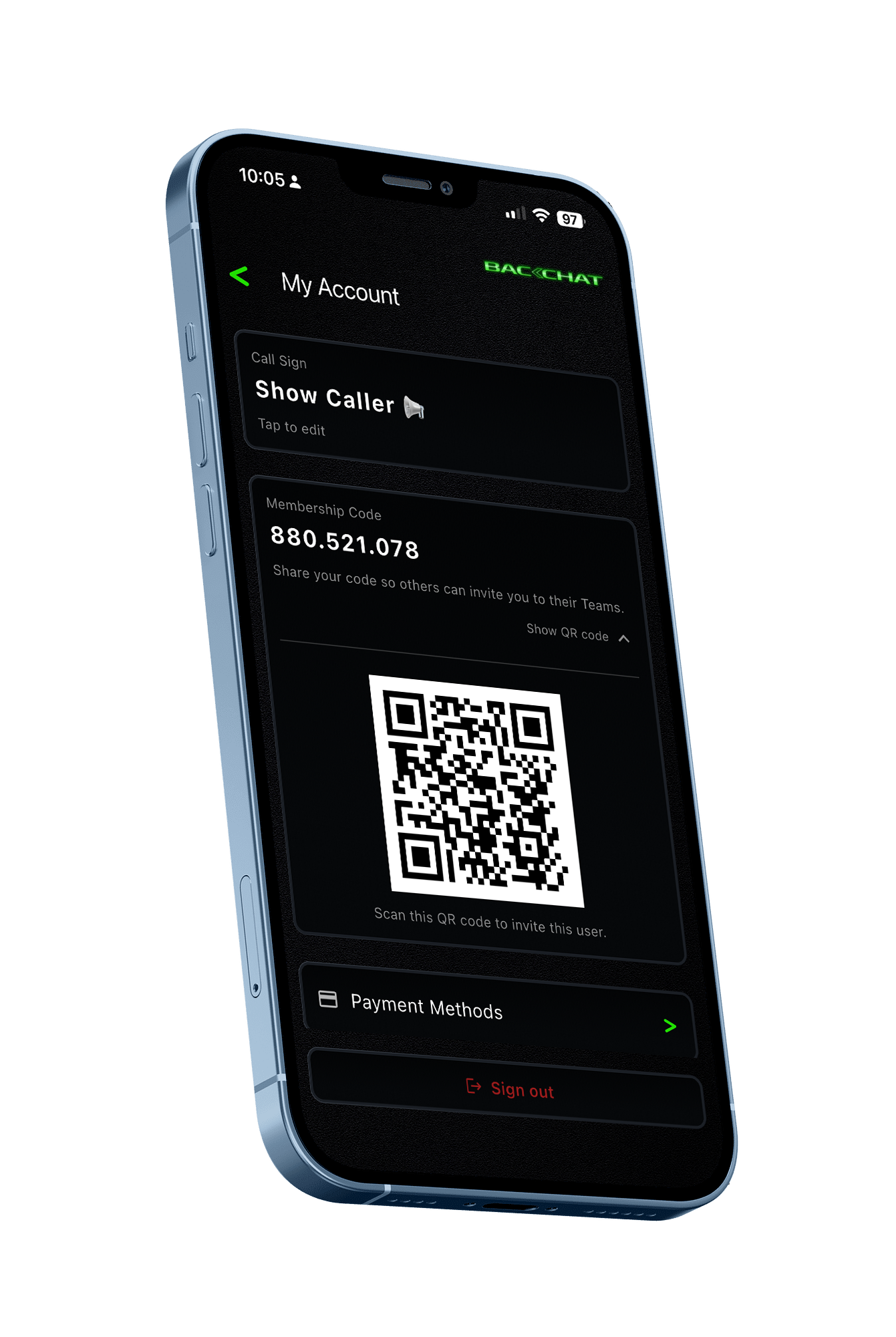
Invite a sus compañeros de forma segura mediante un ID de usuario único o un código QR.

No se comparten números de teléfono. No se comparten direcciones de correo electrónico. No se comparten datos de contacto personales entre los miembros del equipo.

Tu teléfono se convierte en tu dispositivo de comunicación.

No hay radios para distribuir. No hay estaciones de carga. No faltan paquetes de comunicaciones. No hay transmisores inalámbricos. No hay asignación de auriculares.

Tu tripulación ya lleva el dispositivo que necesita.

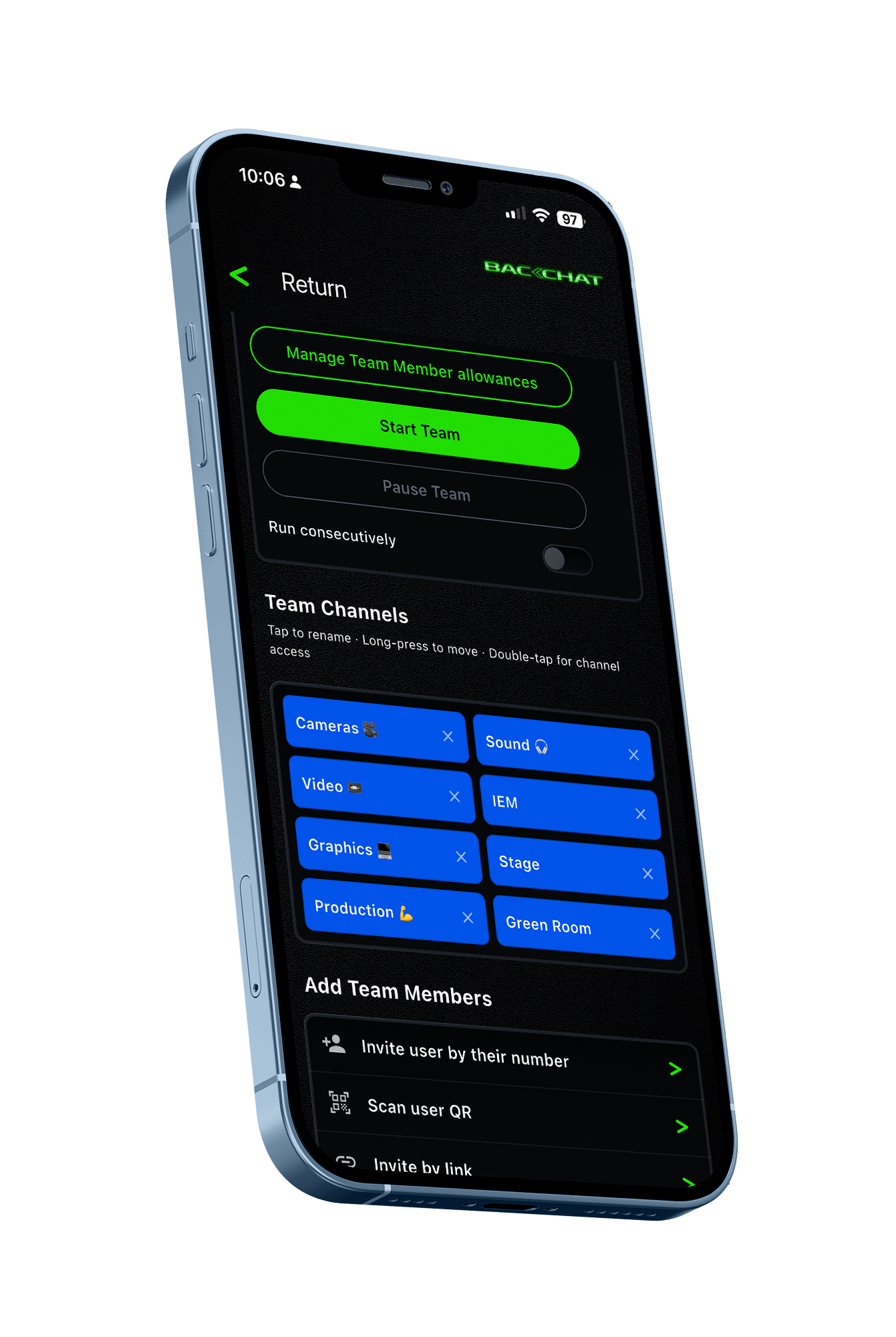
BackChat Team Setup screen BackChat Invite by QR code screen

Mayor libertad que las radios tradicionales.

BackChat funciona mediante Wi-Fi, datos móviles o ambos.

La comunicación ya no está limitada por el alcance de la radio convencional y puede extenderse dondequiera que exista conectividad de red adecuada.

Utiliza los auriculares en los que ya confías.

Los miembros de la tripulación utilizan sus propios auriculares, ya sean con cable o inalámbricos.

Mayor comodidad. Mejor higiene. Sin auriculares compartidos.

Estaremos hablando en minutos.

Crea un equipo. Invita a tu equipo. Empieza a comunicarte.

Gestión de equipos

Crea y nombra tus propios equipos. Controla quién se une. Gestiona el acceso. Mantén el control total de tus comunicaciones.

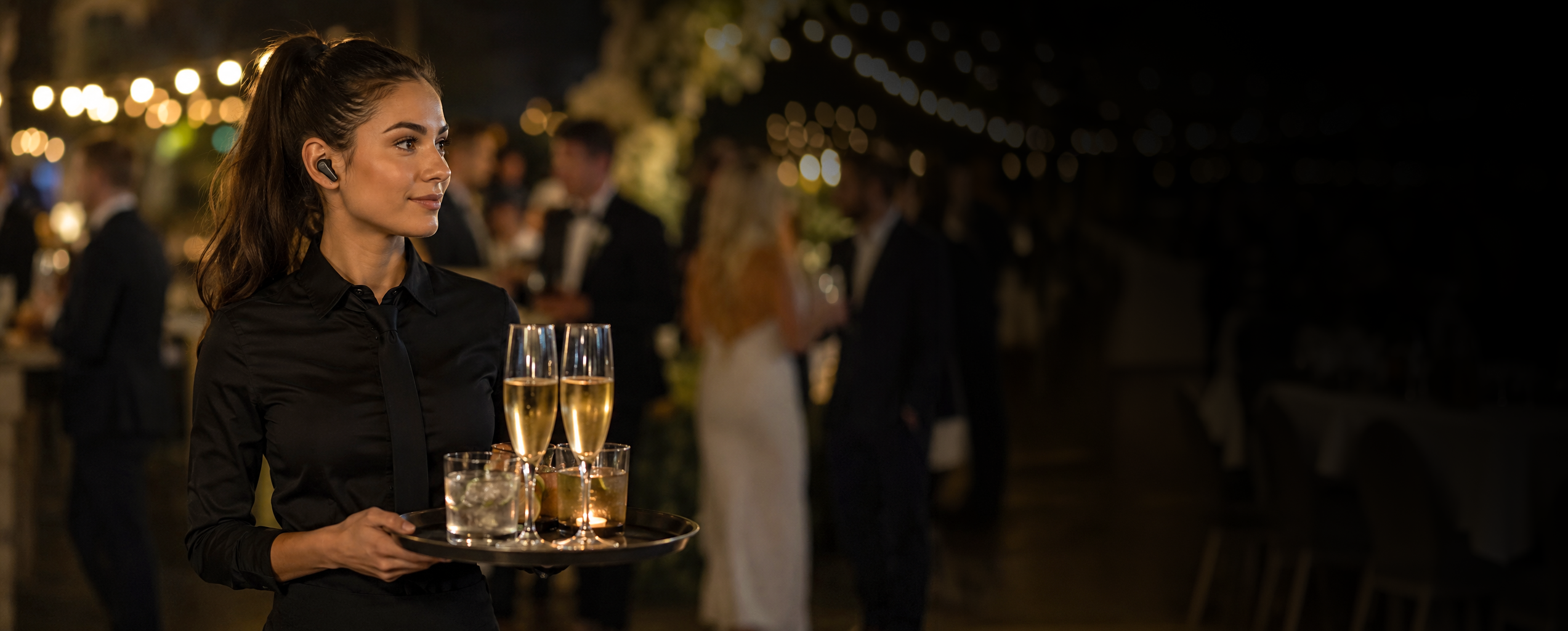
Catering team member wearing a discreet BackChat earbud

¿Para quién es BackChat?

Ideal para equipos profesionales temporales que necesitan comunicarse o sincronizarse entre sí.
  • Servicios de catering y hostelería
  • Personal del teatro
  • Seguridad
  • Cine y televisión
  • Eventos corporativos
  • Equipos de eventos deportivos
  • Administración
  • promociones de centros comerciales
  • Equipos de voluntarios

Un estándar de confianza en la industria.

Desde 1975, RTS ha contribuido a la realización de algunas de las mayores producciones en directo del mundo.

Hemos confiado en ello y seguimos respetando lo que aporta a nuestra industria.

La tecnología continúa evolucionando.

Hoy en día existen situaciones en las que una plataforma de comunicaciones basada en software puede ofrecer ventajas que los sistemas de radio tradicionales simplemente no fueron diseñados para proporcionar.

Si estás planificando tu próxima producción, quizás valga la pena comparar ambas opciones.

See how Backchat compares

Comparación de BackChat y RTS
Punto de comparaciónRTSBackchat
Invitación mediante código QR

RTS

No es necesario

Backchat

Sí
Invita al instante mediante un ID único o un código QR.
Datos personales protegidos

RTS

No es necesario

Backchat

Sí
No se compartieron números de teléfono ni direcciones de correo electrónico.
Dispositivo de tripulación

RTS

Cinturón portaplacas o hardware específico

Backchat

Sí
Utiliza el dispositivo propio del miembro del equipo.
Auriculares

RTS

Equipos asignados o compartidos

Backchat

Sí
Utilice sus propios auriculares con cable o inalámbricos.
Canales

RTS

La configuración depende del sistema.

Backchat

Sí
Hasta 8 canales dedicados en un equipo.
Escucha y habla

RTS

Configurado a través del sistema de comunicaciones

Backchat

Sí
Escucha o escucha y habla en varios canales al instante.
Alcance / conectividad

RTS

Sí
Cable / Amplificador

Backchat

Sí
Internet: Wi-Fi y datos móviles
Configuración del equipo

RTS

Configuración técnica y de hardware

Backchat

Sí
Crea un equipo en minutos
Agregar miembros al equipo

RTS

El equipo debe ser asignado y configurado.

Backchat

Sí
Regístrate usando un ID único o un código QR.
Hardware dedicado

RTS

Sí
Estaciones base, petacas, antenas y cableado

Backchat

No se requiere hardware de comunicaciones dedicado, solo el dispositivo del usuario.
Asignación de equipos

RTS

Los paquetes de comunicaciones y los accesorios deben distribuirse.

Backchat

Sí
La tripulación ya lleva el dispositivo que necesita.
Ampliación del equipo

RTS

Los usuarios adicionales pueden requerir equipo adicional.

Backchat

Sí
Agregue usuarios autorizados sin necesidad de adquirir más hardware.
Soporte de idiomas

RTS

Depende de la interfaz del equipo.

Backchat

Sí
Experiencia de aplicación multilingüe
Control del equipo

RTS

Gestionado a través del sistema de comunicaciones instalado.

Backchat

Sí
Nombra equipos, controla el acceso y gestiona a los miembros.
Fácil de guardar

RTS

No
No

Backchat

Sí
Sí 😊

¿Por qué usar BackChat?

Precios sencillos

Comunicaciones profesionales sin el coste ni la complejidad de los sistemas tradicionales.

Cómo funciona

  1. Instala BackChat en tu teléfono.
  2. Crea tu cuenta gratuita e inicia sesión.
  3. Opcional: Visita la configuración de tu cuenta y elige tu indicativo de llamada. Este es tu nombre visible. Puedes cambiarlo cuando quieras.

Eso es todo. Ya puedes usar BackChat.

Cuéntame más

Hay dos maneras de usar BackChat.

Miembro del equipo

Únete a un equipo al que hayas sido invitado y comunícate mediante la función "Pulsar para hablar".

Unirse a un equipo para conversar es gratis.

Organizador

Crea y nombra tu equipo, invita a los miembros y controla quién tiene acceso.

Invita a las personas utilizando su identificación única o escaneando su código QR.

Agregar personas a tu lista de equipo no tiene costo.

Solo se le cobrará cuando:

  • El equipo está activo; y
  • Un miembro del equipo se une a la sesión de Push To Talk.

Reservando tu equipo

Cuando estés listo, reserva tu equipo.

La reserva preautoriza el pago en función de la capacidad de equipos y miembros del equipo que usted configure.

Cada sesión de equipo dura 24 horas.

Durante tu sesión de equipo

  • Los miembros del equipo pueden unirse, abandonar el equipo y volver a unirse tantas veces como deseen.
  • Puedes configurar sesiones de equipo adicionales para que comiencen consecutivamente, o iniciarlas manualmente cuando estés listo.

Después de tu equipo

  • Se envía un recibo detallado por correo electrónico al organizador.
  • El registro de facturación permanece disponible dentro de la aplicación BackChat.

1 sesión de equipo de 24 horas cuesta solo £4.50 por cada miembro del equipo que se incorpore.

Cosas útiles que encontramos

Auriculares inalámbricos

New Bee M53
Top recommendation

New Bee M53

Bluetooth

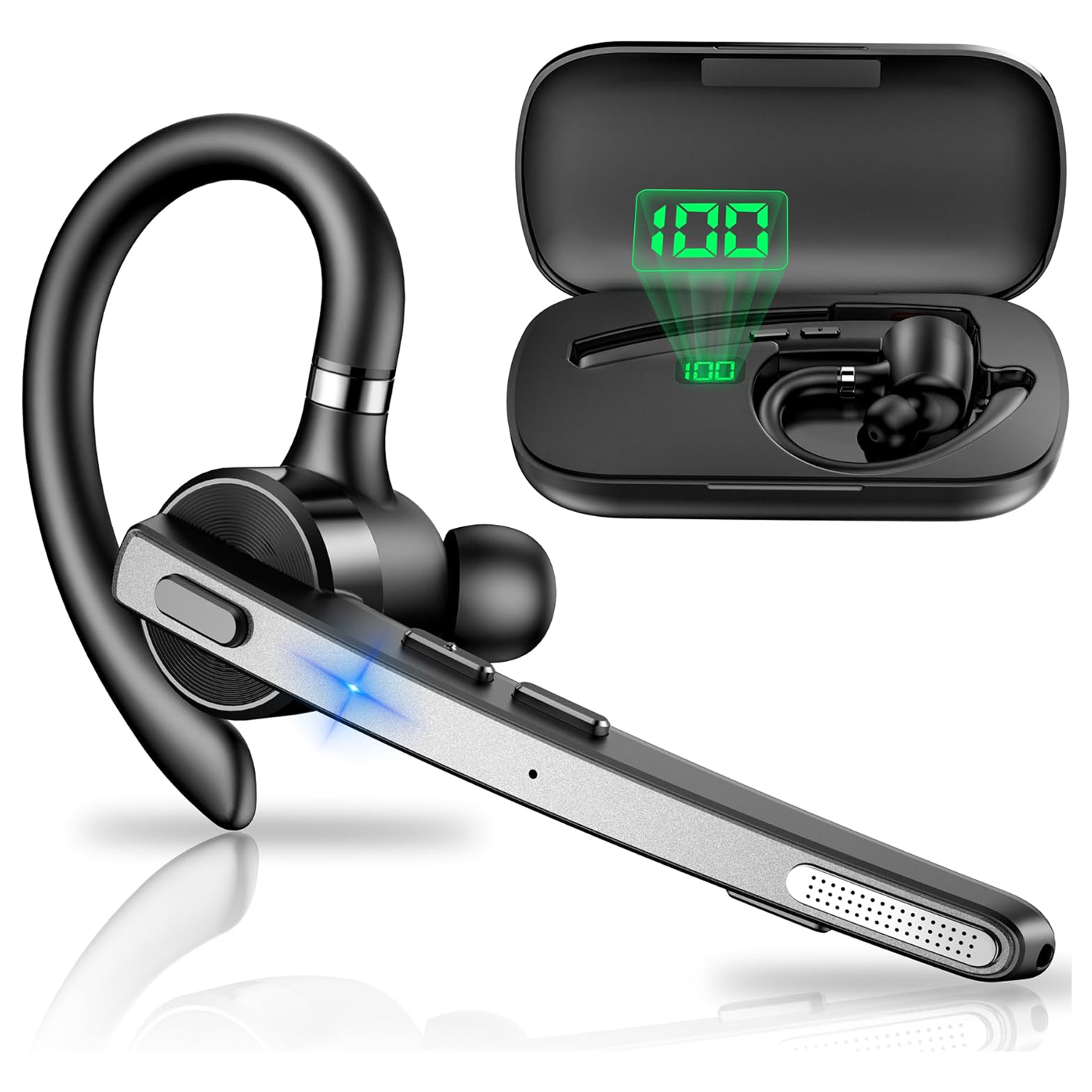
We actually bought the New Bee M53, tested it ourselves and liked it enough that we're now using it. It's extremely lightweight and comfortable. After a while I barely notice I'm wearing it. The earpiece is loud and very clear, the microphone is sensitive, and overall I've been really pleased with the quality and functionality. The M53 uses ENC (Environmental Noise Cancellation) rather than ANC. ANC reduces the background noise you hear, whereas ENC works at the microphone end, reducing environmental noise in the audio other people hear from you. For a communications headset, that's arguably the more important job. Interestingly, the M53 has also been designed for use with compatible Bluetooth walkie-talkies, which makes it particularly appropriate for the BackChat environment. At the time of writing, it has a 4.4-star rating from 2,447 Amazon reviews, costs under £25 per unit and comes with its own charging case. For that price, we've been genuinely impressed. We've bought it. We've tested it. We use it. And we like it.

Find for me
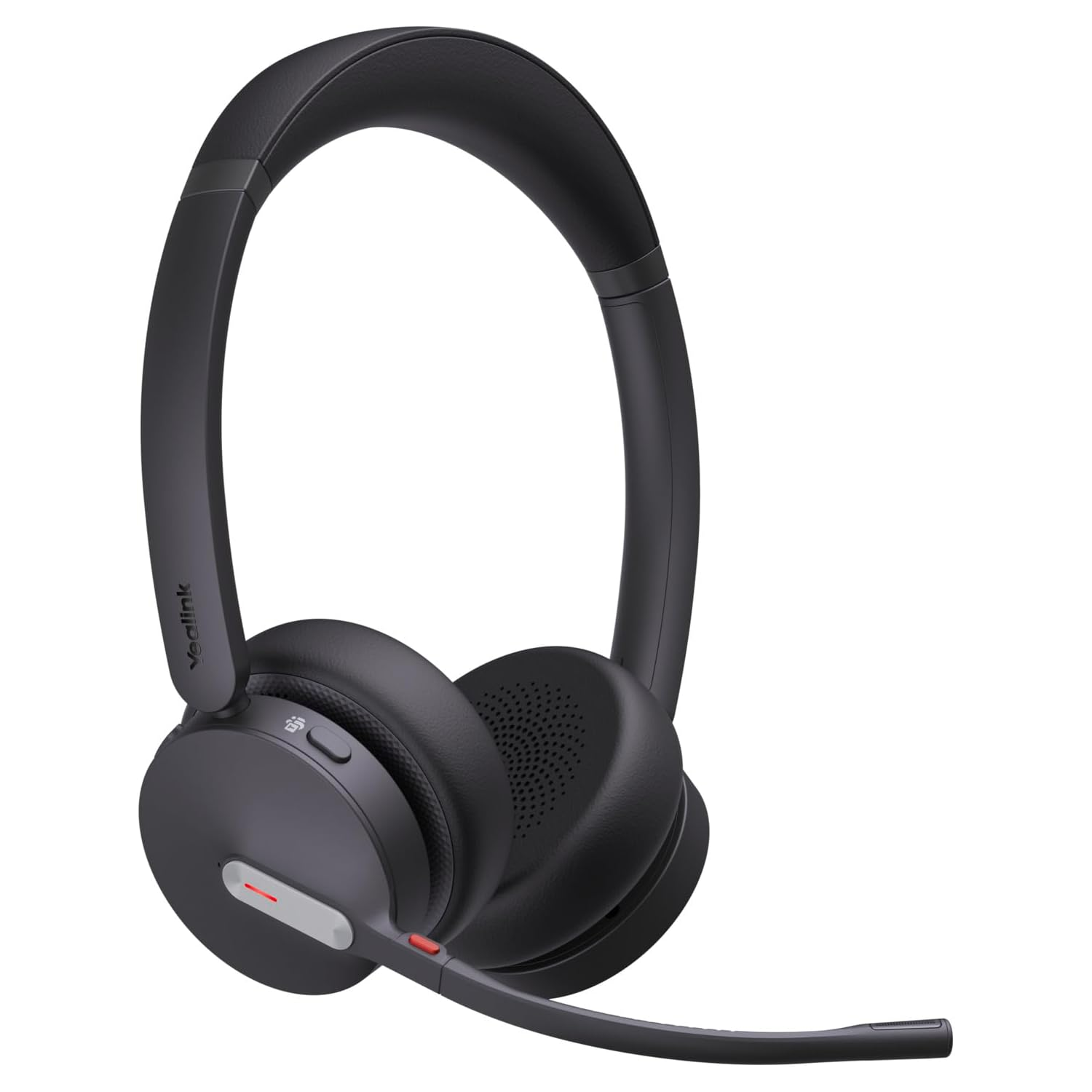
Yealink BH70

Yealink BH70

Bluetooth

The Yealink BH70 is a lightweight Bluetooth headset with a 35mm speaker and a three-microphone noise-cancelling system designed to reduce surrounding noise before your voice is transmitted, potentially useful in busy Backchat environments. Yealink quotes up to 35 hours of talk time, with up to 22 days standby. It looks like an interesting professional option for Backchat where comfort, clear voice transmission and long operating time are important.

Find for me
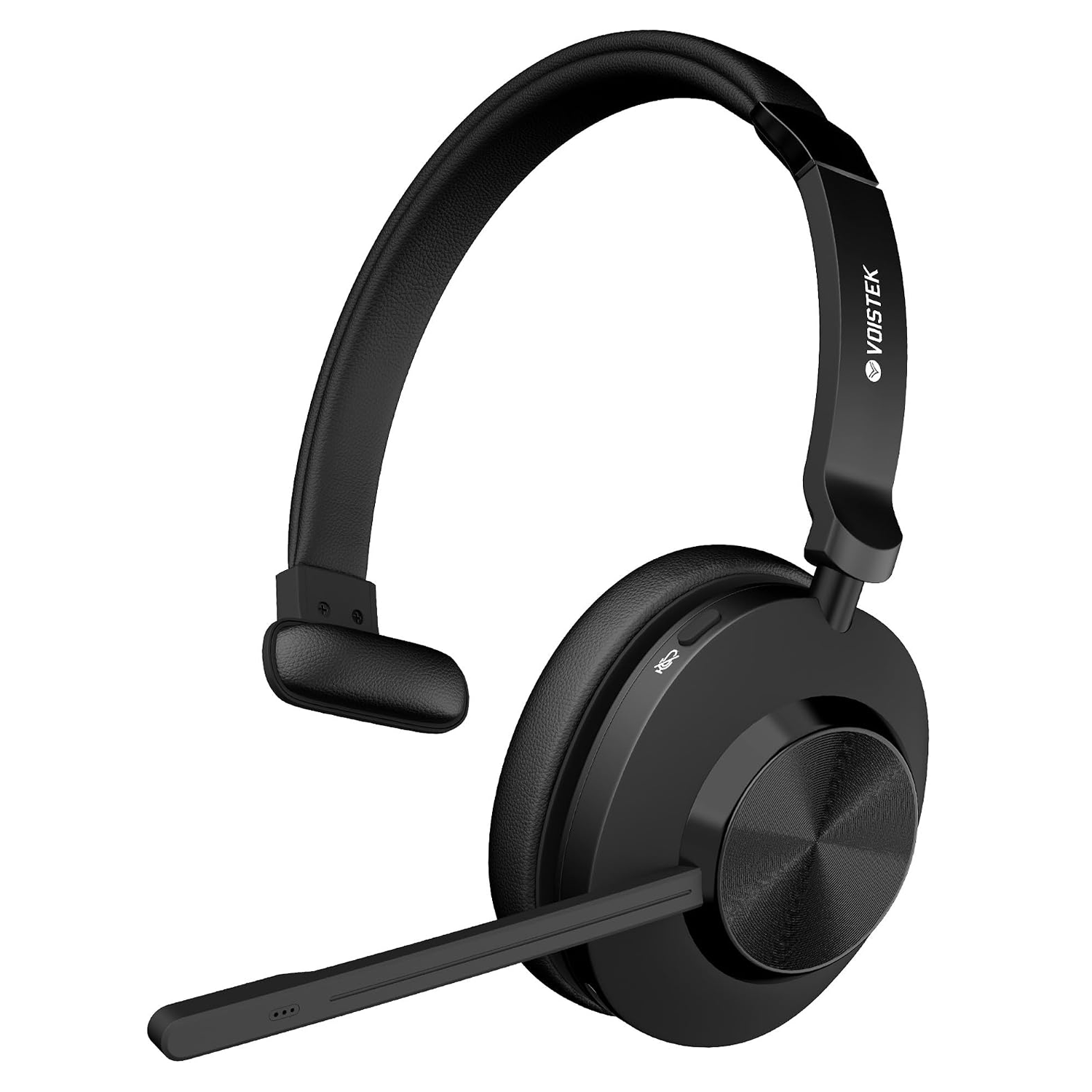
Voistek Mono Headset

Voistek Mono Headset

Bluetooth and USB Bluetooth adapter

The Voistek is a lightweight, single-ear Bluetooth headset with an adjustable boom microphone, designed to keep one ear free so you can remain aware of what is happening around you. The microphone incorporates noise-cancelling technology intended to reduce surrounding background noise before your voice is transmitted, potentially useful when using BackChat in busy event environments. With wireless Bluetooth connectivity, onboard controls and a compact single-ear design, it looks like an interesting option for BackChat users who want a dedicated communications headset without being completely isolated from their surroundings. We haven't tested this one ourselves, so for now it's simply something we found that looks worth investigating.

Find for me
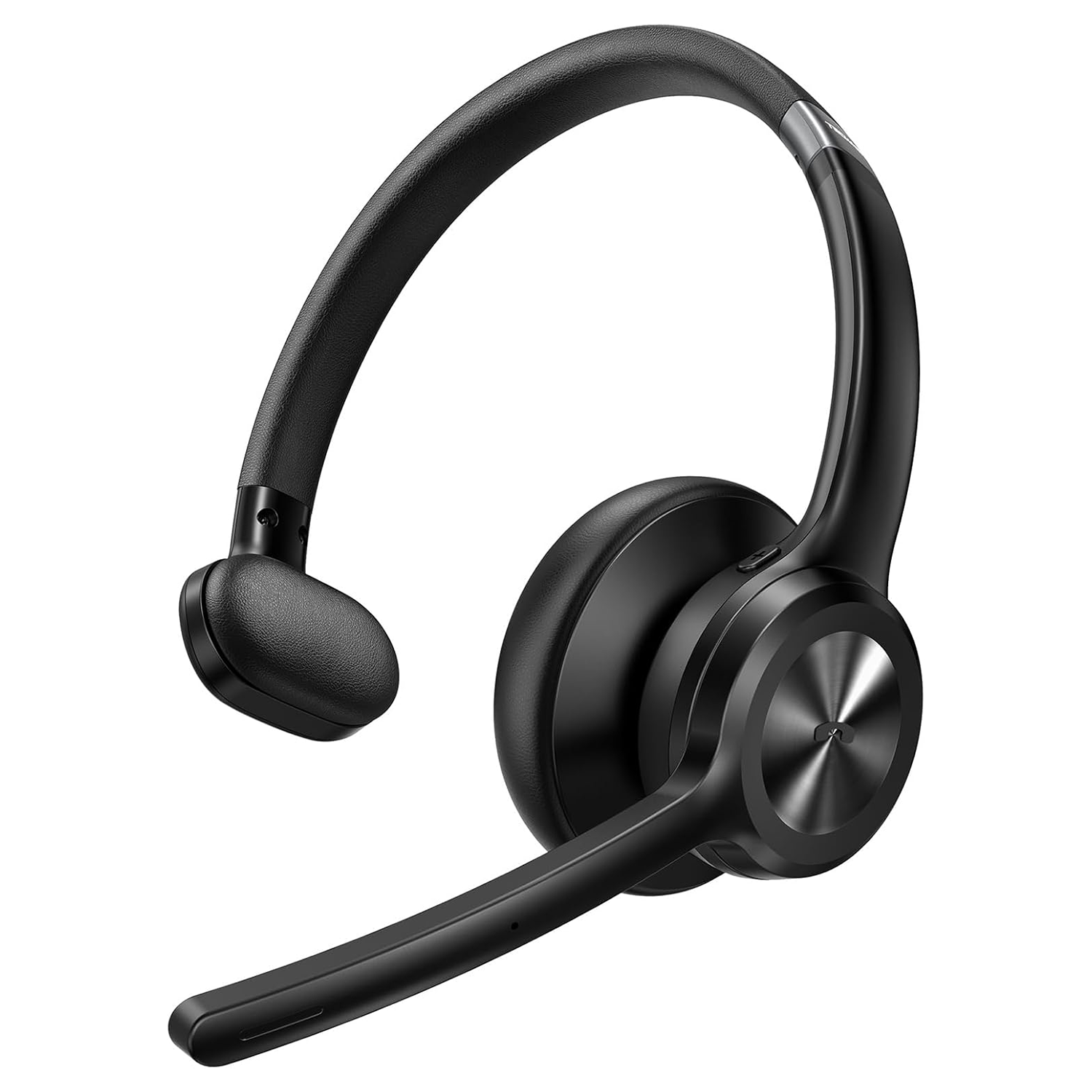
TECKNET Bluetooth Headset

TECKNET Bluetooth Headset

Bluetooth

We actually bought the TECKNET TK-HS017 and tested it. First impressions are good. It looks well made, it's lightweight and comfortable to wear, and the microphone performed perfectly well in our testing. It also incorporates noise reduction at the microphone to help reduce background noise being transmitted to other users. Unfortunately, we weren't nearly as impressed with the earpiece. We found the audio quite thin and tinny, lacking the depth and bass that makes voices easy and comfortable to listen to. At times, speech had something of an old telephone quality to it. It's also an on-ear, single-ear headset rather than an over-ear design. That may be exactly what some users want, particularly if they need to remain aware of their surroundings, but in a noisy event environment it provides very little isolation from the noise around you. It's comfortable, the microphone is good and it looks the part, but for Backchat we think the quality of what you hear is ultimately more important. Our rating: 3 out of 5.

Find for me
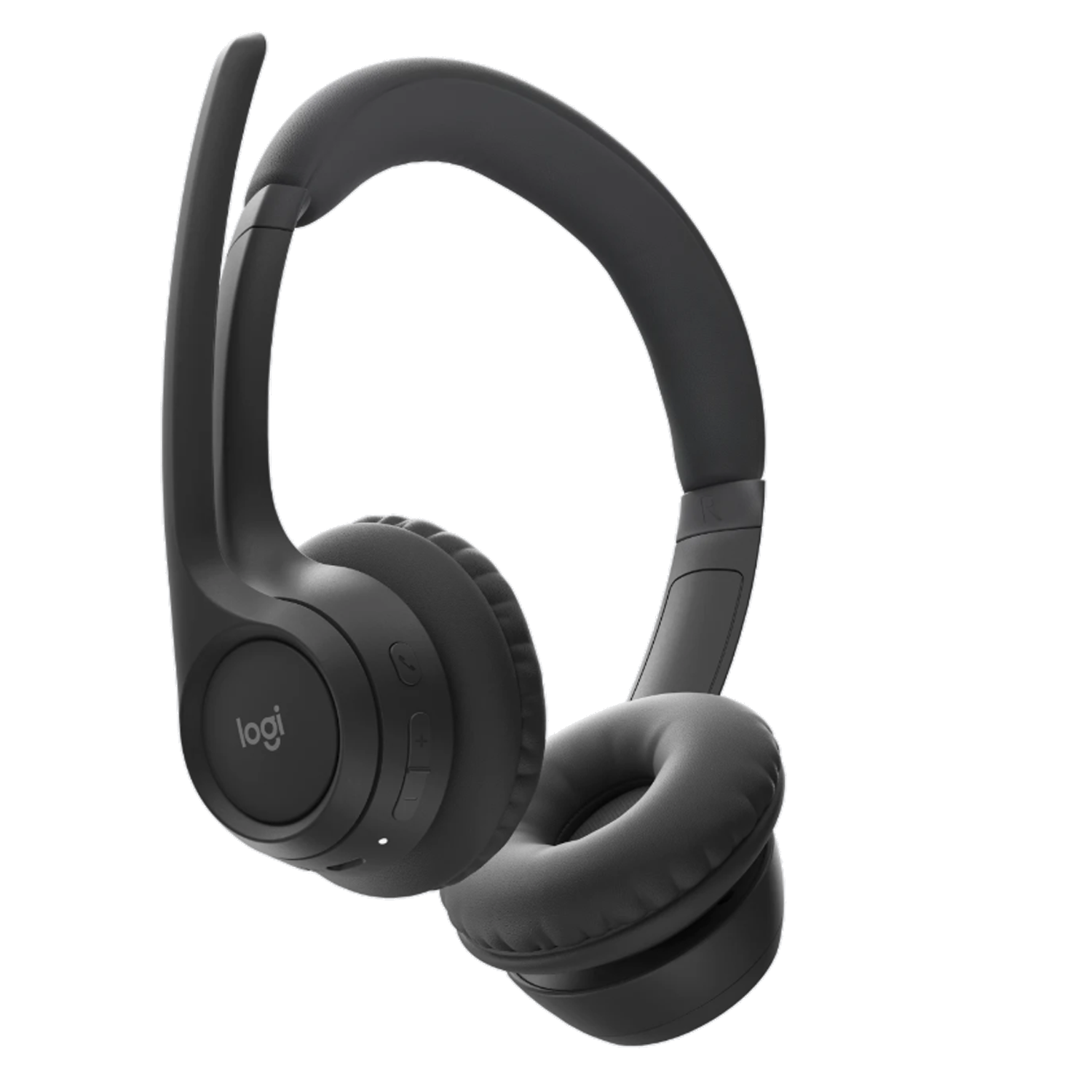
Logi Zone 300

Logi Zone 300

Bluetooth

The Logitech Zone 300 is a lightweight Bluetooth headset weighing just 122g, with padded on-ear earpieces and dual beamforming microphones. Logitech's noise-reduction processing is designed to reduce background sound before your voice is transmitted, particularly useful with Backchat in noisy event environments. The microphone boom also flips up to mute. Logitech quotes up to 16 hours of talk time, with a five-minute quick charge providing another hour. Its lightweight design, noise-reducing microphones and useful mute function make it a straightforward option for anyone looking for a comfortable headset for Backchat.

Find for me
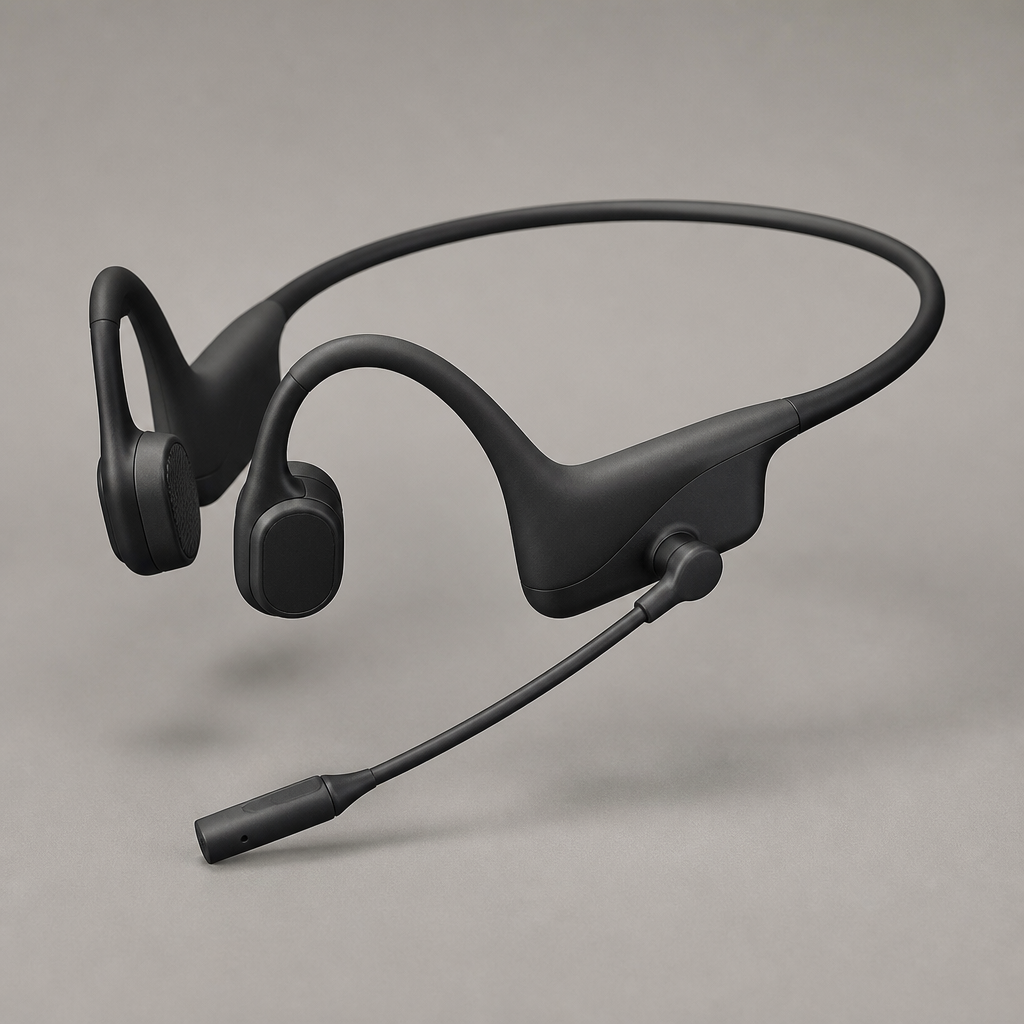
Shokz OpenComm2 UC

Shokz OpenComm2 UC

Bluetooth con adaptador USB

Open-ear bone conduction headset with an adjustable boom mic, allowing operators to hear both team audio and immediate surroundings safely.

Find for me
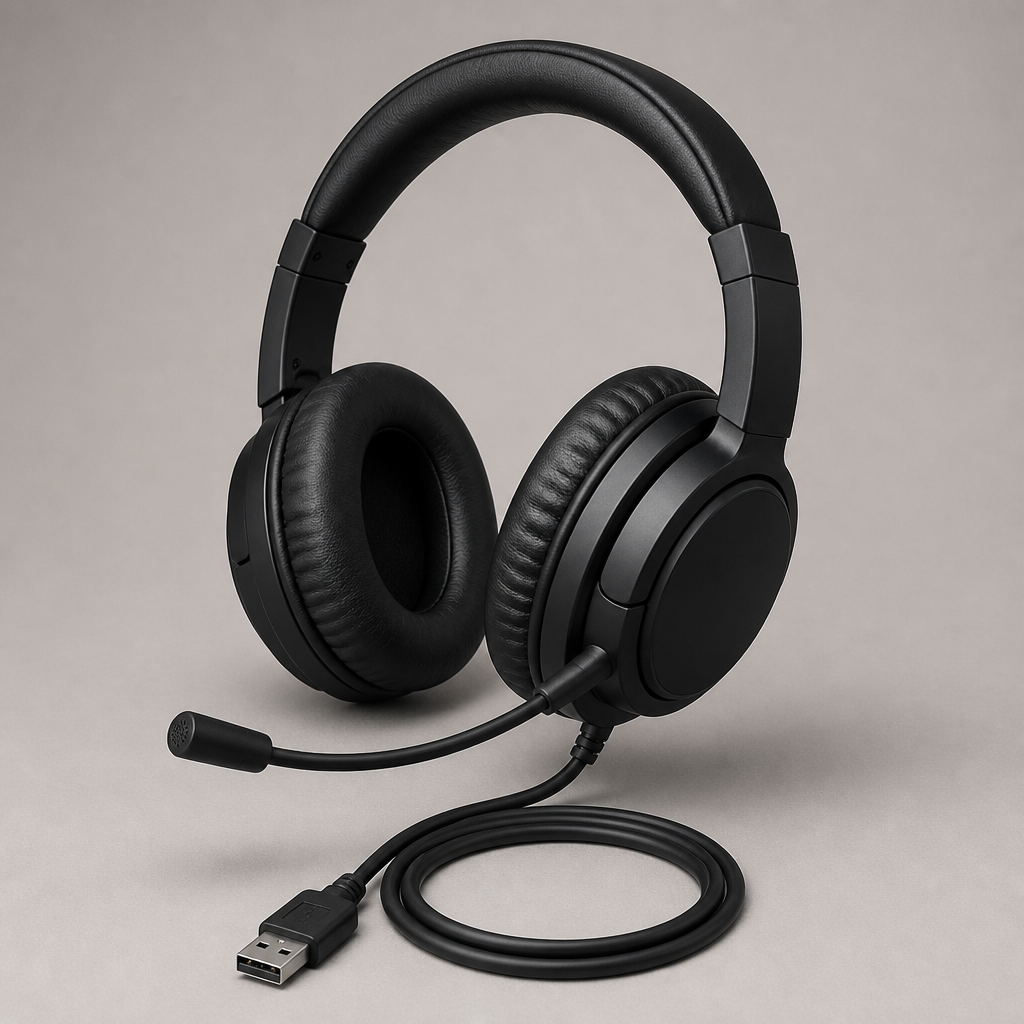
Auriculares con cable

Jabra Evolve 20 MS Stereo
Top recommendation

Jabra Evolve 20 MS Estéreo

USB-A - A professional, corded on-ear binaural headset optimized for Microsoft Teams and unified communications

Direct USB-A plug-and-play headset designed for all-day voice clarity. Features inline volume and mute controls with passive noise reduction for busy production comms.

Find for me
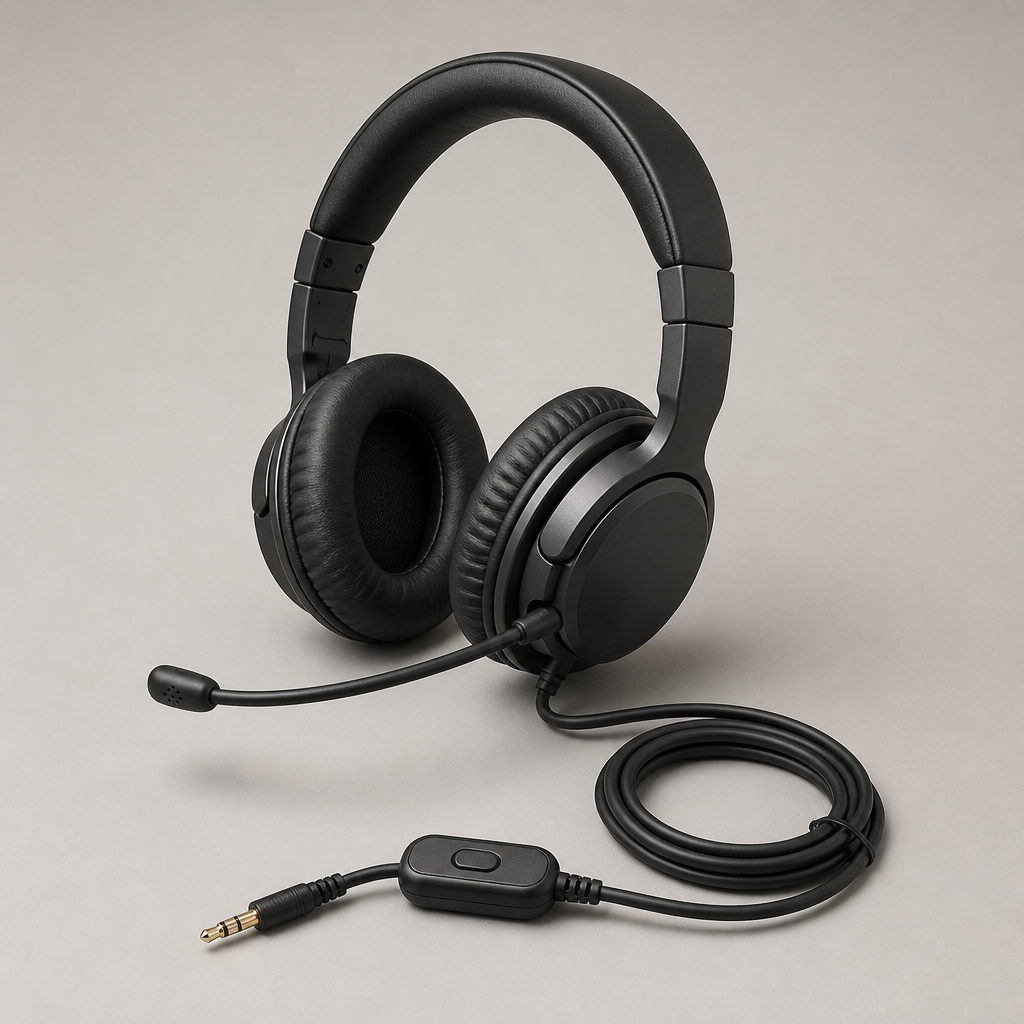
Jabra Evolve 40 UC Stereo

Jabra Evolve 40 UC estéreo

3,5 mm y USB

Dual 3.5 mm and USB connectivity with an integrated busy-light indicator and cushioned ear cups for comfortable monitoring across long production calls.

Find for me
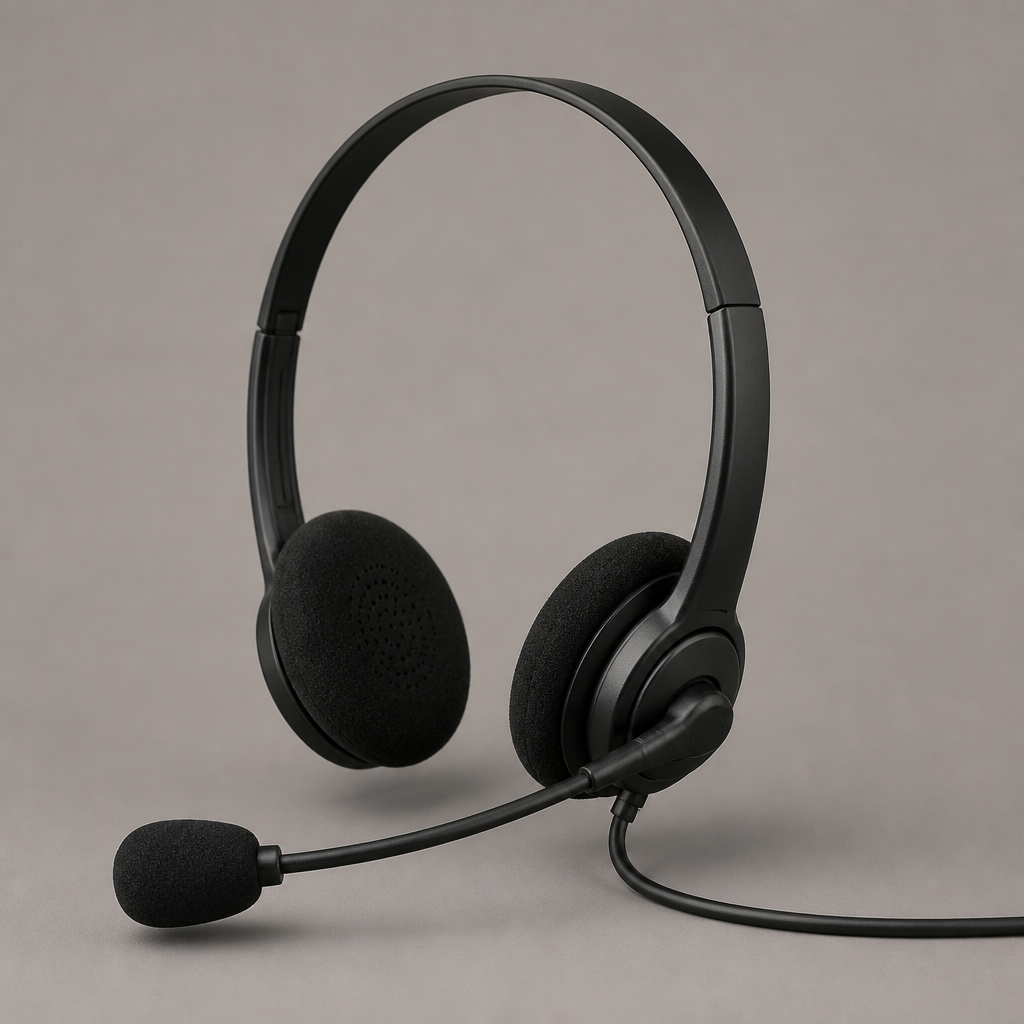
Poly Blackwire 5220

Poly Blackwire 5220

3,5 mm y USB-A

Flexible 3.5 mm and USB-A headset with dynamic EQ and a noise-cancelling microphone boom built for clear speech in noisy event environments.

Find for me
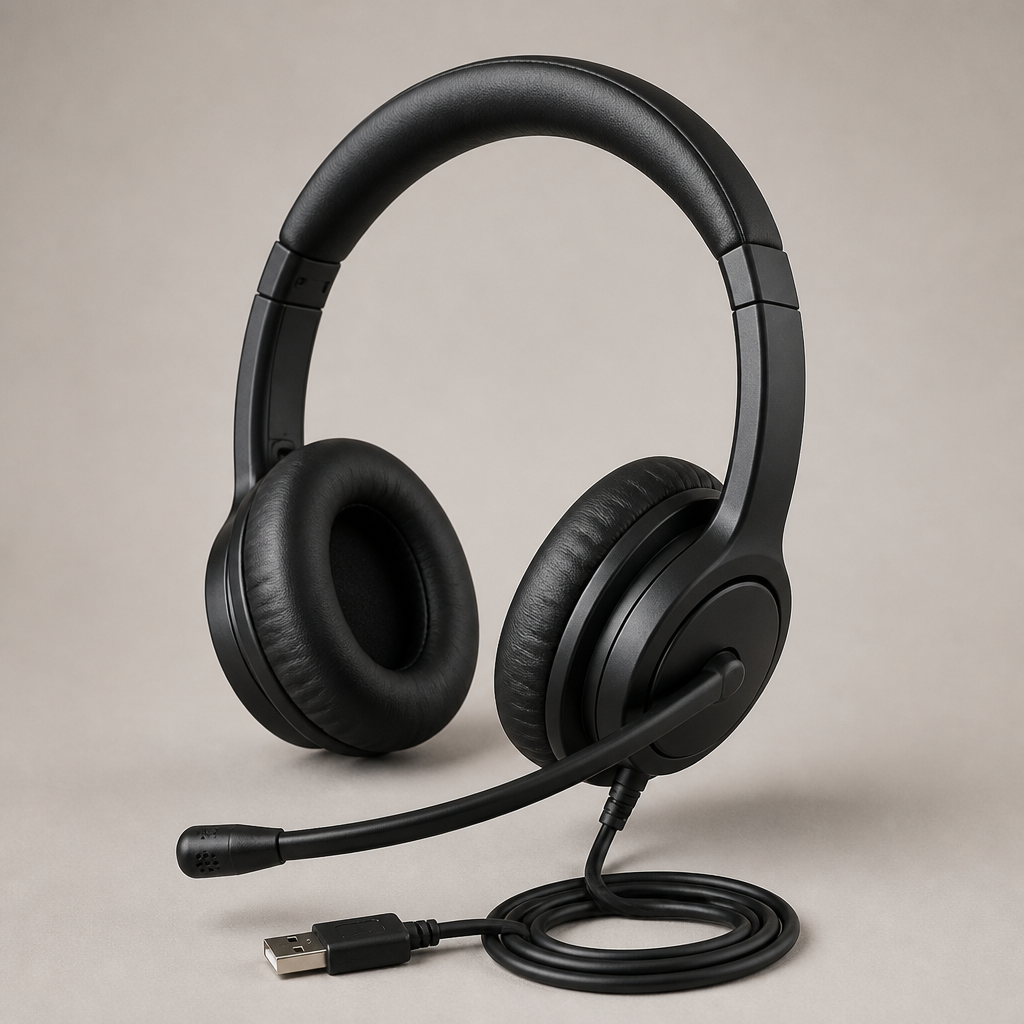
Logitech H390

Logitech H390

USB-A

Reliable, plug-and-play USB-A headset featuring simple inline audio controls, making it easy to deploy rapidly across temporary crew members.

Find for me
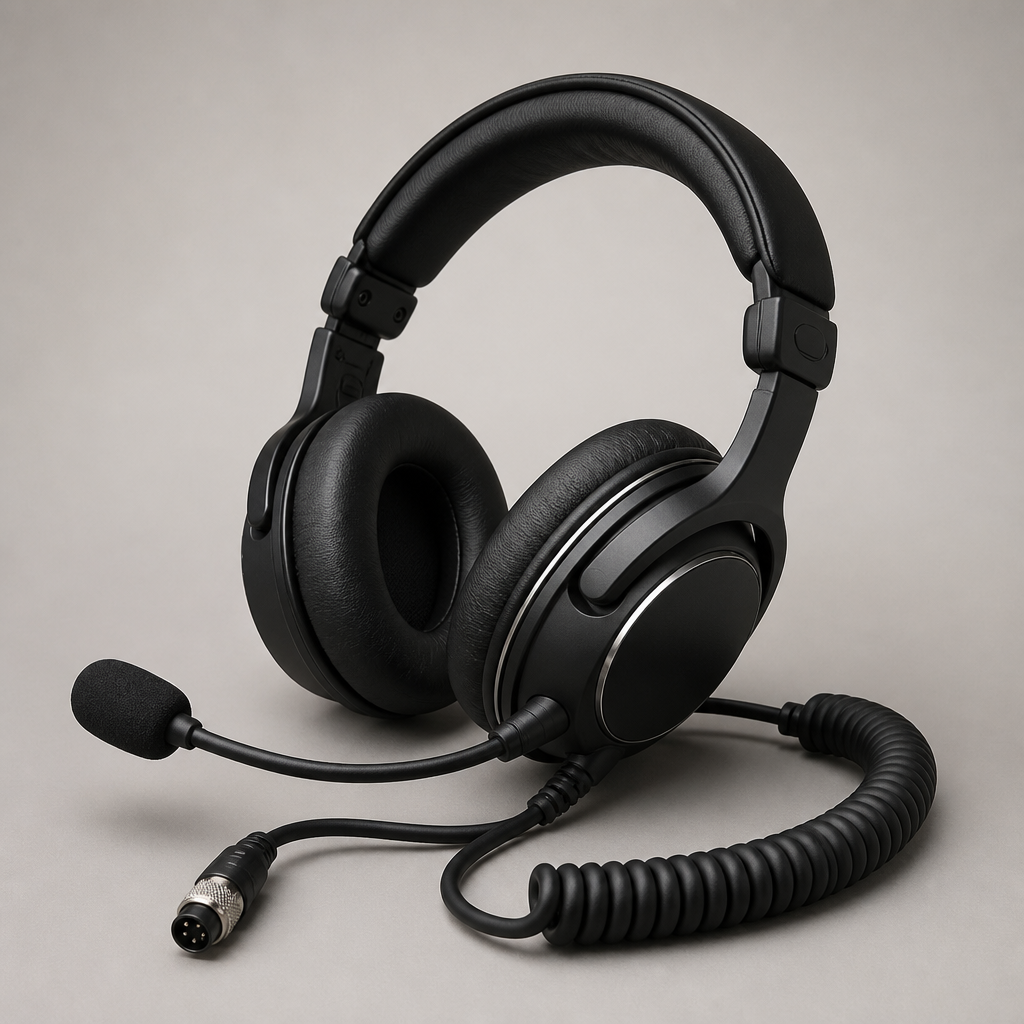
EPOS IMPACT SC 60 USB ML

EPOS IMPACT SC 60 USB ML

USB-A

Lightweight stereo headset delivering focused voice transmission and hearing protection, well suited to active show monitoring.

Find for me
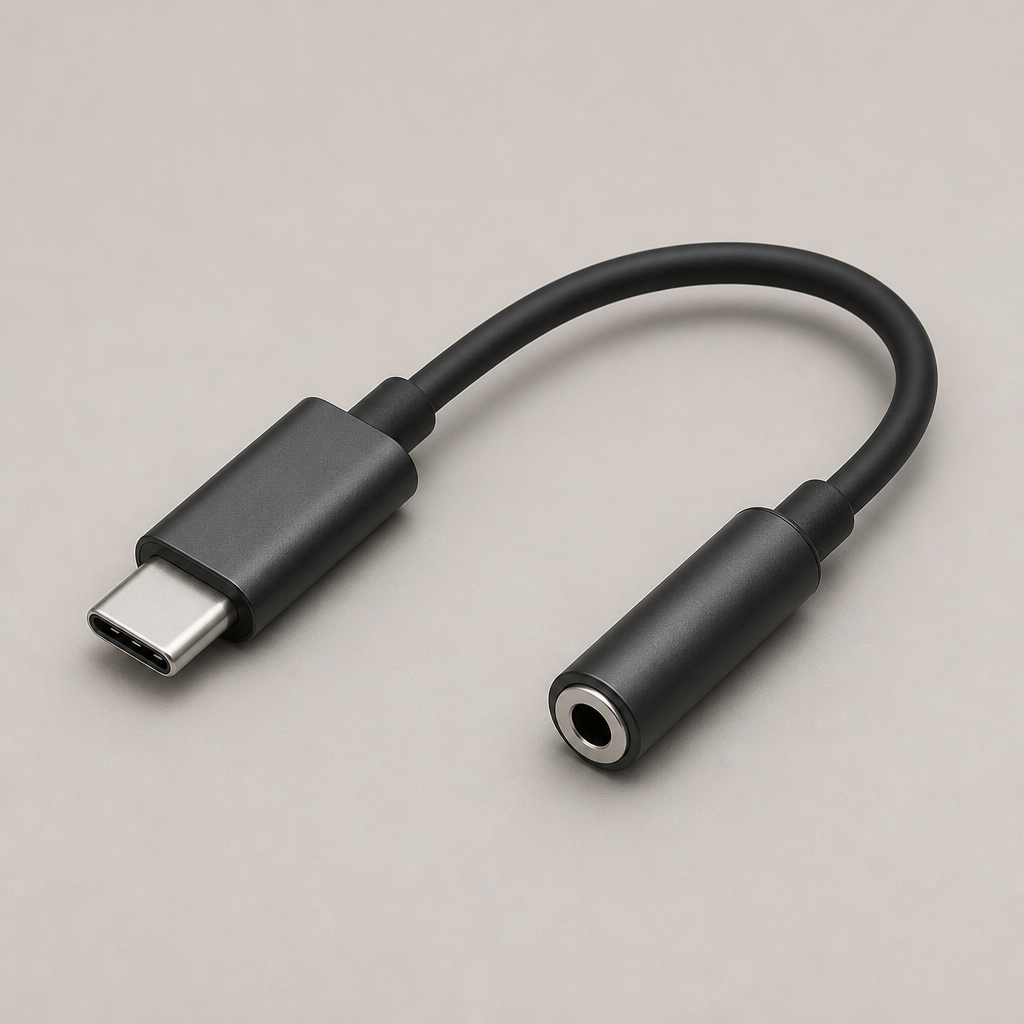
Adaptadores y alimentación

Apple USB-C to 3.5 mm Headphone Jack Adapter
Top recommendation

Adaptador de Apple USB-C a conector de auriculares de 3,5 mm

USB-C a audio de 3,5 mm

Low-latency digital audio adapter providing a reliable wired 3.5 mm connection from modern USB-C smartphones and tablets.

Find for me
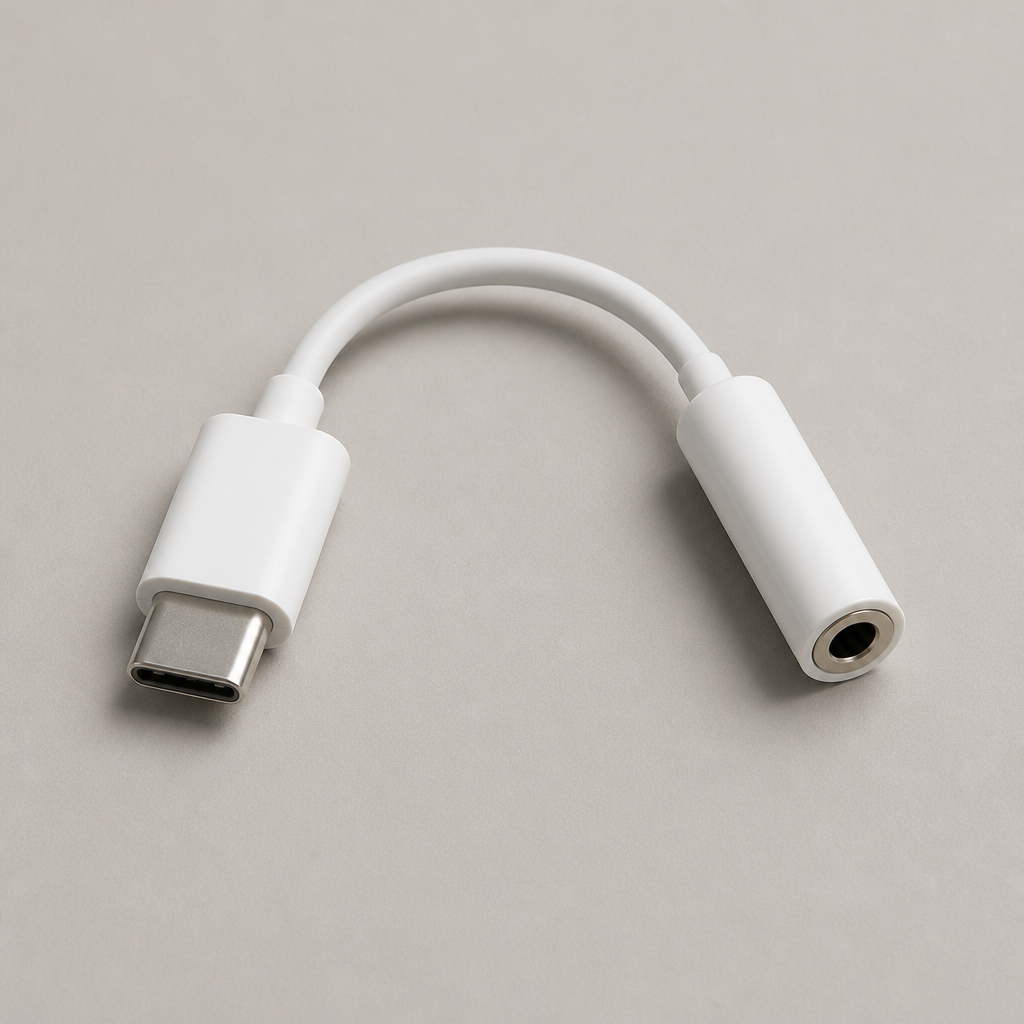
Anker USB-C to 3.5 mm Audio Adapter

Adaptador de audio Anker USB-C a 3,5 mm

USB-C a audio de 3,5 mm

Durable braided adapter supporting clean audio transmission, built to withstand daily use during production setup and pack-down.

Find for me
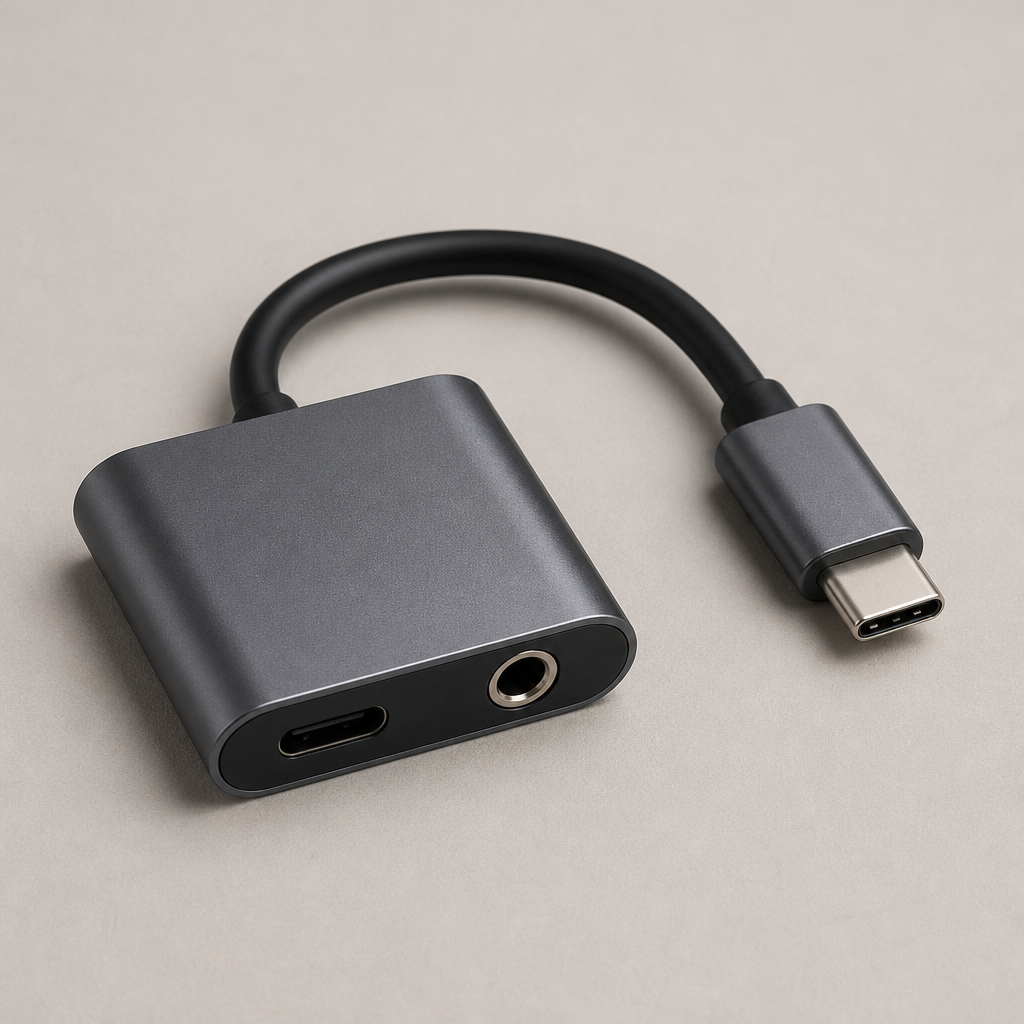
Belkin RockStar 3.5 mm Audio + USB-C Charge Adapter

Adaptador de audio Belkin RockStar de 3,5 mm + adaptador de carga USB-C

Audio y carga USB-C

Dual-port passthrough adapter enabling simultaneous 3.5 mm headset audio and USB-C charging throughout extended production shifts.

Find for me
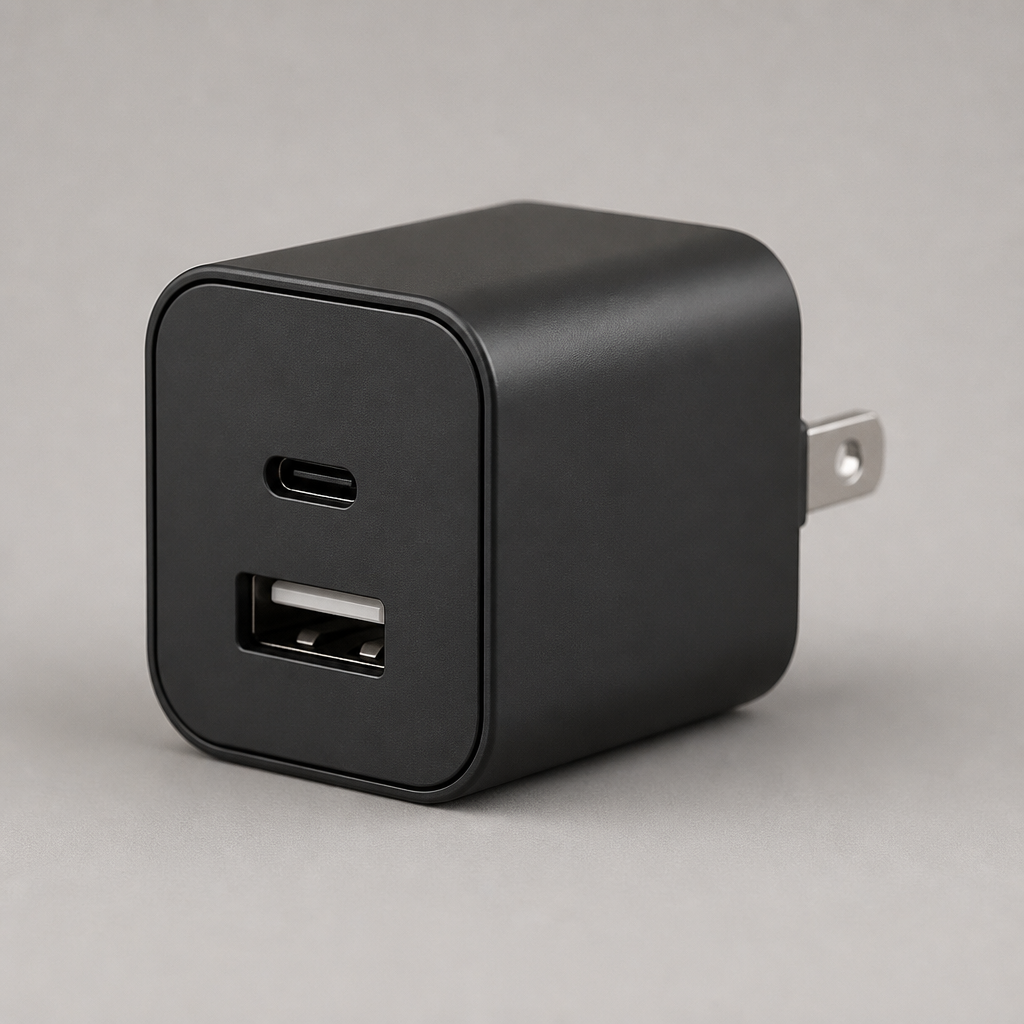
Anker 323 Charger (33W)

Cargador Anker 323 (33W)

Alimentación USB-C y USB-A

Compact dual-port wall charger with USB-C and USB-A power delivery, keeping team phones and accessories topped up reliably.

Find for me
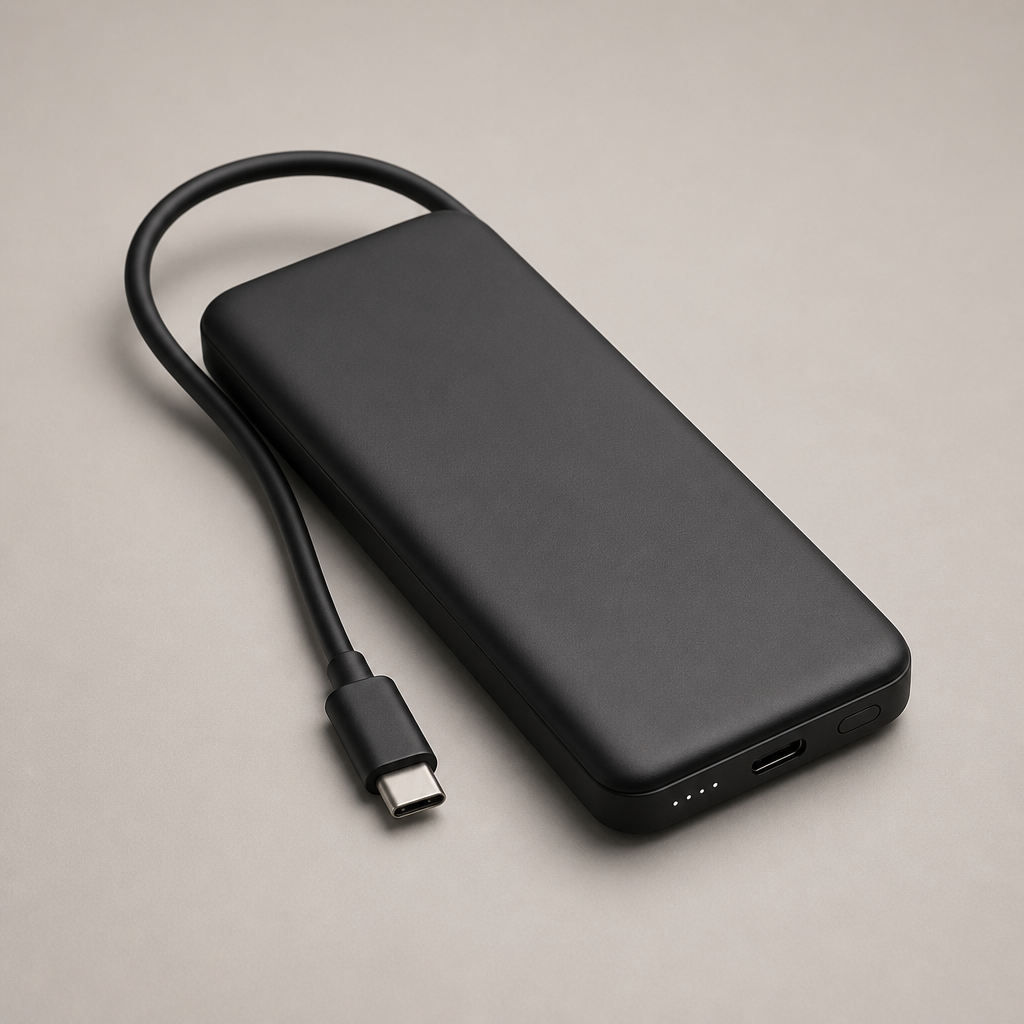
Anker 737 Power Bank

Batería externa Anker 737

batería externa USB-C

High-capacity portable battery pack with multi-device fast charging, ensuring comms hardware stays running across full-day events.

Find for me

Descargar BackChat

Descárgalo gratis